
Imagine running your retail store and your online shop at the same time — without a single manual update, without a single oversold item, and without your staff spending their morning staring at spreadsheets. This is what that day actually looks like.

If you run a retail store with Retail Pro Prism and also sell online, you’ve probably asked yourself at some point: “Is there a better way to manage all of this?”
The answer is yes. And it’s called a fully integrated retail operation.
But what does that actually mean in practice? Not in technical terms — not in diagrams and API flowcharts — but in real, day-to-day business life?
This post walks you through a complete business day at Parkside Home & Living, a fictional but completely realistic specialty home goods retailer. They run two physical stores, a Shopify website, and sell on Amazon. Their Retail Pro Prism POS is connected to all of it through Octopus Bridge.
No developers on call. No manual updates. Just retail running the way it should.
Let’s start the day.
7:45 AM — Before the Doors Open
Sarah, the store manager at Parkside’s downtown location, arrives 15 minutes before opening. She makes coffee, checks her phone, and opens Retail Pro Prism on the front desk terminal.
Overnight, while the store was closed, 11 online orders came in through Shopify and 3 from Amazon.
Here’s what she did not have to do this morning:
- She did not log into Shopify to check for orders
- She did not copy order details into a spreadsheet
- She did not manually adjust inventory for the items that sold overnight
- She did not email her warehouse asking if those items were in stock
Every one of those 11 Shopify orders and 3 Amazon orders downloaded automatically into Retail Pro Prism overnight through Octopus Bridge. They’re sitting in the system as sales transactions, inventory has already been deducted, and her team just needs to pick, pack, and ship.
Sarah prints the pick list directly from Retail Pro. Her morning is already an hour ahead of where it used to be.
8:30 AM — The First In-Store Sale of the Day
A regular customer, Marcus, walks in. He’s looking for a set of linen curtains he saw on the Shopify website last night. He even added them to his online cart but decided to come in and see them in person.
Sarah pulls up Marcus’s profile in Retail Pro Prism. Because Octopus Bridge syncs customer data between Shopify and Retail Pro, she can see:
- His full purchase history — both in-store and online
- That he’s a loyalty member with 240 points
- That he last bought a throw rug from the website six weeks ago
She greets him by name, shows him the curtains, and mentions a complementary rug style that just came in. Marcus buys the curtains in-store.
The moment that sale is processed in Retail Pro Prism, Octopus Bridge updates the inventory count on Shopify and Amazon in real time. If there were only 3 sets left, there are now 2 — and every online channel reflects that instantly.
Marcus’s loyalty points update too. Whether he shops in the store next week or online at midnight, his account is current.
10:15 AM — A Customer Calls About an Online Order
A Shopify customer named Janet calls the store. She ordered a set of ceramic bowls yesterday and wants to know if she can pick them up instead of waiting for shipping.
Two years ago, answering this question meant logging into Shopify, finding the order, checking if it had shipped, then manually flagging it somehow. It was a mess.
Today, Sarah just searches Janet’s name in Retail Pro Prism. The Shopify order is right there — unshipped, in the system. Sarah marks it as a store pickup order, sets it aside, and lets Janet know it’ll be ready within the hour.
No platform-switching. No confusion. One system, complete picture.
11:00 AM — The Warehouse Runs Low on a Best-Seller
A hand-poured soy candle in the “Coastal Breeze” scent has been flying off the shelves and through the website all week. The stock count in Retail Pro Prism just hit the reorder threshold: 8 units remaining across both store locations combined.
Because Octopus Bridge is configured with inventory buffer rules, the system automatically holds back 4 units for in-store customers and makes only 4 available across Shopify and Amazon.
No one had to notice this. No one had to log in and manually adjust the online listing. The rule was set once during setup, and it works every single day without anyone thinking about it.
Sarah gets a low-stock alert from Retail Pro Prism and places a reorder with the supplier. By the time new stock arrives, she’ll simply receive it into Retail Pro — and Octopus Bridge will push the updated inventory count back to all online channels automatically.
12:30 PM — Lunchtime Rush (Online and In-Store at the Same Time)
The Parkside Shopify store runs a flash deal every Tuesday: 20% off one featured product for 24 hours. Today it’s the rattan storage baskets.
Between 12:00 and 1:00 PM, 17 basket sets sell online.
Meanwhile, the downtown store is also busy. Four more basket sets sell in-store during the lunch hour.
That’s 21 units sold in 60 minutes across two channels.
In the old world — without integration — this would have been a disaster waiting to happen. Shopify wouldn’t know about the in-store sales. Retail Pro wouldn’t know about the online orders. Somebody would have oversold. A customer would have been disappointed.
Today, every single sale — in-store or online — flows through Retail Pro Prism as the single source of truth. Octopus Bridge keeps the inventory count synchronized across Shopify and Amazon in near real time. By 1:00 PM, when only 6 basket sets remain, all channels show exactly that.
No oversells. No refunds. No angry emails.
2:00 PM — A New Product Goes Live on All Channels at Once
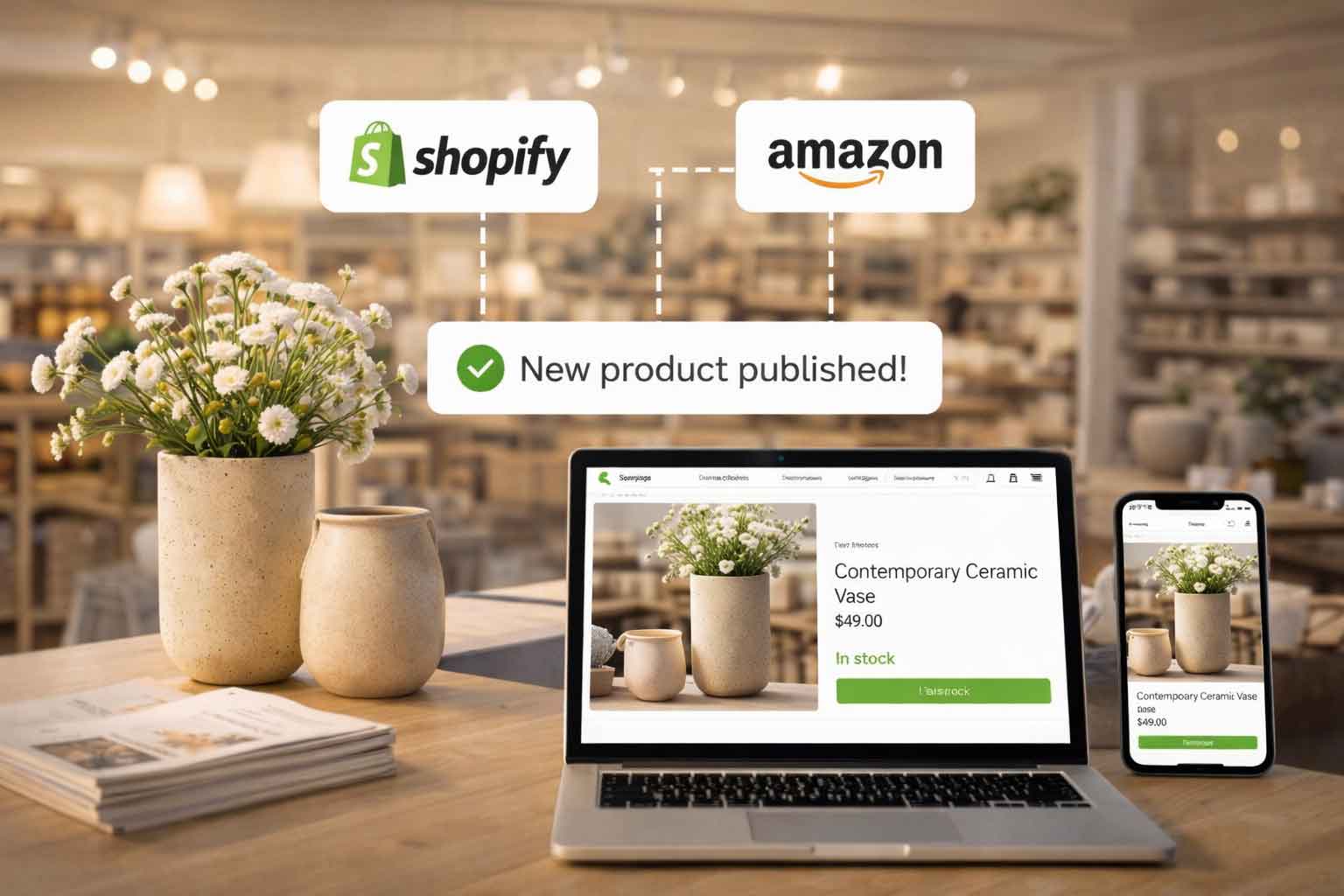
The buying team just approved a new line of artisan serving boards. The products are entered into Retail Pro Prism once — product name, description, price, SKUs, and images.
Octopus Bridge picks up the new products and publishes them automatically to Shopify and Amazon within minutes. The team doesn’t need to log into Shopify and build product listings. They don’t need to format a separate Amazon upload template. They don’t need to make sure prices match across platforms.
It’s done. All three channels — the two store locations and the Shopify website — are ready to sell the new product before the afternoon is over.
For a store that launches new products every few weeks, this alone saves hours of work every month.
4:30 PM — The Second Store Calls
Parkside’s second location, across town, just sold out of the last “Coastal Breeze” candle in-store. A customer wants to know if they can order online and get it shipped.
The associate pulls up Retail Pro Prism and sees that the downtown store still has 5 units. An inter-store transfer is initiated. The customer’s online order — placed moments later on Shopify — routes automatically into Retail Pro and is assigned to the downtown location for fulfillment.
Both stores. One system. One online store. Everything talking to each other.
6:45 PM — Closing Time
The store closes. The team runs their end-of-day reports in Retail Pro Prism. Today’s numbers:
- 34 in-store transactions across both locations
- 19 online orders fulfilled and shipped
- 3 new customer profiles created from online purchases and synced into Retail Pro
- 0 oversells
- 0 manual inventory updates performed by any staff member
Sarah locks up and heads home. She doesn’t need to stay late to reconcile online orders with the POS. She doesn’t need to update inventory on Shopify before tomorrow morning. She doesn’t need to manually export anything to accounting.
Octopus Bridge is still running quietly in the background — syncing, updating, publishing — so that when she walks in tomorrow morning, everything is already in order.
9:00 PM — The Store Is Closed, But Sales Keep Coming
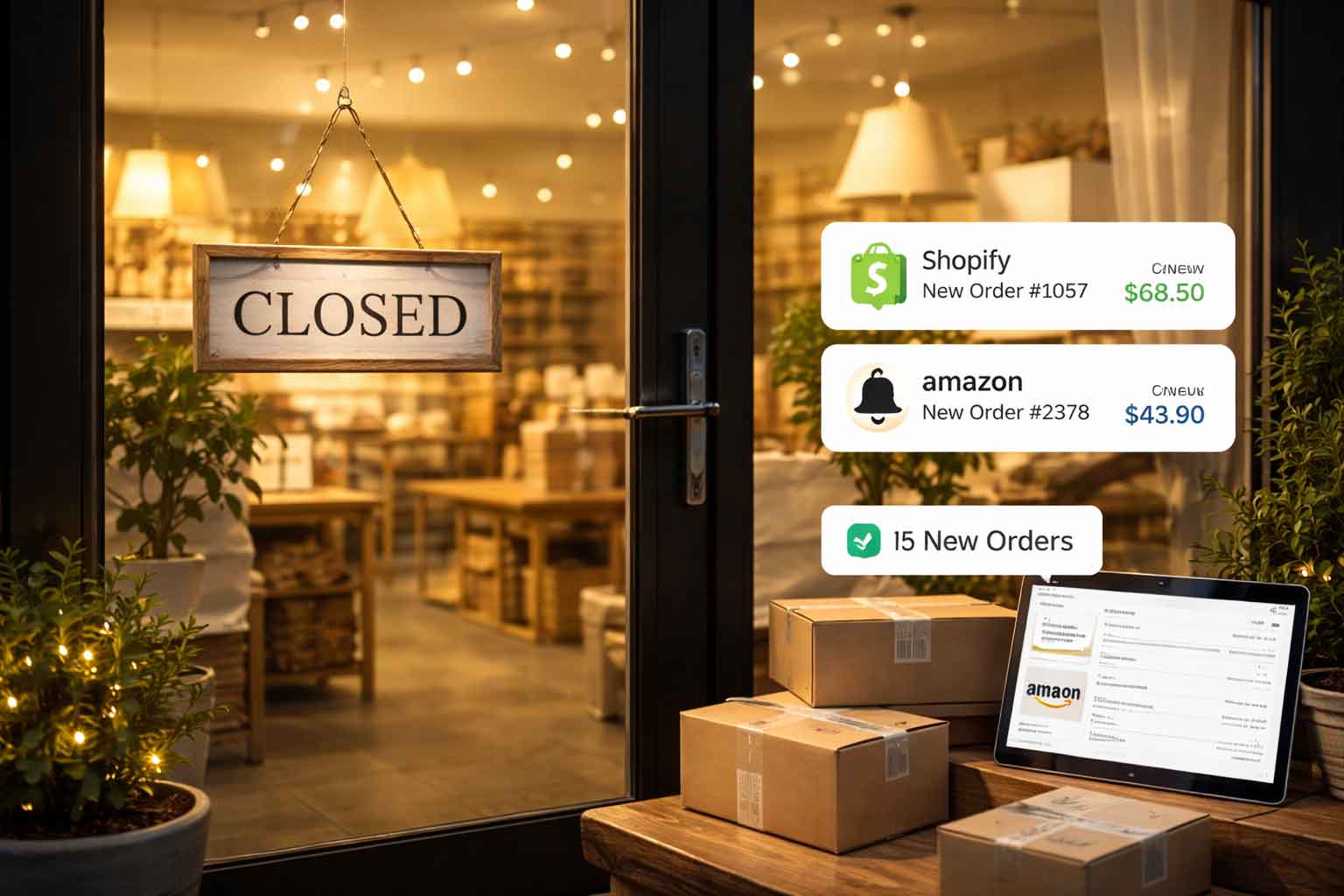
While Sarah sleeps, a customer in another state finds a Parkside product through an Amazon search. She orders two items.
Octopus Bridge receives the Amazon order and queues it in Retail Pro Prism. Inventory updates across Shopify and Amazon immediately. By the time Sarah arrives tomorrow at 7:45 AM, that Amazon order is already waiting in the pick list — right alongside everything else.
The store never really closes anymore. It just shifts channels.
What Makes This All Possible: Octopus Bridge
Every seamless moment in Parkside’s day — every automatic inventory update, every order that appeared in Retail Pro without anyone typing it in, every new product that published to three channels at once — was powered by Octopus Bridge.
Octopus Bridge is a middleware integration platform built specifically to connect Retail Pro Prism with:
It works silently in the background, syncing inventory in real time, pulling online orders into Retail Pro automatically, pushing customer data across channels, and publishing products to every storefront at once.
There are no developers required to keep it running. There are no manual processes for your team to remember. Once it’s set up, it simply works — every hour of every day, even when your store is closed.
Is Your Retail Pro Store Running Like This?
If your day looks more like logging into three different platforms, manually updating inventory, and hoping your stock counts are right before a big sale — then you know exactly what’s missing.
The difference between a stressful, error-prone retail operation and one that runs like Parkside Home & Living isn’t a bigger team or a more complicated system. It’s one integration, set up correctly, running quietly in the background.
Octopus Bridge connects your Retail Pro Prism POS to your online store and marketplaces — so your team can focus on selling, not syncing.
Talk to the Octopus Bridge team and see how your store could run tomorrow.
Call: +1 408-643-0097
Email: sales@octopusbridge.com

)