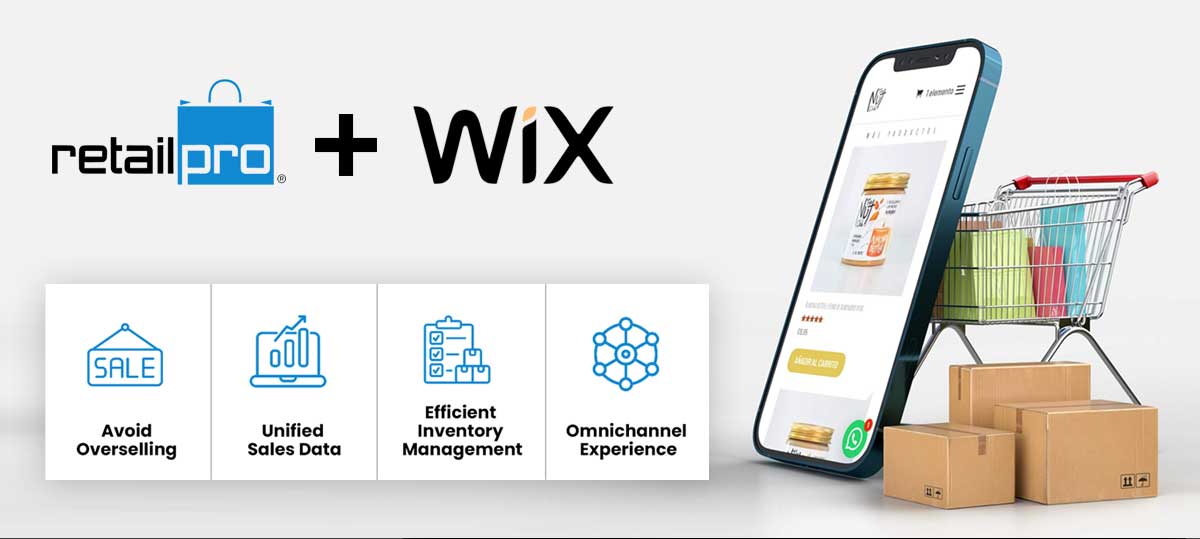
In today’s fast-paced retail landscape, managing inventory manually across your physical Point of Sale (POS) and online store is a recipe for headaches and lost sales. Imagine a customer buying an item online, only to find out it’s already sold out in-store, or vice versa. This is where automated inventory synchronization becomes your retail superpower.

Why Automate? The Pain Points of Manual Management
- Overselling and Underselling: Manual updates are slow and prone to errors, leading to disappointed customers and missed opportunities.
- Time Consumption: Staff spend valuable hours on tedious data entry instead of serving customers or focusing on growth.
- Inaccurate Data: Discrepancies between systems can skew sales reports, making it hard to track true performance and forecast demand.
- Poor Customer Experience: Nothing frustrates a shopper more than an inaccurate stock count, leading to order cancellations and a tarnished brand image.
The Benefits of Automated Syncing
Automating your POS and online store inventory brings a wealth of advantages:
- Near Real-time Accuracy: Every sale, whether in-store or online, instantly updates stock levels across all channels. This eliminates overselling and ensures customers always see accurate availability.
- Operational Efficiency: Free up your team from manual data entry, allowing them to focus on more strategic tasks like customer engagement and marketing.
- Enhanced Customer Satisfaction: A seamless shopping experience with reliable stock information builds trust and encourages repeat business.
- Improved Decision-Making: With a unified view of your inventory, sales, and customer data, you can make smarter decisions about purchasing, promotions, and product placement.
- Omnichannel Fulfillment: Easily implement “buy online, pick up in-store” (BOPIS) or “buy in-store, ship to home” options, providing customers with maximum flexibility.
How it Works (The Short Version)
Automated syncing typically involves integrating your POS system with your e-commerce platform through a dedicated integration tool or an app from your e-commerce platform’s app store. These tools act as a bridge, ensuring that when an item is sold on one platform, its stock count is immediately adjusted on the other. This often relies on matching SKUs (Stock Keeping Units) between your products in both systems.
In essence, automated inventory synchronization is no longer a luxury but a necessity for any retailer aiming for efficiency, accuracy, and a truly seamless customer experience in today’s multi-channel world.