
Quick Answer
Retail Pro Prism has no native WooCommerce connector. To sync products, inventory, and orders automatically, you need middleware — an integration layer that connects Prism to WooCommerce bidirectionally. Octopus Bridge by 24SevenCommerce is a purpose-built solution for this, developed by a Retail Pro Authorized Development Partner.
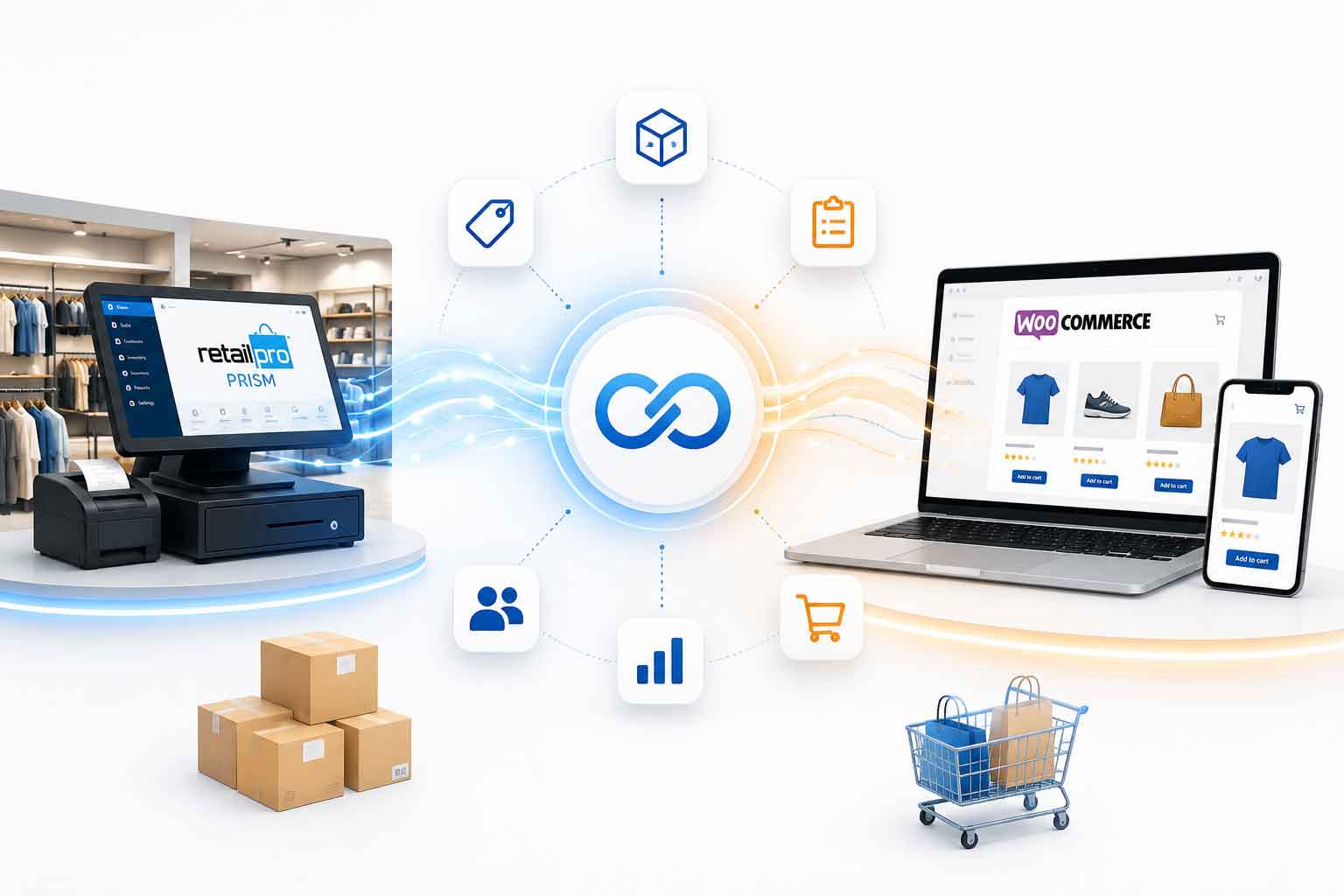
Running Retail Pro Prism in-store and WooCommerce online? The core challenge every retailer faces is the same: keeping product data and inventory in sync across both systems without manual exports, CSV uploads, or double entry.
This guide covers how the Retail Pro Prism to WooCommerce sync works, what data gets connected, how to handle product variants and multi-store setups, and what to look for in an integration solution.
Why Retail Pro Prism and WooCommerce Don’t Sync Natively
Retail Pro Prism is an on-premise POS system built for complex retail environments — multi-store, multi-department, matrix items with style/color/size attributes. WooCommerce is a self-hosted eCommerce plugin running on WordPress, with its own product database, attribute structure, and REST API.
These two systems have no built-in communication layer. Prism stores data in its own relational database; WooCommerce stores product and order data in WordPress’s MySQL database. Connecting them requires middleware that understands both schemas and translates data between them in real time.
How the Prism to WooCommerce Sync Works
The middleware model
Middleware sits between Retail Pro Prism and WooCommerce, polling both systems on a defined schedule and pushing updates in both directions. Here is what the data flow looks like:
| Direction | What Syncs | Trigger |
| Prism → WooCommerce | Products, inventory, pricing, descriptions | Stock change or product update in Prism |
| WooCommerce → Prism | Online orders, customer records | New order placed on WooCommerce |
| Prism → WooCommerce | New SKUs, variants, categories | Product added or updated in Prism |
| WooCommerce → Prism | Refunds, cancellations | Order status updated in WooCommerce |
Sync frequency
Inventory sync typically runs every 5 to 15 minutes, depending on your configuration. Orders sync near-instantly via webhook or on a short polling interval. For most retail environments, 5-minute inventory sync is sufficient to prevent overselling while keeping system performance stable.
What Data Syncs from Retail Pro Prism to WooCommerce?
Product data
- Product names, descriptions, and short descriptions
- SKUs and ALU codes mapped to WooCommerce SKU field
- UPC/EAN barcodes
- Department and category hierarchy mapped to WooCommerce categories
- Product images (if stored or linked in Prism)
- Retail price and sale price
- Price levels for wholesale or tiered pricing
Inventory data
- Quantity on hand per location
- Multi-store stock — aggregated or location-specific
- Inventory adjustments, receiving, and transfers
- Out-of-stock handling — set WooCommerce to backorder or hide when stock hits zero
Matrix items and product variants
This is the most technically demanding part of the integration. Retail Pro Prism uses a matrix item structure: a parent style record with attribute combinations (color, size, width, etc.), each generating a unique SKU. WooCommerce uses variable products with attributes and variations.
A well-configured middleware solution maps Prism’s matrix structure directly to WooCommerce variable products — so a Prism style with 3 colors and 5 sizes creates a WooCommerce variable product with 15 variations automatically.
| Important: verify variant mapping before committing to any solution
Not all middleware handles Prism matrix items natively. Some require manual SKU workarounds or flat product imports that break your variant structure. Ask specifically how the solution handles Prism matrix items before signing up. |
Order data
- WooCommerce orders posted to Prism as sales transactions
- Customer records created or matched in Prism by email address
- Line items, quantities, and pricing matched to Prism inventory
- Shipping and billing address data
- Order status updates pushed back to WooCommerce
- Refunds and cancellations reflected in Prism inventory
Setting Up the Prism to WooCommerce Product Sync
What you need before setup
- Retail Pro Prism database credentials and connection details
- WooCommerce REST API keys (Consumer Key and Consumer Secret)
- WordPress site URL with WooCommerce active
- WooCommerce version 3.5 or later (for full REST API support)
- Middleware software installed and connected to both systems
Basic setup steps
- Install Octopus Bridge middleware on your server or a dedicated machine with access to the Prism database
- Enter your Prism database connection details — host, port, database name, and credentials
- Enter your WooCommerce site URL and REST API keys
- Configure product sync rules — which departments or vendors to include, which price level to publish
- Map Prism attribute fields (style, color, size) to WooCommerce attribute names
- Set inventory sync rules — which Prism locations contribute to WooCommerce stock
- Run an initial product sync to populate WooCommerce with your Prism catalog
- Enable ongoing sync and configure intervals
Multi-Store Retail Pro Prism and WooCommerce Inventory
If you operate multiple Prism locations, you have three main options for how inventory feeds into WooCommerce:
- Aggregate model: Combines on-hand quantities from all Prism locations into a single WooCommerce stock number. Simplest to manage. Best for businesses fulfilling online orders from a central warehouse.
- Location-specific model: Maintains separate stock per location. Useful if you use WooCommerce’s local pickup feature or fulfill from individual stores.
- Warehouse-only model: Pulls inventory only from a designated fulfillment location in Prism, ignoring retail floor stock at other locations.
Octopus Bridge supports all three models with configurable inventory source rules per integration.
Common Prism to WooCommerce Sync Issues and Fixes
| Issue | Possible Cause | Recommended Solution |
| Products not appearing in WooCommerce | Product excluded by sync filters or missing required information | Verify product status, SKU, pricing, and sync filter settings in Prism |
| Inventory levels not updating | Sync service interruption or database connectivity issue | Check Octopus Bridge service status and Prism database connection |
| Product variants not syncing correctly | Variant or matrix items not configured properly | Review Prism matrix item setup and WooCommerce variation mapping |
| Incorrect pricing displayed online | Wrong Prism price level selected | Verify pricing configuration and selected price level in the integration settings |
| Orders not appearing in Prism | Order synchronization delay or configuration issue | Review order sync settings and integration logs |
| Product images missing in WooCommerce | Images not available in Prism or image sync not enabled | Verify image availability and image synchronization settings |
Prism to WooCommerce vs Prism to Shopify: Key Differences
If you are choosing between WooCommerce and Shopify as your eCommerce platform, the Prism integration experience differs in a few important ways:
| Factor | WooCommerce Integration | Shopify Integration |
| Hosting | Self-hosted WordPress; you manage server | Shopify-hosted; fully managed |
| API type | WordPress REST API; credentials in WooCommerce settings | Shopify REST/GraphQL API; credentials via app install |
| Product variants | Variable products with attributes | Product variants with options |
| Inventory locations | WooCommerce supports multiple locations (v3.7+) | Shopify has native multi-location support |
| Setup complexity | Moderate — requires WooCommerce API key setup | Similar — requires Shopify app install |
| Ongoing maintenance | More hands-on; plugin and WordPress updates required | Lower maintenance; Shopify manages platform updates |
Octopus Bridge supports both platforms from the same middleware layer. If you are running Prism and want to sell on both WooCommerce and Shopify simultaneously, a single Octopus Bridge installation can sync to both channels.
Octopus Bridge: Retail Pro Prism to WooCommerce Integration
Octopus Bridge is built by a Retail Pro Authorized Development Partner. The WooCommerce connector was designed specifically to handle the complexity of Prism’s data structure, including:
- Direct connection to Prism’s database — no CSV exports or manual steps required
- Full matrix item to WooCommerce variable product mapping
- Configurable price level selection per integration
- Multi-store inventory source rules
- WooCommerce order writeback to Prism with customer record matching
- Support for WooCommerce, Shopify, Magento, Amazon, eBay, and Walmart from one platform
- Error alerting and sync logging for visibility into every data exchange
| Already running Retail Pro Prism?
No changes to your Prism setup are required. Octopus Bridge connects to your existing database. Contact 24SevenCommerce for a free integration assessment: www.24sevencommerce.com |
No. Octopus Bridge reads directly from Prism’s existing database structure. You do not need to add custom fields, change your Prism configuration.
Yes. You can filter which products sync based on Prism department, vendor, attribute, or a custom flag. This is useful for retailers who sell different product lines in-store versus online.
Octopus Bridge can be configured to automatically set discontinued Prism products to draft or out-of-stock in WooCommerce, or to leave them unchanged. The behavior is configurable per your preference.
Yes. Octopus Bridge supports multiple destination channels from a single Prism source. You can sync inventory and products to WooCommerce, Amazon, eBay, Shopify, and others simultaneously, with independent rules per channel.
This depends on catalog size. For a catalog of a few thousand products, the initial sync typically completes within a few hours. For very large catalogs (50,000+ SKUs), it may take longer and is usually scheduled during off-hours.

