
Planning a big sale is exciting. Managing it across your store and website without integration? That’s where things fall apart. Here’s how to get it right.
Picture this. You’re running a 30% off storewide sale for the long weekend. You’ve done the signs in-store, sent the email to your list, and posted on Instagram. Customers are excited.
Then it starts.
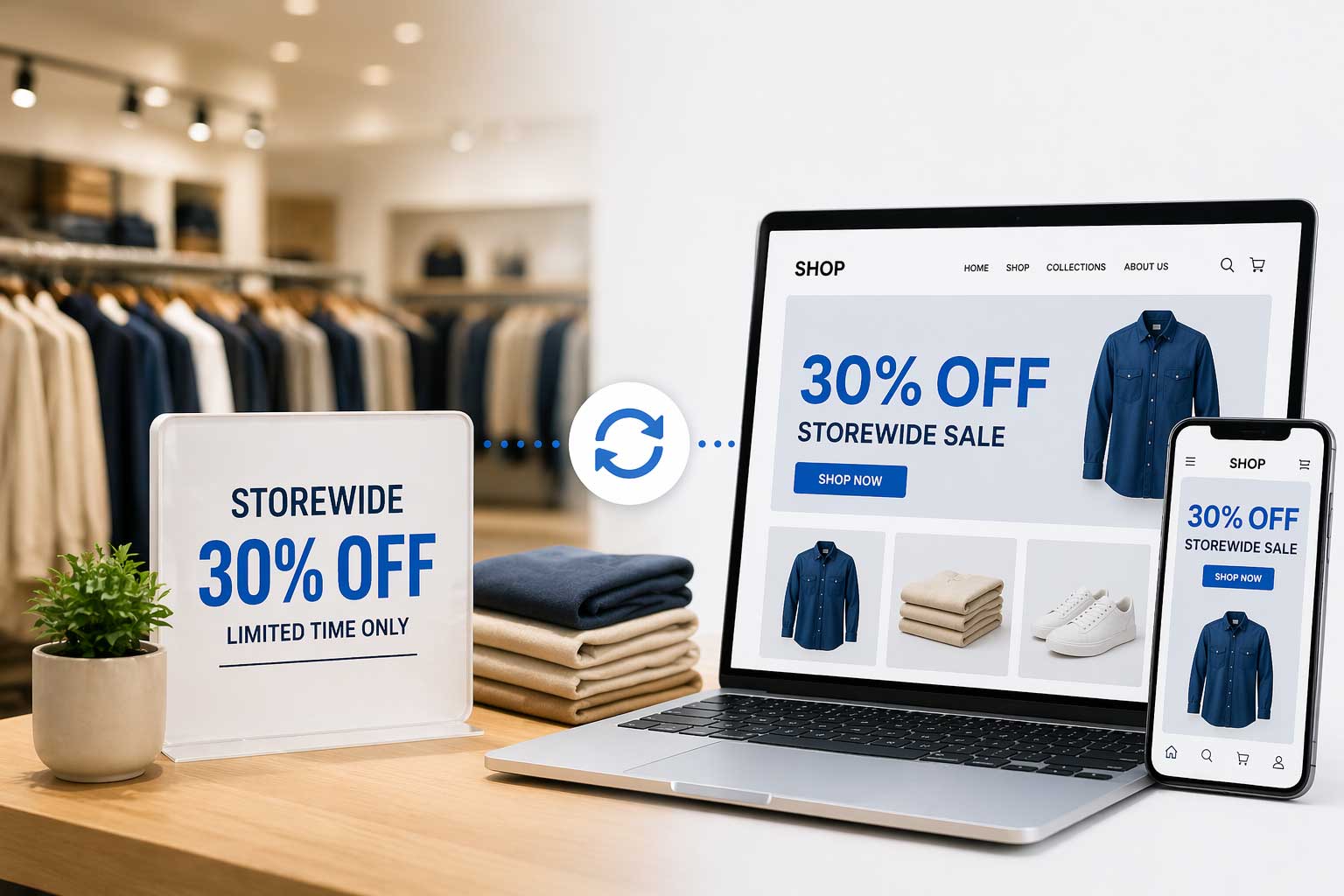
A customer walks into your store and gets 30% off. Happy. Another customer orders the same product online — full price. Angry. Someone else orders online, gets the discount, but the product sold out in-store an hour ago. Refund. Apology. Bad review.
By Monday, you’ve spent more time fixing problems than making sales.
Sound familiar?
This is one of the most common — and most avoidable — problems in retail today. And it happens because most retailers run their in-store promotions and their online promotions as two separate events, even when they’re meant to be one.
This guide walks you through exactly how to run a storewide sale that works consistently, accurately, and automatically — both in your physical store and across every online channel.
Why Storewide Sales Break Without Integration
Before we get into the how, it helps to understand the why.
When your POS system and your online store are not connected, they operate in separate bubbles. Your POS knows what’s happening in-store. Your Shopify or WooCommerce store knows what’s happening online. But neither one knows what the other is doing.
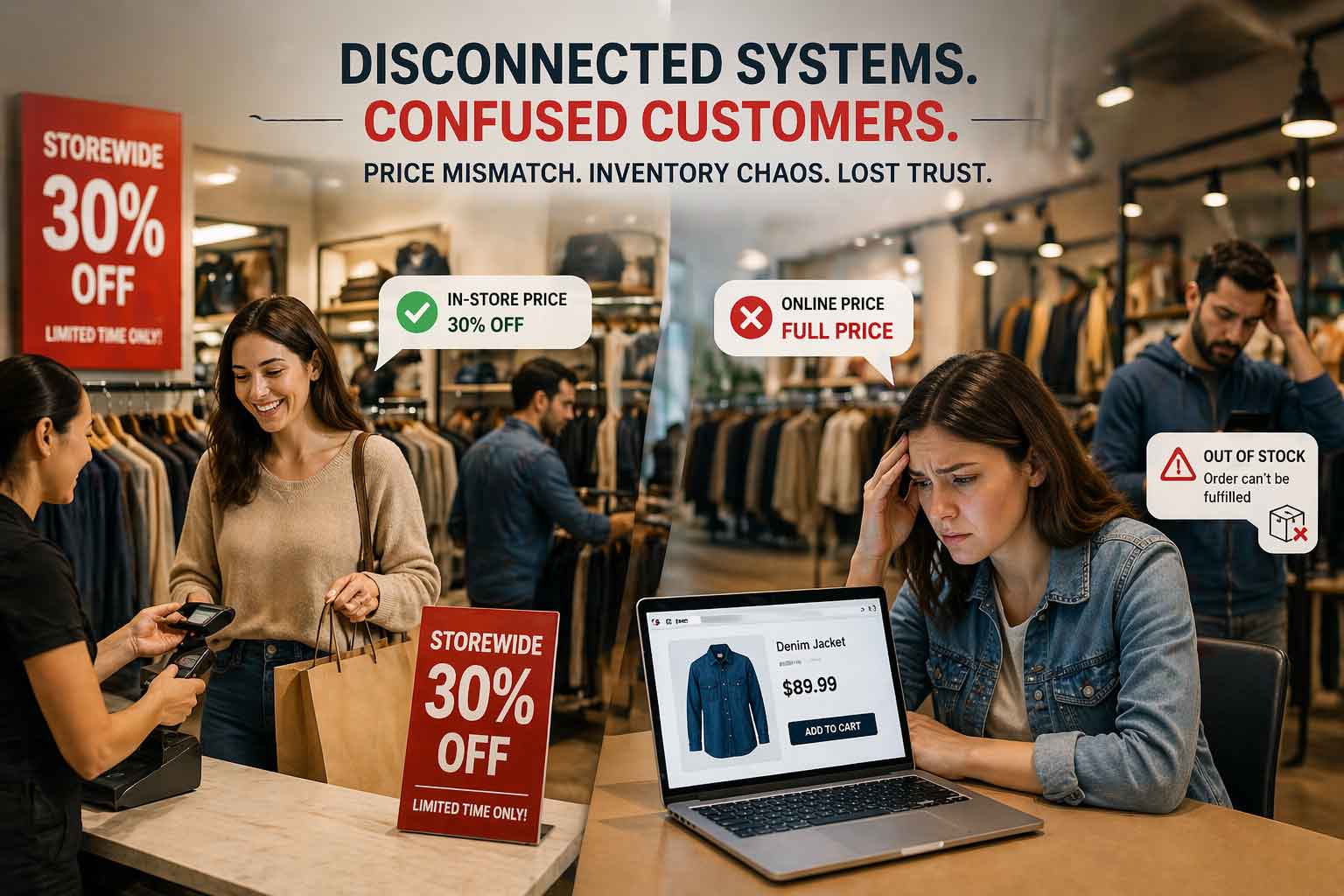
This creates three specific problems during a sale:
Price inconsistency. You update the discount in your POS for in-store customers. But your online store still shows the original price — or vice versa. Customers notice. They feel misled, even if the error was accidental.
Inventory chaos. Popular sale items sell fast — in-store and online simultaneously. Without real-time sync, both channels keep selling the same stock independently. Oversells happen. Refunds follow.
Double the work. Your team has to manually apply discounts in two separate systems, update stock counts in two places, and monitor two dashboards during your busiest trading period. It’s exhausting and error prone.
The solution to all three is the same: connect your POS to your online store so that pricing, inventory, and promotions flow as one unified operation.
Step 1: Plan Your Sale from One Central System
The golden rule of omnichannel retail is simple — one source of truth.
Your POS system should be that source. Whether you use Retail Pro Prism, Lightspeed, NCR Counterpoint, or Heartland Retail, your POS is where your product catalog, pricing, and inventory live. It’s where your sale should start.
Before your sale goes live, set up your discounted prices and promotional rules inside your POS. Every product, every category, every discount — configured in one place.
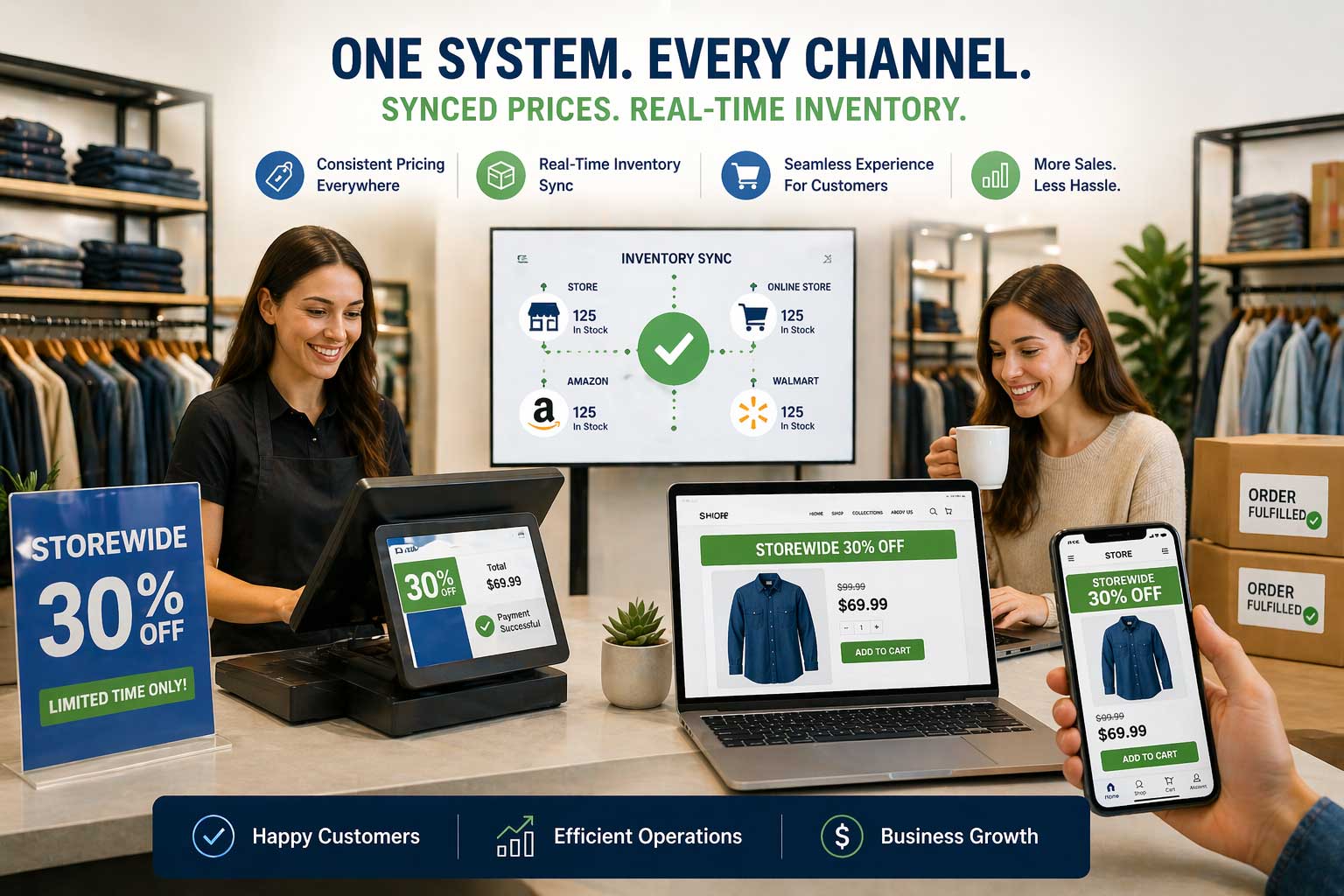
When your POS is connected to your online store through a platform like Octopus Bridge, those price changes push out automatically to Shopify, WooCommerce, Magento, Amazon, and Walmart. You don’t touch each platform individually. You update once, and every channel reflects it.
This alone eliminates the most common cause of price inconsistency during retail sales.
Step 2: Sync Your Inventory Before the Sale Starts
A storewide sale puts enormous pressure on your inventory. Items that have been sitting for weeks can clear in hours. If your stock counts aren’t accurate going into the sale, you’re setting yourself up for oversells and disappointed customers.
Before your sale launches, do a clean inventory count and make sure your POS reflects real, accurate numbers. When Octopus Bridge pushes that inventory to your online channels, every platform starts the sale with the same accurate stock levels.
Then, as the sale runs — in-store and online simultaneously — Octopus Bridge keeps those numbers in sync in real time.
A product sells in-store? Every online channel deducts it immediately. A product sells on Shopify? Your POS and every other channel updates instantly.
This real-time, two-way sync is what prevents the oversell disasters that plague unintegrated retailers during high-traffic sale events.
Pro tip: Set inventory buffers before the sale. Octopus Bridge lets you hold back a small quantity — say 5 units — from online channels so you always have stock available for in-store customers who walk in expecting the sale to be live. This is especially useful for your best-selling items.
Step 3: Apply Discounts Consistently Across Every Channel
This is where many retailers make their biggest mistake. They run in-store promotions through their POS and online promotions through Shopify’s discount engine — separately — and then wonder why customers are seeing different prices on different channels.
The right approach is to manage your pricing from your POS and let integration carry those prices to your online store automatically.
With Octopus Bridge, when you update a product price or apply a discount in your POS, that change syncs to your connected eCommerce platforms. Your Shopify store reflects the sale price. Your WooCommerce store reflects the sale price. Your Amazon and Walmart listings reflect the sale price.
One update. Consistent pricing everywhere. Every time.
This consistency isn’t just operationally convenient — it directly impacts customer trust. When a shopper sees the same price online that they saw on your Instagram post or in your store window, they buy with confidence. When the prices don’t match, they hesitate. Often, they leave.
Step 4: Manage Online Orders and In-Store Sales from One Place
During a busy sale, the last thing your team needs is to be toggling between your POS and three different online dashboards to track what’s sold and what’s left.
When your systems are integrated, every online order — from Shopify, WooCommerce, Amazon, or Walmart — flows directly into your POS as a transaction. Your team manages everything from one screen.
This means:
Your in-store staff can see what’s been sold online and adjust floor stock accordingly. Your warehouse team gets a single pick list covering all channels. Your manager gets one consolidated sales report at the end of the day — not four separate ones to reconcile.
During a storewide sale, this unified view is invaluable. You always know your true stock position. You always know your true sales number. You make better decisions, faster.
Step 5: End the Sale at the Same Time, Everywhere
One of the most overlooked moments in a retail sale is the close.
Your sale ends Sunday at midnight. You update the prices back in-store Monday morning. But your Shopify store still shows the sale price because nobody remembered to change it. A customer orders at 9 AM Monday expecting the discount. Now you have a difficult conversation.
This is another problem that integration solves automatically.
When your sale end date is configured through your POS or synced via Octopus Bridge, price changes at the end of the sale propagate back to all your online channels just as cleanly as they did at the start. No stale sale prices sitting live on your website. No accidental discount orders to manage.
Your sale starts together. It ends together. Clean, consistent, professional.
What a Fully Integrated Sale Actually Looks Like
Let’s bring this to life with a quick example.
Parkside Home & Living runs a three-day summer clearance sale — 25% off storewide — across two physical locations, their Shopify store, and Amazon.
Before Octopus Bridge: They spent two days before the sale manually updating prices on Shopify and Amazon. During the sale, two oversells happened on Amazon. One customer received a full-price invoice for a discounted item. Monday morning took four hours to reconcile.
After Octopus Bridge: Prices were updated once in POS on Thursday evening. By Friday morning, Shopify and Amazon reflected the exact same discount. Every sale — in-store or online — updated inventory across all channels in near real time. Zero oversells. End-of-sale price rollback happened automatically. Monday morning took twenty minutes.
Same sale. Completely different experience — for the team and the customers.
The Checklist: Running a Seamless Omnichannel Sale
Before your next sale goes live, run through this:
- All discounts and prices updated in your POS — not manually on each platform
- Inventory counts accurate in your POS before launch
- Inventory buffers set for high-demand items to protect in-store stock
- Octopus Bridge confirmed to be syncing prices and inventory to all connected channels
- Sale end date and price rollback plan confirmed
- Online order routing into POS tested and working
- One consolidated report set up to track performance across all channels
Run Your Next Sale Without the Chaos
A storewide sale should be one of the most profitable events in your retail calendar — not one of the most stressful.
The retailers who pull it off smoothly aren’t doing more work than everyone else. They’re doing less — because their systems are connected and doing the heavy lifting for them.
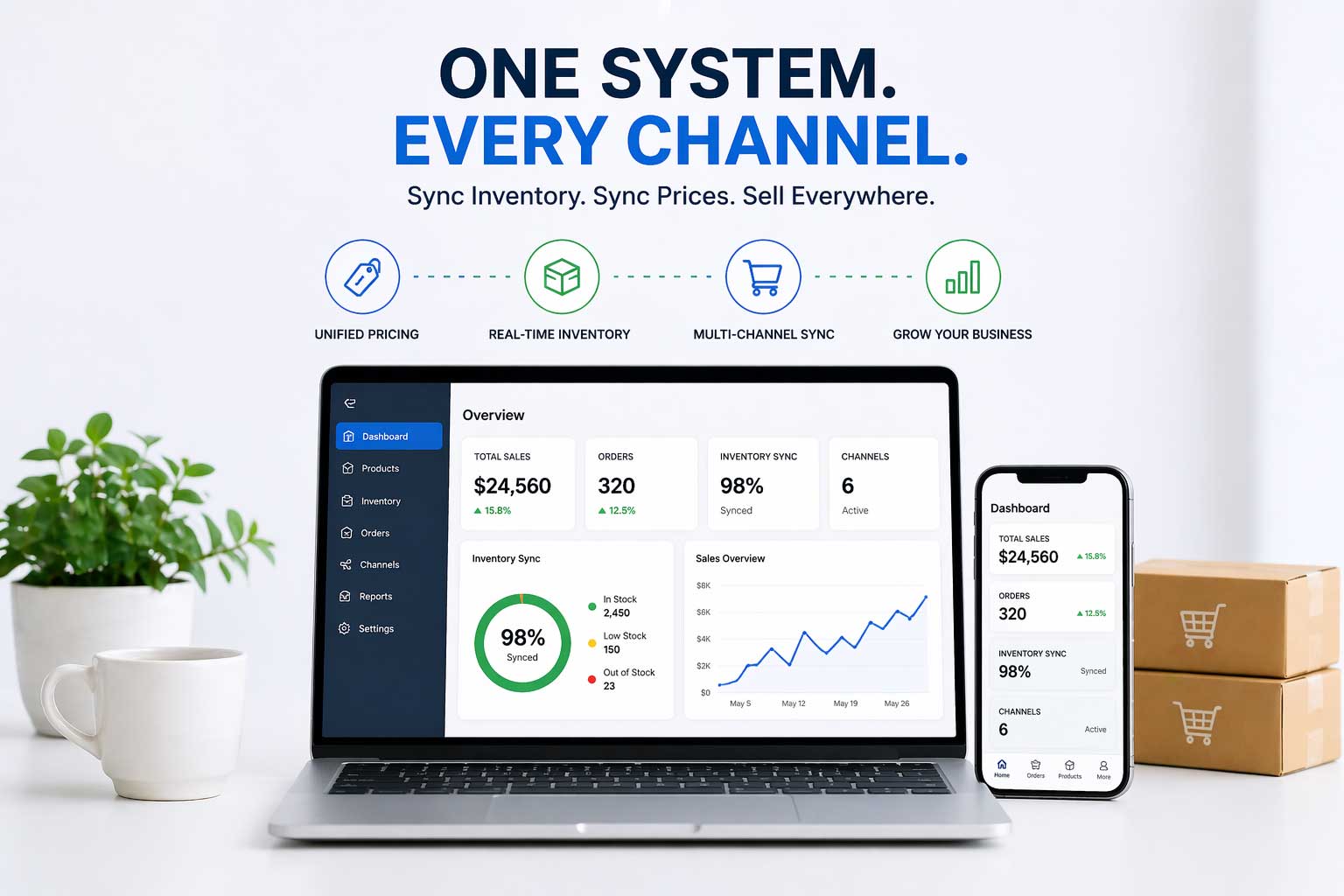
Octopus Bridge by 24Seven Commerce connects your retail POS — Retail Pro Prism, Lightspeed, NCR Counterpoint, Heartland Retail, and more — to Shopify, WooCommerce, Magento, Amazon, and Walmart. Pricing, inventory, orders, and customers — synced automatically, across every channel, every day.
Your next storewide sale can run the same in-store and online. Consistently. Accurately. Effortlessly.
Talk to the Octopus Bridge team and see how it works for your store sales@24sevencommerce.com | www.24sevencommerce.com

