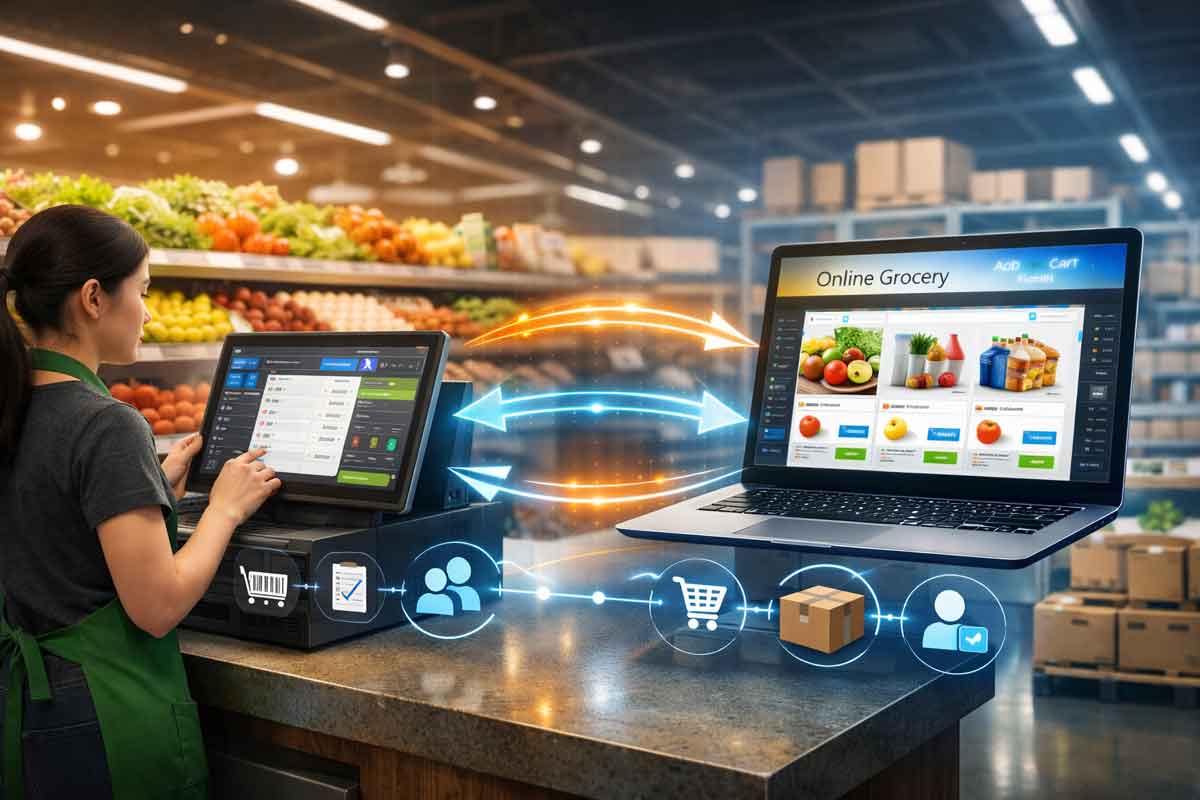
You built your retail business the right way. You invested in Retail Pro Prism to manage your store, keep inventory tight, and serve customers well. Then you took the next smart step — you opened an Amazon store to reach more shoppers online.
It felt like a natural expansion. And it should be.

But here’s what nobody warns you about: running Retail Pro Prism and Amazon as two separate systems is one of the biggest risks you can take as a retailer.
Not because either system is bad. Both are excellent at what they do. The problem is the gap between them — and what falls through that gap every single day.
This post breaks down exactly what’s at stake, what’s causing the problem, and how Octopus Bridge closes that gap, so your Amazon seller account stays healthy and your business keeps growing.
The Gap Nobody Talks About
When a customer walks into your store and buys the last unit of a product, Retail Pro Prism updates instantly. Your inventory is accurate — in your store.
But over on Amazon? That listing might still show the item as available. Another customer orders it. You go to fulfill it. Nothing’s there.
Now you have a problem.
You have to cancel the Amazon order. The customer is frustrated. Amazon records the cancellation. Your seller metrics take a hit. And if this keeps happening — even just a handful of times — Amazon starts paying close attention to your account.
That’s the gap. And it costs retailers real money and real reputation every week.
What Amazon Actually Measures — and Why It Matters
Amazon doesn’t give sellers a free pass for honest mistakes. Their marketplace runs on one thing above all else: customer trust. To protect that, they monitor every seller account against strict performance metrics.
Here are the three that matter most when inventory sync fails:
Order Defect Rate (ODR)
This tracks negative feedback, A-to-Z claims, and chargebacks as a percentage of your total orders. Amazon’s threshold is under 1%. Inventory errors lead to cancellations and bad reviews — both of which feed directly into your ODR.
Pre-Fulfillment Cancellation Rate
Every time you cancel an order before shipping — because you oversold, because stock wasn’t updated, because the system didn’t sync — it counts against you. Amazon’s limit is under 2.5%. Exceed it and your account gets flagged.
Late Shipment Rate
If your team is scrambling to reconcile inventory manually, orders slip. Late shipments push your rate above Amazon’s 4% threshold and trigger performance warnings.
The tough reality: these metrics don’t care why the problem happened. A sync failure looks exactly the same as a seller who just doesn’t care. Amazon treats both the same way.
The Real Consequences of Inventory Sync Failures
Let’s be direct about what’s actually on the line here.
Your Selling Privileges Can Be Suspended
Amazon can — and does — suspend accounts that breach performance thresholds. Reinstatement requires a formal appeal, a detailed Plan of Action, and a review process that can take days or weeks. During that time, your Amazon revenue goes to zero.
You Lose the Buy Box
The Buy Box is where the vast majority of Amazon purchases happen. Winning it requires strong metrics across the board. Inventory sync failures erode those metrics steadily — and once you lose Buy Box eligibility, your sales can drop dramatically even if your account stays active.
Negative Reviews Stick Around
A customer who ordered something you couldn’t ship rarely gives you the benefit of the doubt. They leave a review. That review lives on your product listing and affects every future shopper’s decision. One bad experience, visible to thousands.
You Lose Sales You Never Even See
Overselling is obvious — you get the order and can’t fill it. But underselling is invisible. When your Amazon listing shows out of stock because a restock in Retail Pro Prism never pushed to Amazon, you simply miss the sale. No record. No alert. Just lost revenue quietly walking out the door.
Why This Keeps Happening to Retailers
If inventory sync failures are this costly, why do so many retailers still deal with them? Here’s what’s really going on.
Manual Processes Break Under Pressure
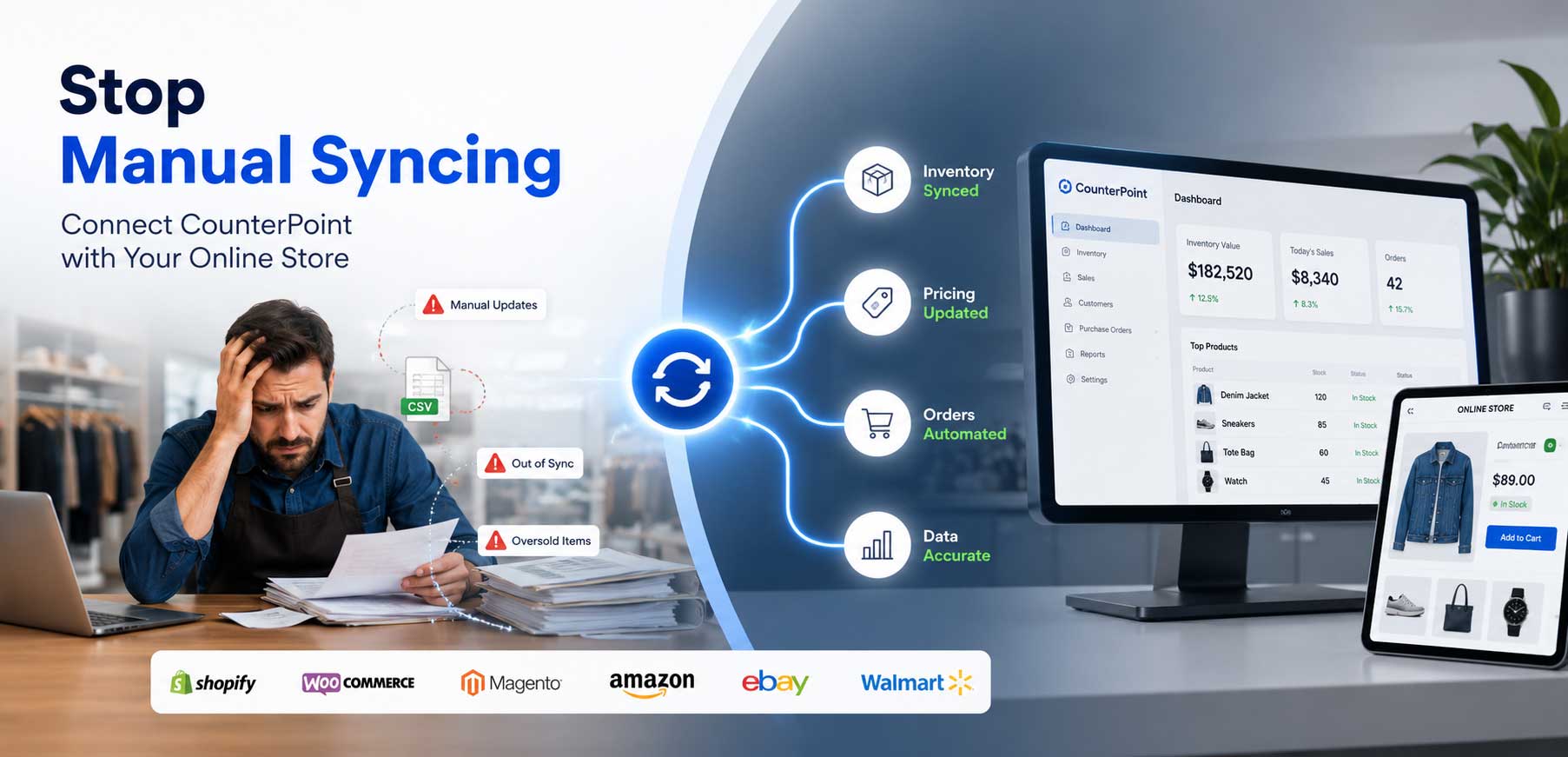
Many retailers start by managing Amazon listings manually — updating stock counts by hand, exporting CSVs, logging into Seller Central to make changes. It works when you’re selling a few products. It breaks the moment volume grows, the team gets busy, or the day gets hectic.
Delayed Syncs Create a Window of Risk
Some integrations update inventory once a day — or even once every few hours. In a busy retail environment, you can sell through your entire stock of a popular item in a single afternoon. A sync that runs at midnight won’t save you.
Multi-Location Complexity Multiplies the Problem
If you operate more than one store location through Retail Pro Prism, the challenge compounds. Which location’s stock is available for Amazon fulfillment? How do you consolidate inventory across locations without double-counting or under-reporting? Without smart integration logic, this becomes a constant, nagging source of error.
Nobody’s Watching the Connection
Integrations break. APIs change. Credentials expire. Software updates can silently disconnect your systems. Most retailers don’t find out until a customer complains or Amazon sends a warning notice.
How Octopus Bridge Solves This — Completely
This is exactly the problem Octopus Bridge was built to fix.

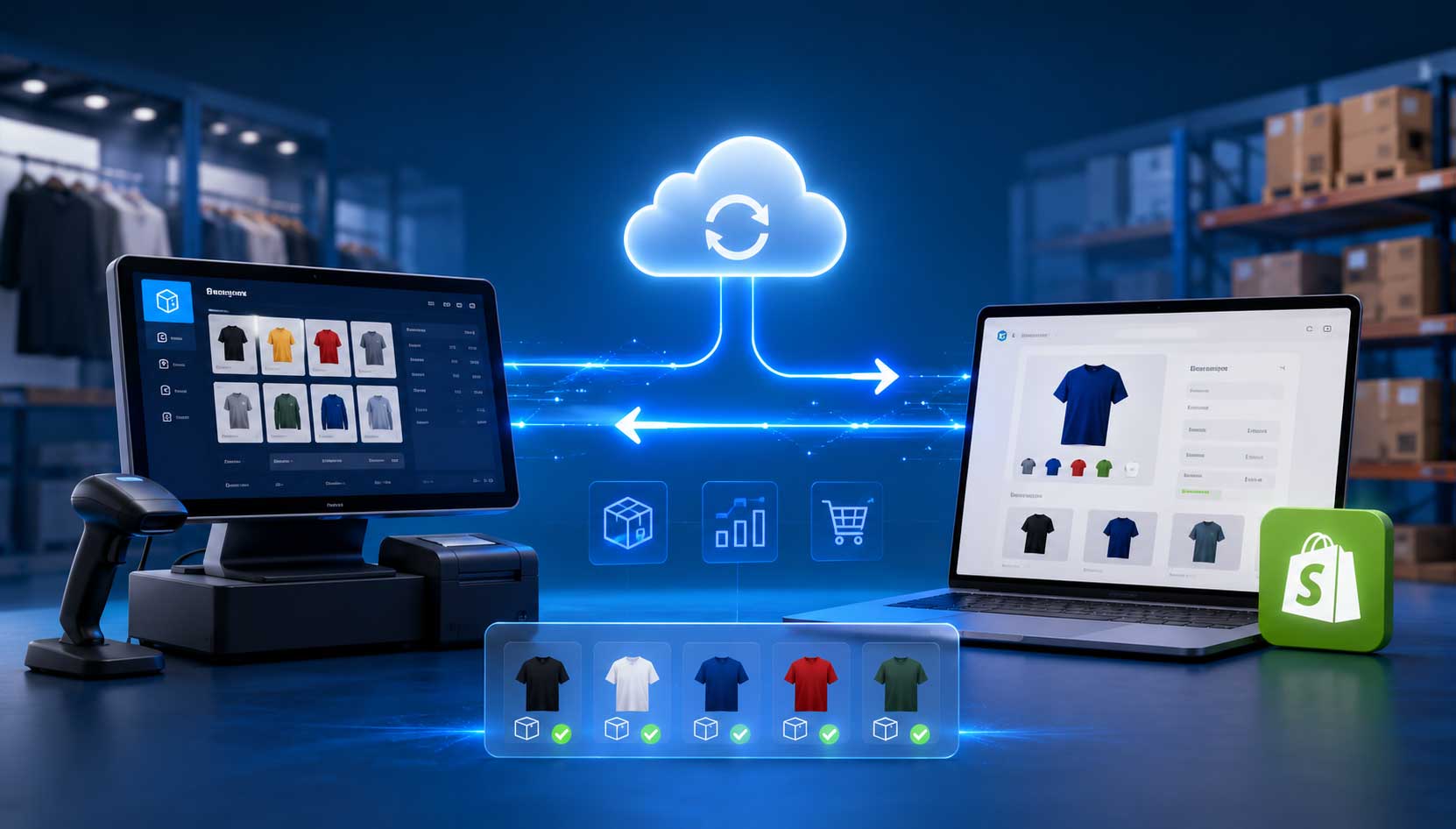
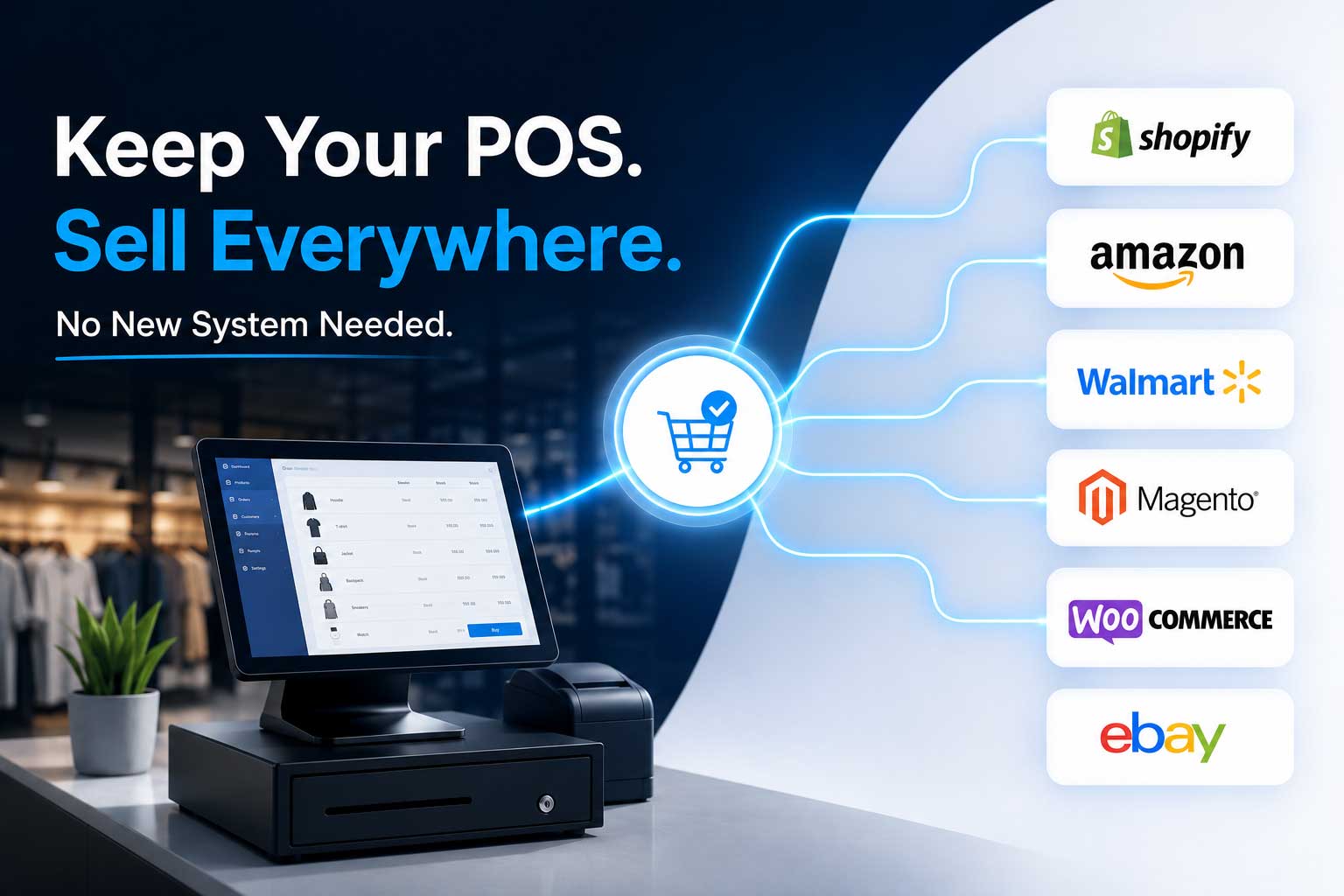
Octopus Bridge is a purpose-built middleware platform that creates a live, automated connection between Retail Pro Prism and Amazon. Your inventory is always accurate, your orders always flow, and your seller account stays protected — without your team lifting a finger after setup.
Here’s how it works in practice.
Near Real-Time Inventory Sync
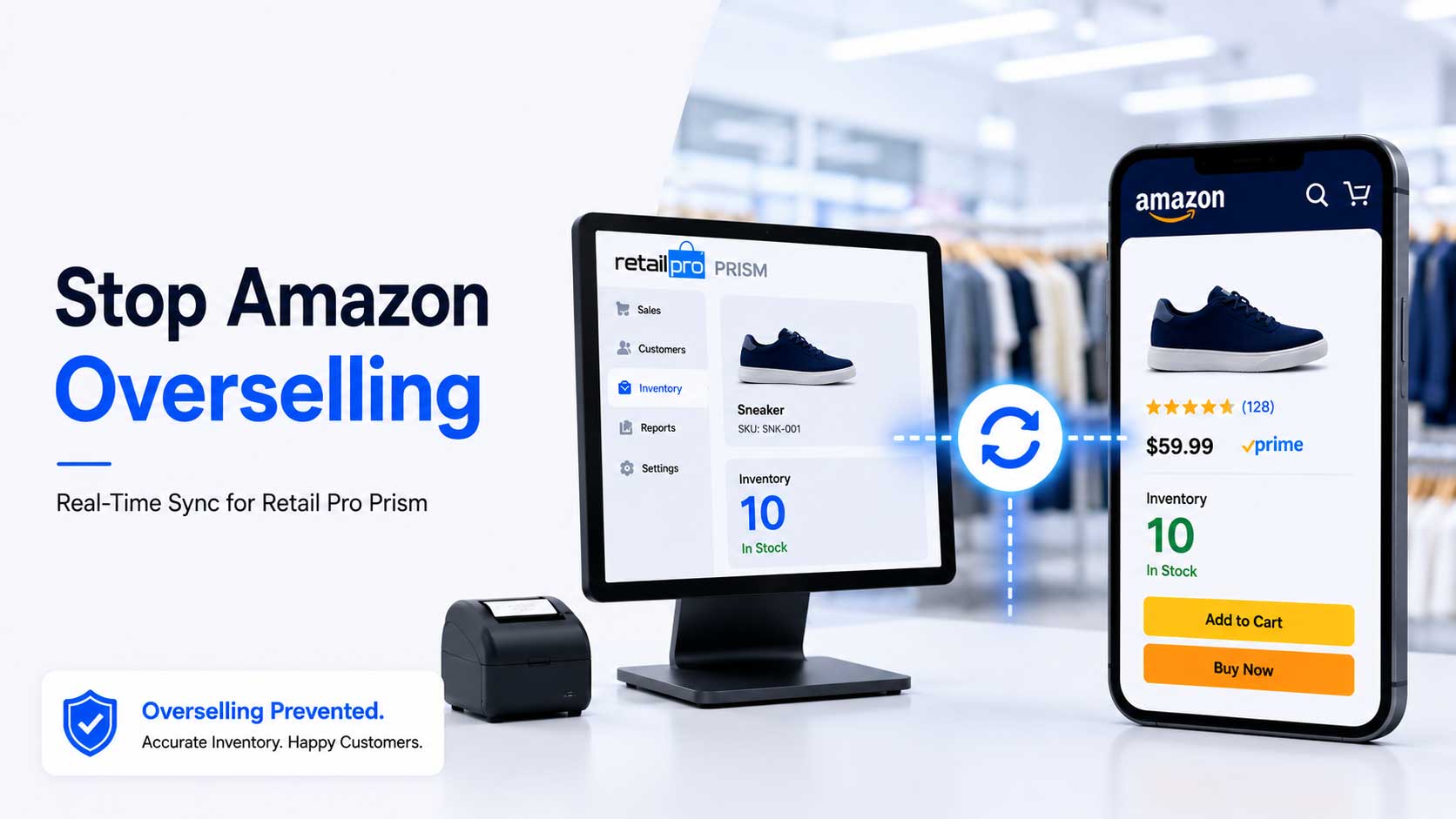
Octopus Bridge connects directly to Retail Pro Prism and pushes inventory updates to Amazon the moment stock changes. A product sells in your store — Amazon updates. A new shipment comes in — Amazon reflects it. No delay. No manual step. No window of risk between what’s in your POS and what Amazon shows your customers.
Whether you’re running one location or several, Octopus Bridge consolidates inventory accurately and sends the right numbers to Amazon automatically.
Automated Order Management
Amazon orders flow directly into Retail Pro Prism without anyone retyping them. Customer details, items ordered, quantities, shipping addresses — everything arrives cleanly and accurately in your POS system. Your fulfillment team works from one place. One workflow. No gaps.
Two-Way Data Flow
Octopus Bridge doesn’t just send data one way. It handles both directions simultaneously — inventory going out to Amazon, orders coming back into Retail Pro Prism — keeping both systems perfectly in sync regardless of where activity happens.
Inventory Buffer Controls
Smart retailers don’t push their entire inventory count to Amazon. Octopus Bridge lets you configure buffer rules — hold back a set number of units for in-store customers, reserve stock for specific channels — so you never accidentally oversell even during your busiest periods.
Pricing and Product Data Sync
Update a price in Retail Pro Prism and it pushes to Amazon automatically. Product data, SKUs, and listing details stay consistent across both platforms without extra work from your team.
Proactive Error Alerts
If something goes wrong — a sync error, a connection issue, a data mismatch — Octopus Bridge flags it immediately. You know about problems before they reach customers or show up in Amazon’s performance dashboard.
Built Specifically for Retail Pro Prism
Generic integration tools try to connect everything to everything. Octopus Bridge was developed with Retail Pro’s data architecture in mind. It understands how Retail Pro handles inventory, pricing, store locations, and SKUs — which means the connection is accurate, reliable, and doesn’t require constant babysitting from your team.
What Changes the Moment Octopus Bridge Goes Live
Retailers who connect Retail Pro Prism to Amazon through Octopus Bridge consistently see three immediate shifts:
Overselling stops. Near real-time sync eliminates the cancellations caused by inventory mismatches. Orders that come in can actually be fulfilled.
Hours come back. Time spent manually updating listings, checking stock counts, and reconciling orders every week simply disappears. Teams focus on customers and growth — not data entry.
Amazon metrics recover. With accurate fulfillment and zero overselling, Order Defect Rates and Pre-Fulfillment Cancellation Rates drop back to healthy levels and stay there.
Is Your Account Already at Risk?
Here’s a quick gut-check. If any of these sound familiar, your inventory sync situation deserves a hard look:
- You’ve had to cancel an Amazon order in the last 90 days because you ran out of stock
- Your team updates Amazon inventory manually, even occasionally
- You’ve received a performance warning or notification from Amazon
- Your Retail Pro Prism and Amazon stock counts don’t always match
- You’re running multiple store locations and managing Amazon from one of them
One of these is a warning sign. Three or more means the risk is real, it’s growing, and it’s only a matter of time before it affects your account standing.
Don’t Wait for Amazon to Tell You There’s a Problem
Amazon’s warnings arrive fast and the consequences are serious. A suspended account, a lost Buy Box, a string of negative reviews — these are recoverable, but they’re painful and expensive to fix after the fact.
The smarter move is to get ahead of it now.
Octopus Bridge connects Retail Pro Prism and Amazon into one synchronized system. Your inventory is always right, your orders always flow, and your seller account is always protected.
See Octopus Bridge in Action — Free Demo
Book a free, no-obligation demo with the Octopus Bridge team.
We’ll walk you through exactly how the integration works for your store setup, show you the sync in real time, and answer every question you have. No pressure. No commitment. Just a clear picture of what’s possible.
Or contact us directly: sales@24sevencommerce.com