Every retailer who decides to start selling online hits the same wall.
They talk to a developer. Browse a few eCommerce platforms. Maybe attend a webinar or two. And somewhere along the way, someone suggests they need to replace their POS system to make it all work.
That advice is wrong — and its costing retailers time, money, and confidence they don’t need to lose.
If your store runs on Retail Pro Prism, Lightspeed, NCR Counterpoint, Heartland Retail, RMH POS, Keystroke, Microsoft RMS, Bepoz, Auto-Star, or any other established POS system, you don’t need to rip it out and start over. You’ve already built something valuable. The goal is to extend it — not replace it.
Here’s exactly what you need to start selling online successfully.
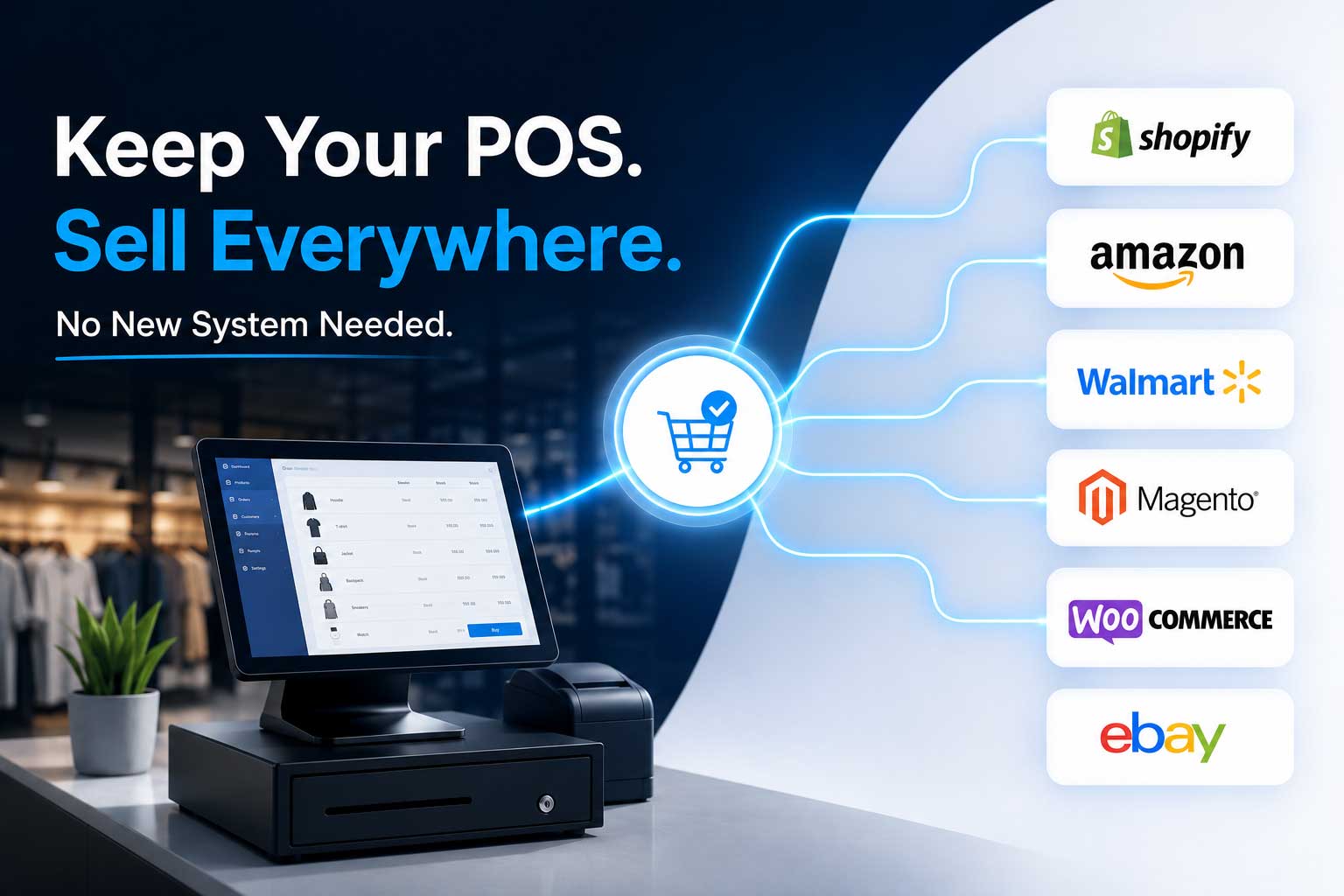
The Myth That’s Holding Retailers Back
Let’s address this directly.
The idea that you need a brand-new POS system to sell online comes from a misunderstanding of how modern retail technology works. Ten years ago, it may have been partially true. POS systems were closed, rigid, and difficult to connect to anything external.
That world no longer exists.
Today’s leading POS platforms are built with APIs and data structures that integration platforms can connect to directly. Your existing POS system — the one your team already knows, the one your inventory already lives in, the one you’ve spent years configuring — is almost certainly capable of powering a full omnichannel operation.
What it needs is a bridge, not a replacement.
What Actually Happens When You Try to Sell Online Without Integration
Before we talk about the solution, it’s worth understanding what most retailers experience when they go online without connecting their POS properly.
They set up an Amazon seller account or a Shopify store. They manually upload their product catalog. They start getting orders.
Then the problems begin.
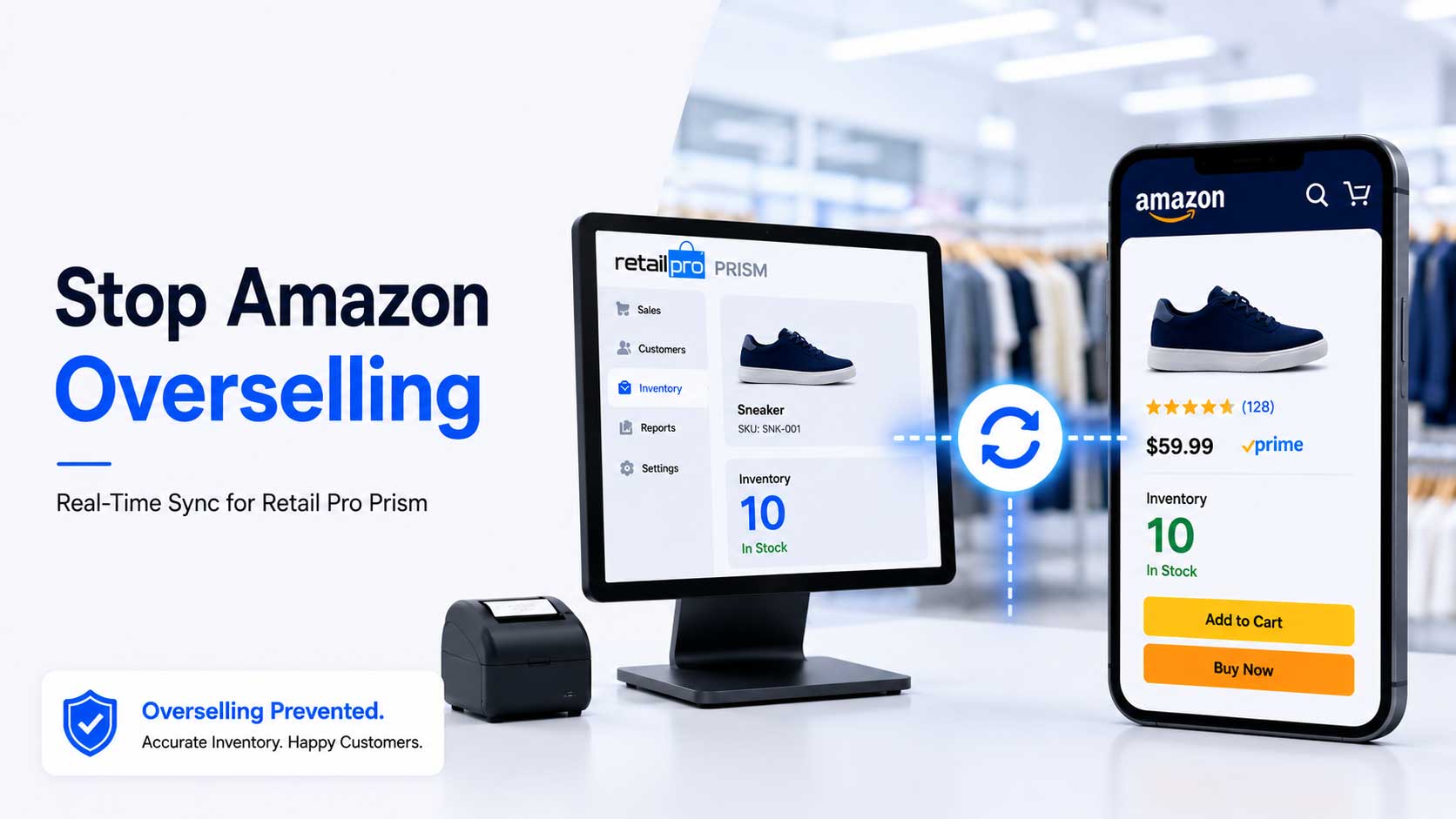
Inventory drifts. Products sell in-store but the online listing doesn’t update. A customer orders something you no longer have. You cancel the order. Amazon records it.
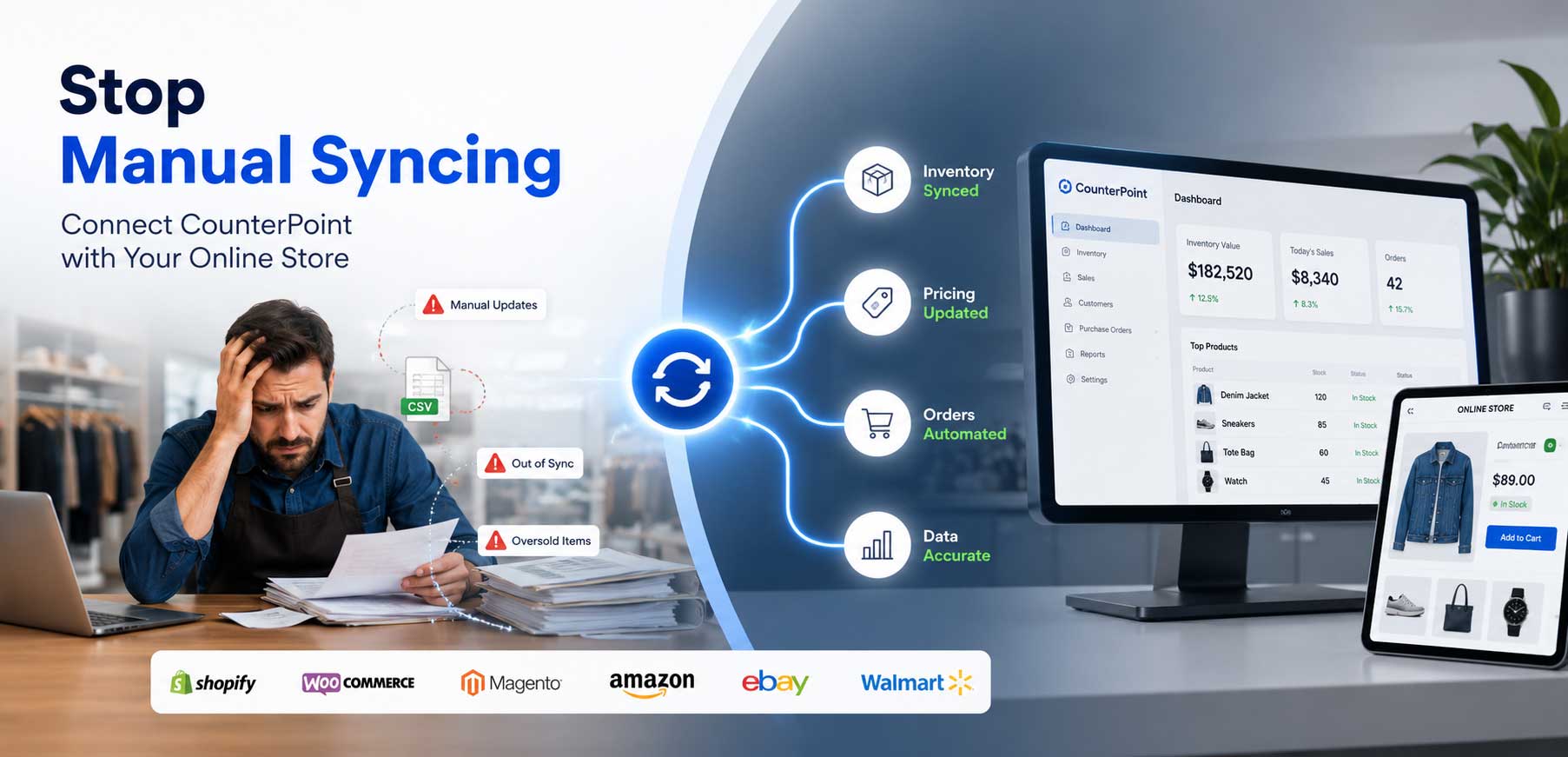
Orders pile up separately. Online orders sit in a marketplace dashboard that your team has to check separately, then manually enter into the POS for fulfillment. Every entry is a chance for an error.
Pricing gets inconsistent. You run a promotion in-store. You forget to update the online price. Customers on Amazon see a different price than customers in your store. Someone complains.
Reporting becomes a puzzle. Your store data is in your POS. Your online data is across three different dashboards. You have no single view of how your business is actually performing.
None of these problems come from your POS being inadequate. They come from your POS and your online channels not being connected. That’s a very different — and much more solvable — problem.
So What Do You Actually Need?
Here’s the straightforward answer.
To sell online successfully while running a physical retail store, you need three things:
- Your Existing POS System — Doing What It Already Does
Your POS is the engine of your retail operation. It manages your inventory, processes your transactions, handles your pricing, and keeps your store running. That doesn’t change when you go online.
In fact, your POS data — your SKUs, your stock levels, your pricing — is the foundation your entire online operation is built on. The goal is to use that data more fully, not replace it.
Whether you’re running Retail Pro Prism, Lightspeed, NCR Counterpoint, RMH, MS RMS or Heartland Retail, your POS system already has everything you need to power an online store. The inventory is there. The product data is there. The pricing is there.
It just needs to be connected to the right places.
- The Online Channel That Fits Your Business
Your second decision is where to sell online. Not everywhere at once — just the right channel to start.
Amazon is the right starting point if:
- Your products have broad consumer appeal
- You want instant access to millions of active shoppers
- You’re selling branded or recognized products with existing demand
Shopify is the right starting point if:
- You have a strong brand identity and want to own the customer relationship
- You’re building a direct-to-consumer presence for the long term
- You want full control over the shopping experience and customer data
Walmart Marketplace is worth considering if:
- Your products are competitively priced and broadly appealing
- You want an alternative to Amazon with growing traffic and less seller competition
- You already have strong product data and fulfillment capabilities
WooCommerce makes sense if:
- You want a self-hosted online store with maximum flexibility
- You have some technical support available or a development partner
- You’re looking for lower platform fees with full ownership of your store
eBay works well if:
- You carry unique, collectible, or hard-to-find products
- You want access to a global buyer base
- You have inventory that performs well in auction or fixed-price formats
You don’t need all of these on day one. Pick one. Get it right. Then expand.
- A Real Integration Between Your POS and Your Online Channel
This is the piece most retailers are missing — and the piece that makes everything else work.
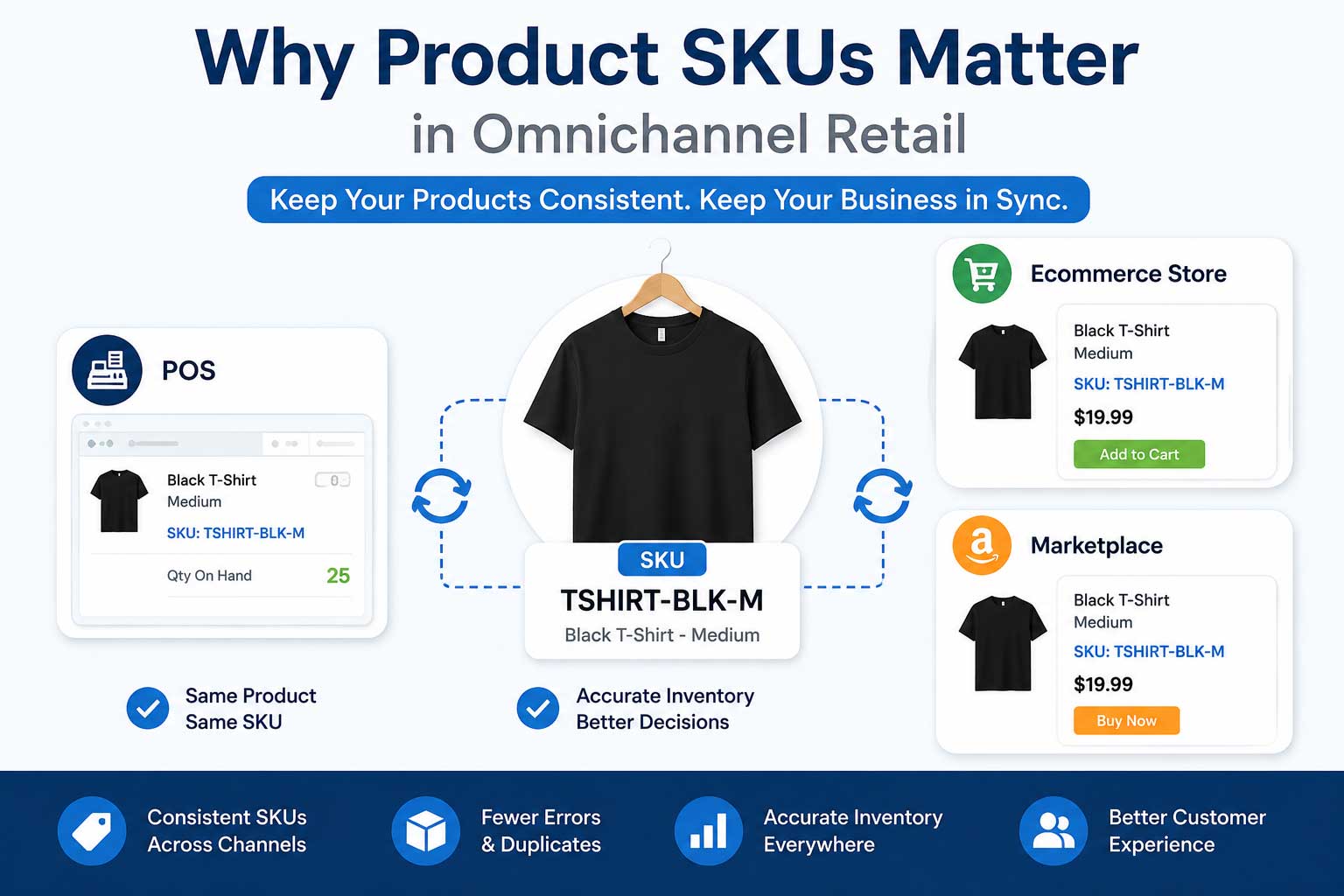
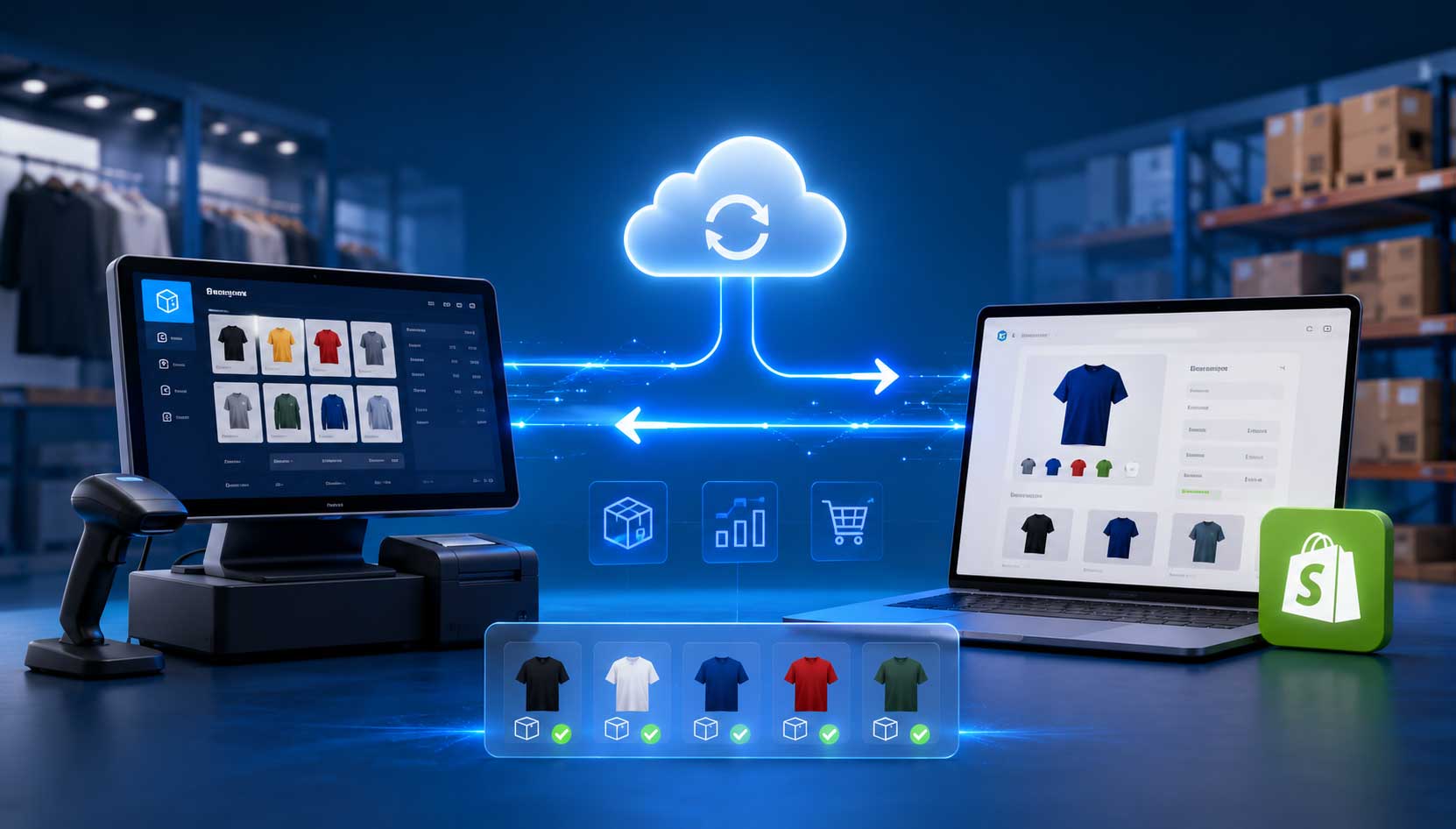
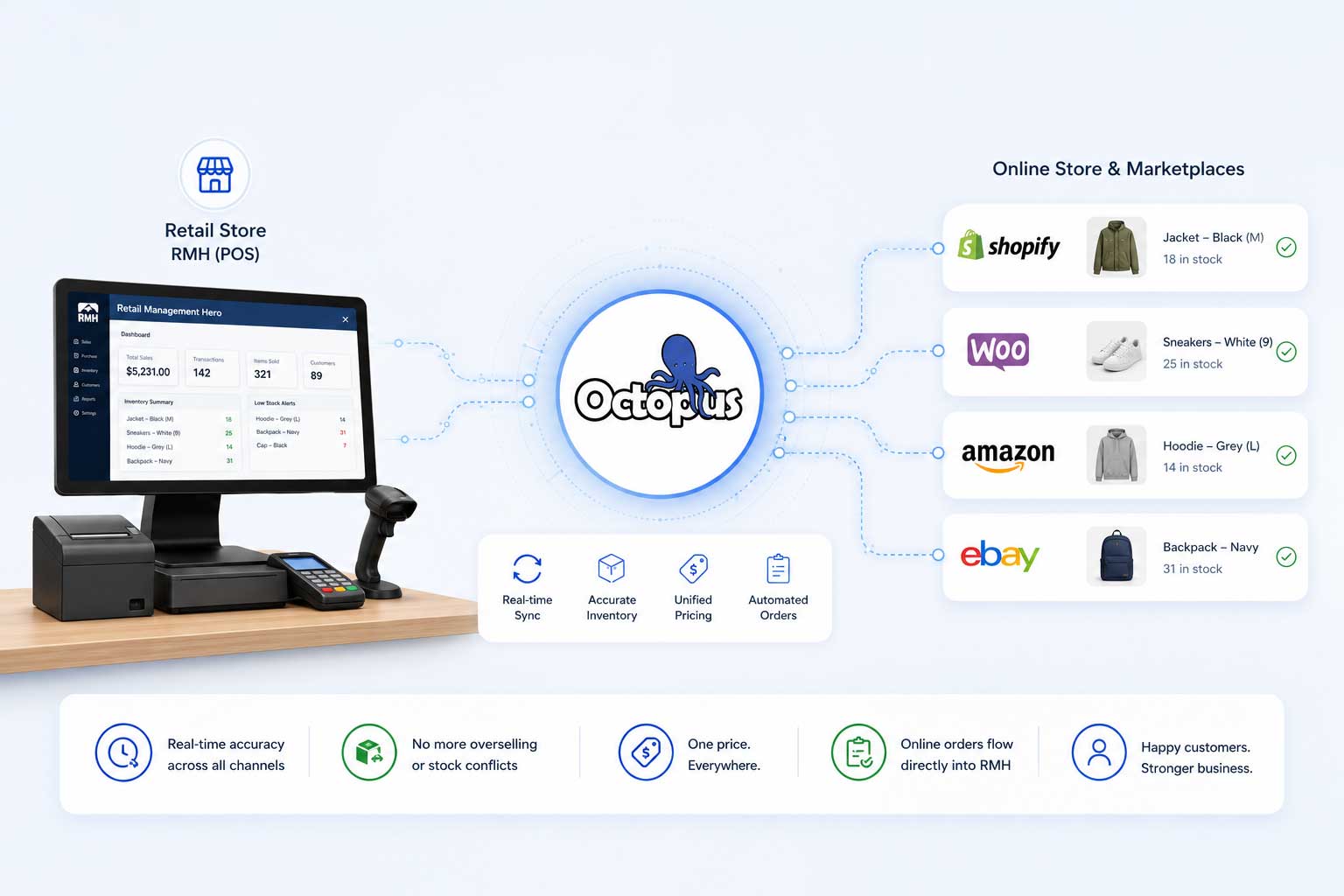
A proper integration doesn’t just list your products online. It creates a live, automated, two-way connection between your POS system and your online channels so that:
- Inventory updates in near real time — when stock changes in your POS, every connected marketplace reflects it instantly
- Orders flow automatically — online orders arrive directly in your POS without manual entry
- Pricing stays consistent — price changes in your POS push to every connected channel automatically
- Your team works from one system — the one they already know
This is what Octopus Bridge does.
What Is Octopus Bridge?
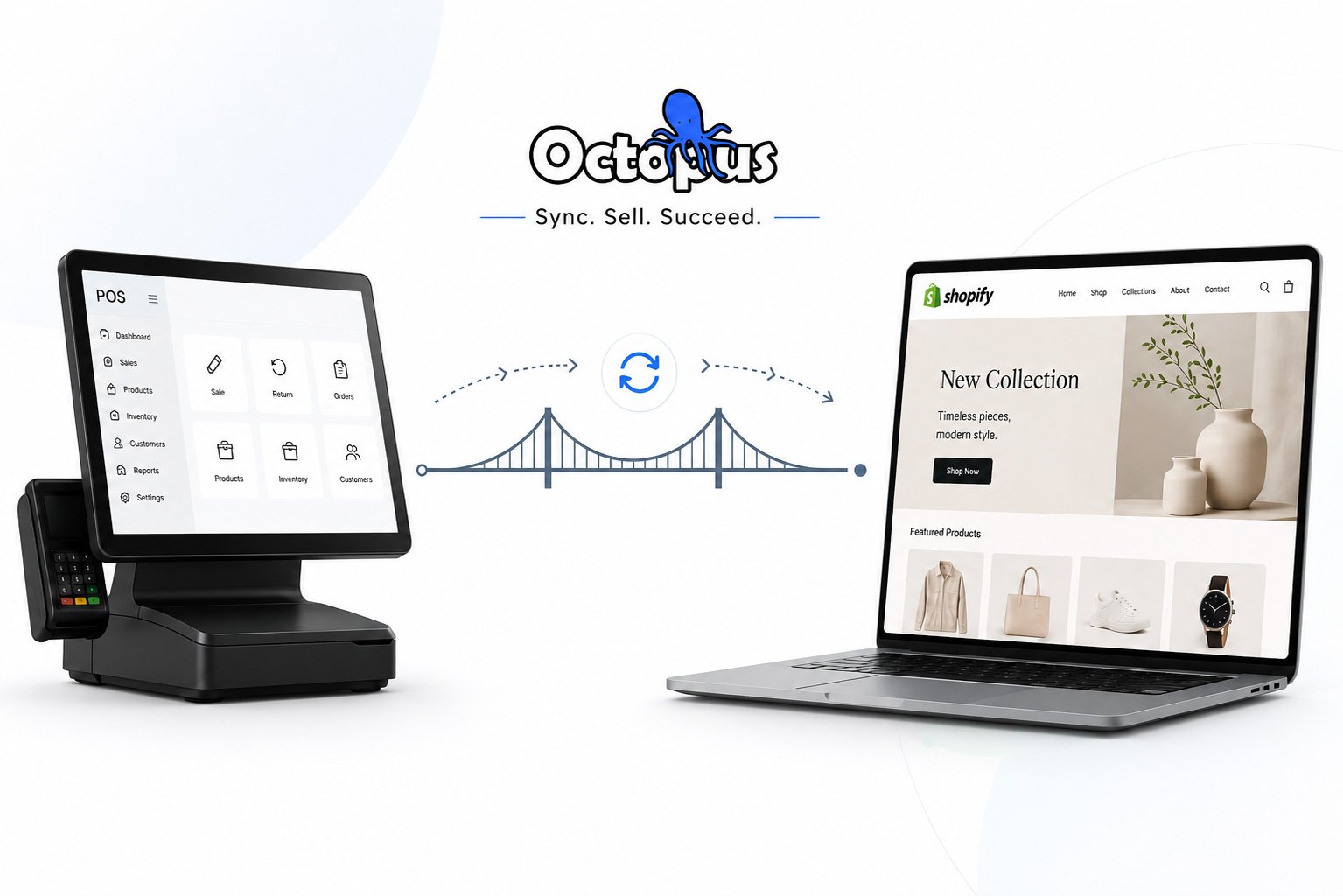
Octopus Bridge is a middleware integration platform built specifically for retail environments.
It sits between your POS system and your online channels — handling the real-time data exchange so your team doesn’t have to. Inventory sync, order management, pricing updates, product data — all automated, all accurate, all running in the background while your team focuses on your customers.
Octopus Bridge works with the POS systems retailers actually use:
- Retail Pro Prism
- Lightspeed Retail
- NCR Counterpoint
- Heartland Retail
- Retail management Hero
- Keystroke
- Bepoz
- Auto-Star
- RetailEdge
- Retail Plus
- Dynamic GP
- pcAmerica CRE
- etc.
And connects them to the marketplaces and platforms where shoppers actually buy:
- Amazon
- Shopify
- WooCommerce
- Magento
- Walmart Marketplace
- eBay
The integration doesn’t require you to change how your store operates. It doesn’t require your team to learn a new system. It doesn’t require a long, disruptive implementation.
It connects what you already have to where you want to go.
The Real Cost of Waiting
Here’s something worth sitting with.
Every week you’re selling online without a proper POS integration, you’re absorbing costs you might not even be tracking.
The cost of manual inventory updates — how many hours per week does your team spend checking and updating online stock counts?
The cost of cancelled orders — every oversell leads to a cancellation. Every cancellation is a lost customer, a potential negative review, and a mark against your marketplace metrics.
The cost of manual order entry — how long does it take to transfer an online order into your POS? Multiply that by every order, every day, every week.
The cost of pricing errors — how many times has a product been sold online at the wrong price because a POS update didn’t make it to the marketplace?
These aren’t hypothetical costs. They’re real, they’re recurring, and they add up faster than most retailers realize.
A proper integration eliminates all of them.
What the Setup Actually Looks Like
One of the reasons retailers hesitate to integrate is the assumption that it’s a long, technical, expensive process.
With Octopus Bridge, it isn’t.
Here’s what the typical setup looks like:
Week 1 — Connect and Configure Octopus Bridge connects to your POS system and your chosen marketplace. Your product catalog, inventory levels, and pricing sync across. Buffer rules and automation preferences are configured based on your specific setup.
Week 2 — Test and Verify Orders are tested. Inventory sync is verified across channels. Your team confirms everything looks right in the POS and on the marketplace.
Week 3 — Go Live Full automation activates. Inventory syncs in real time. Orders flow automatically. Your team stops managing two systems and starts running one unified retail operation.
Most Octopus Bridge customers are fully live within two to three weeks — often faster.
The Bottom Line
You’ve built a retail operation on a POS system that works. You’ve trained your team on it. You’ve invested in it. You understand it.
Going online doesn’t mean walking away from that investment. It means unlocking its full potential.
The retailers winning across multiple channels right now aren’t the ones who replaced everything and started over. They’re the ones who connected what they already had — smartly, efficiently, and without disrupting the store operations that keep their business running every day.
You don’t need a new POS to sell online.
You need Octopus Bridge.
Frequently Asked Questions
Does Octopus Bridge work with my POS system?
Octopus Bridge supports Retail Pro Prism, Lightspeed Retail, NCR Counterpoint, RMH POS, Microsoft RMS, Dynamics GP, Auto-Star, Bepoz, RetailEdge, Retail Plus, Heartland Retail and many more. If you’re unsure whether your system is supported, contact our team and we’ll confirm within one business day.
How long does integration take?
Most retailers are fully live within two to three weeks. The timeline depends on catalog size, the number of channels being connected, and how clean your existing POS data is.
Do I need technical expertise to set it up?
No. Octopus Bridge provides dedicated onboarding support and walks you through every step of the configuration process. Your team does not need development or technical skills.
Can I connect to more than one marketplace?
Yes. Octopus Bridge supports multiple simultaneous connections — so you can sell on Amazon, Shopify, and Walmart at the same time, all syncing from the same POS data.
What happens if the sync breaks?
Octopus Bridge maintains detailed sync logs that record any errors or issues during the integration process. Your team can review these logs at any time to identify and resolve problems quickly — keeping your inventory and orders accurate across every connected channel.
Ready to Connect Your POS to Every Major Marketplace?
Book a free demo with the Octopus Bridge team.
We’ll show you exactly how integration works for your POS system and your target channels — live, specific to your setup, and with no obligation to commit.
Schedule Your Free Demo → www.24sevencommerce.com
📧 info@24sevencommerce.com
📞 +1 (800) 955-9425