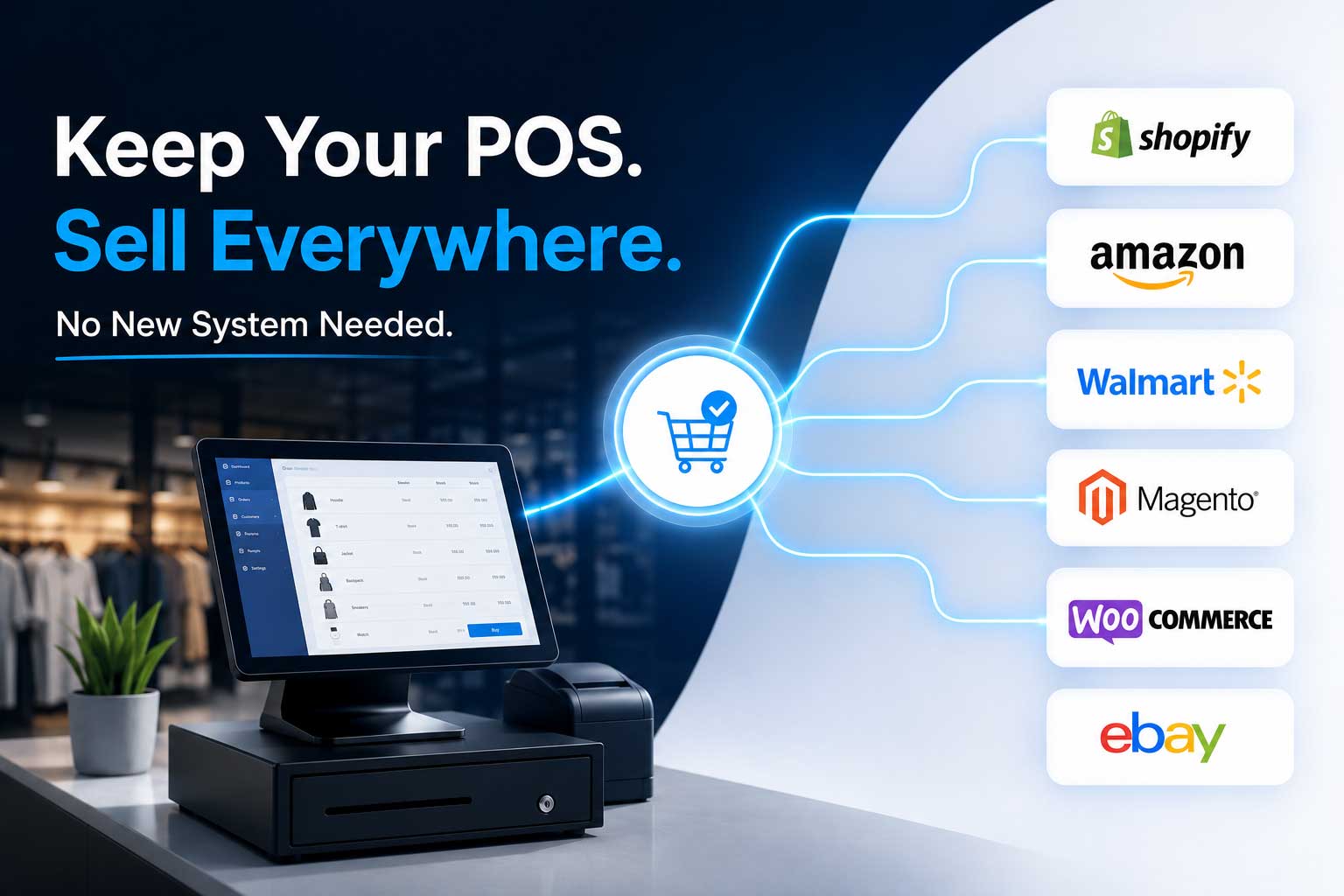
A practical guide for RMH retailers who are done fighting their own data
The Monday morning frustration every RMH retailer knows
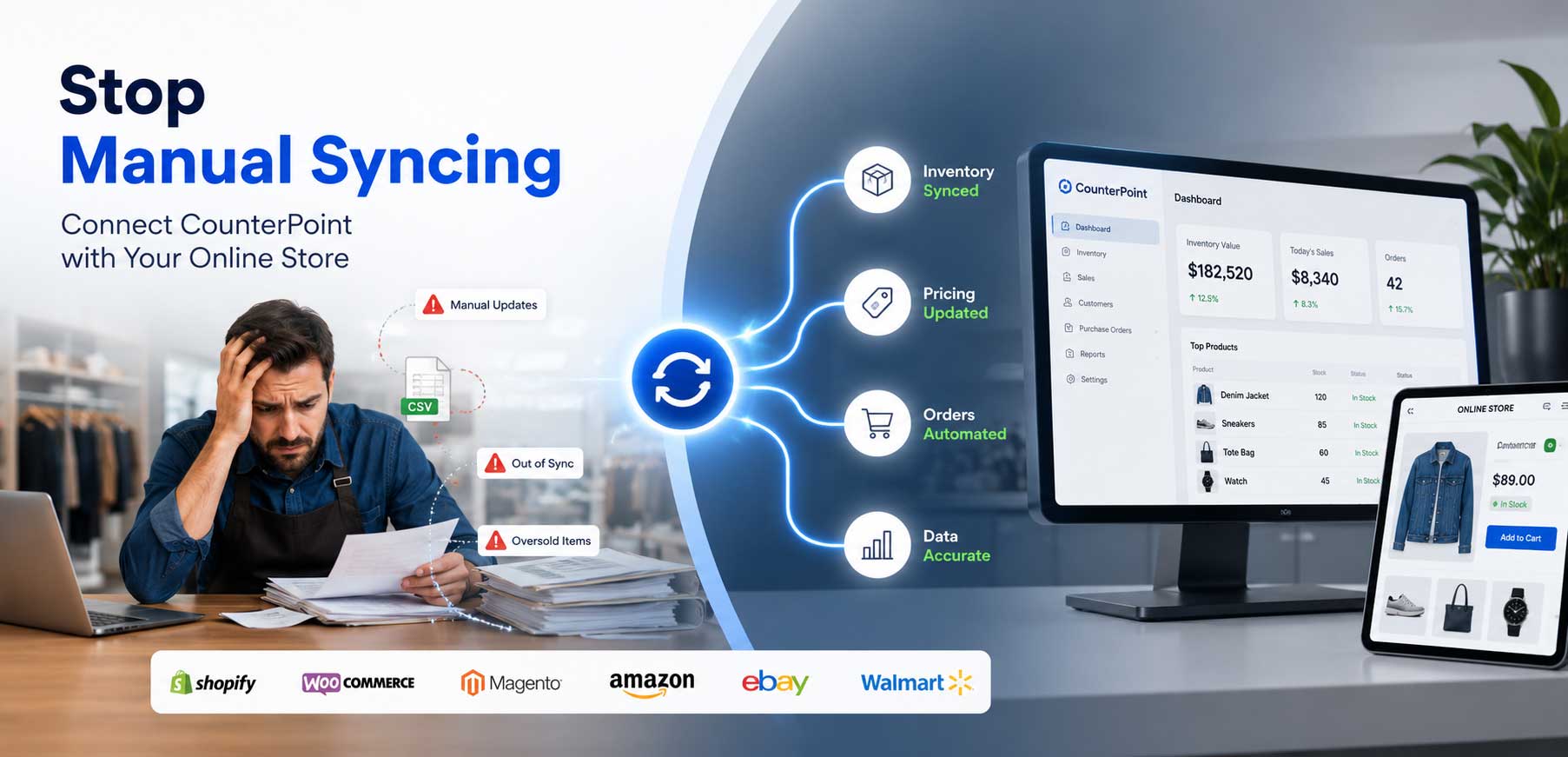
It is Monday morning. The weekend was busy. A customer calls — they ordered a jacket online Saturday night, but your store ran out of stock Saturday afternoon. Your online store still showed it as available. You oversold. You apologize, issue a refund, and lose the sale.
An hour later, a staff member points out that the prices on your WooCommerce site do not match what is in Retail Management Hero. Someone updated the RMH price list on Friday, but no one updated the website. Now you have an angry customer who was charged a different price at the register than what they saw online.
Sound familiar? If you are running RMH as your POS and selling across one or more online channels, this is not a rare edge case. It is Tuesday. And Wednesday. And every day you are operating two systems that have no idea what the other one is doing.
This guide breaks down exactly why this happens — and how retailers using Octopus Bridge have eliminated the problem entirely.
The core problem: RMH and your online store were never designed to talk to each other
Retail Management Hero is a powerful, mature point-of-sale and retail management system. It handles your in-store transactions, purchase orders, customer accounts, layaways, gift cards, and inventory with precision built for the physical retail floor.
Your eCommerce platform — whether that is Shopify, WooCommerce, Magento, or a marketplace like Amazon or eBay — was built for the digital shelf. It manages product listings, online orders, shopping cart logic, and web customers.
Both systems are excellent at what they do. The problem is they were built in isolation from each other. Without a bridge between them, every piece of data that needs to exist in both places has to be moved manually — by a human, using exports, spreadsheets, copy-paste, or re-keying.
What “manually synced” looks like day to day
Here is what most RMH retailers are doing to keep data aligned across channels:
- Exporting inventory counts from RMH to a CSV file, formatting the columns to match the online platform, and uploading the file — usually once a day, sometimes once a week
- Logging into the eCommerce back-end to manually update prices whenever RMH pricing changes
- Having staff check online orders in one system and re-enter them into RMH for fulfillment
- Updating product descriptions, images, and attributes on both the RMH product file and the website separately
- Running end-of-day reconciliations to figure out why the numbers do not match
Each of these steps is a point of failure. And because they depend on human time and attention, they fail constantly — especially during peak trading periods, which is precisely when accurate data matters most.
The five most common data mismatches — and what causes each one
1. Inventory that is always behind
The most damaging mismatch. Your online store shows stock levels as of the last time someone ran an export. Meanwhile, your physical store has been selling. By the time a customer orders online, the product may already be gone — or you may be sitting on stock you have not restocked online because the count looks artificially low.
| Why it happens:
RMH records every sale in real time. Your eCommerce platform only knows what you tell it. With no live connection, the online inventory count is a snapshot frozen in time — growing less accurate with every transaction. |
2. Prices that contradict each other
You run a promotion in-store, update the RMH price list, and forget the website. Or the website price gets updated by the marketing team, but nobody tells the person managing RMH. Either way, customers encounter different prices on different channels — and they will call you on it.
| Why it happens:
Price management in RMH and eCommerce platforms are completely separate. There is no notification system telling one side that the other changed. Updates require manual duplication — every time. |
3. Product data that diverges over time
You add 50 new products to RMH after a buying trip. Three weeks later, only 30 of them are live on your website — because the product upload process is a project in itself, and it got deprioritized. Or the product details on the site are from the original launch and have never been updated to match the richer data now living in RMH.
| Why it happens:
Creating or updating products in RMH does not automatically push anything to your online store. Two separate catalogue management workflows run in parallel, and they drift further apart over time. |
4. Online orders that never land in RMH properly
When an online order comes in, someone has to get it into RMH to process the fulfillment. That might mean manually creating a sales order, printing the web order and picking from that, or running a separate fulfillment workflow outside of RMH entirely. None of these approaches produce clean reporting, accurate inventory deductions, or consistent customer records.
| Why it happens:
Online orders exist only in your eCommerce platform until someone moves them. Without an automated flow, order data sits in two separate systems — creating fragmented records, missed fulfillments, and reporting that never reconciles. |
5. Customer records that do not match
A customer buys in-store on Monday and online on Wednesday. In RMH, they are a loyal customer with purchase history. In your online store, they may be a brand new account — or a duplicate. Loyalty points, purchase history, and customer profiles are scattered, making it impossible to give them a consistent experience across channels.
| Why it happens:
Without bi-directional sync, customers exist separately in each system. Neither side knows about the other’s activity. Unified customer profiles require a connection that manual processes cannot provide. |
What the fix looks like: automated integration through Octopus Bridge
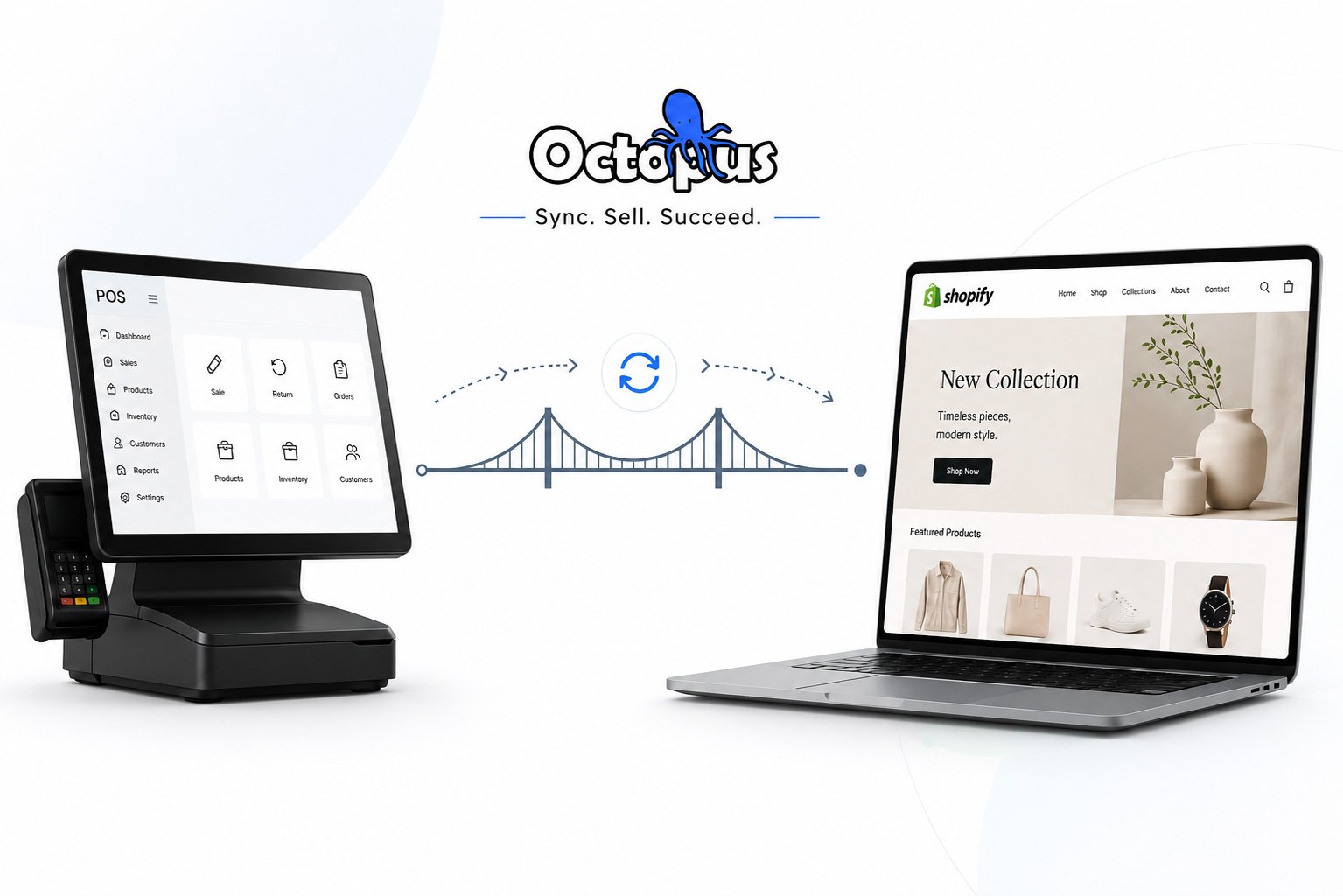
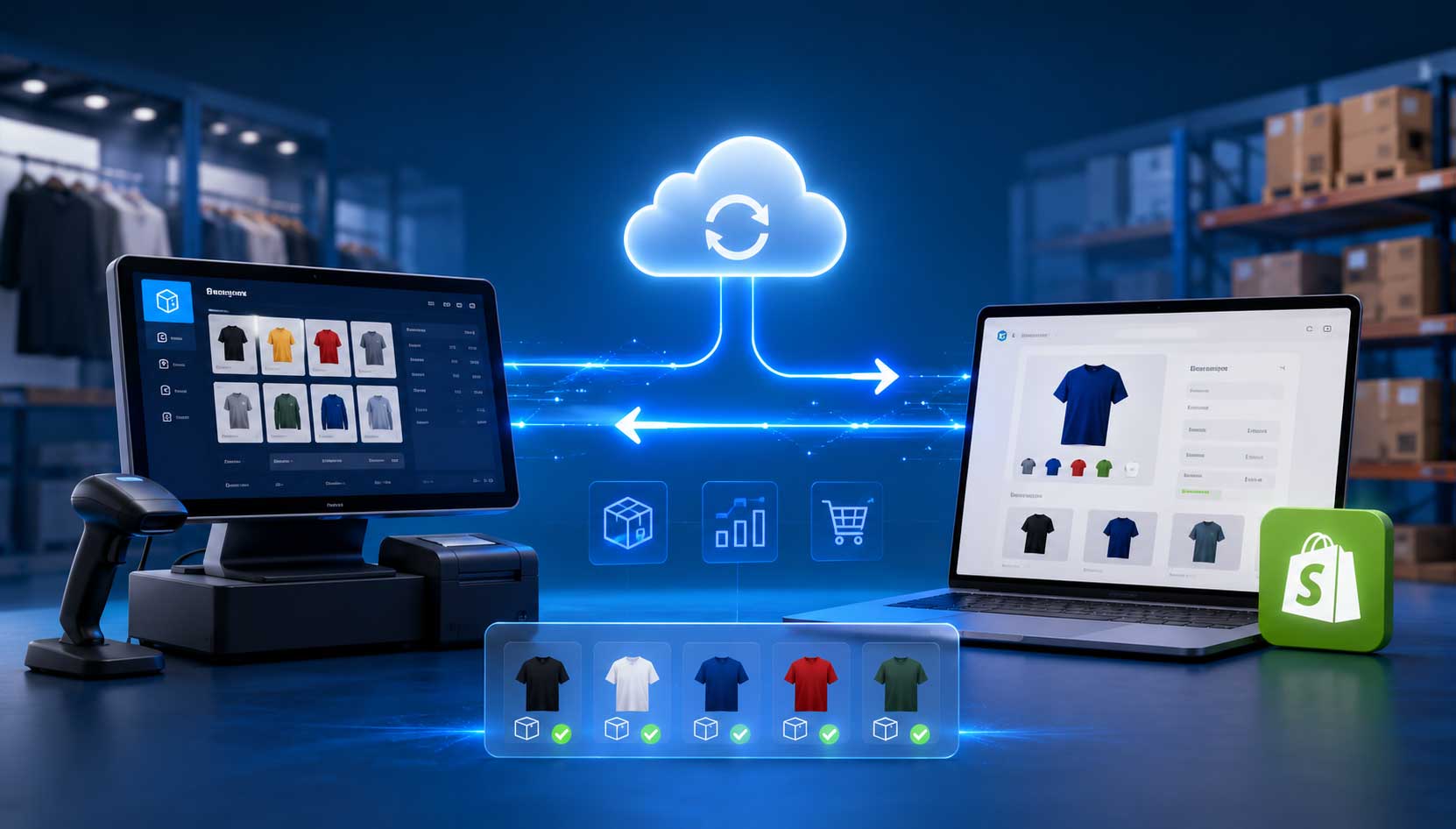
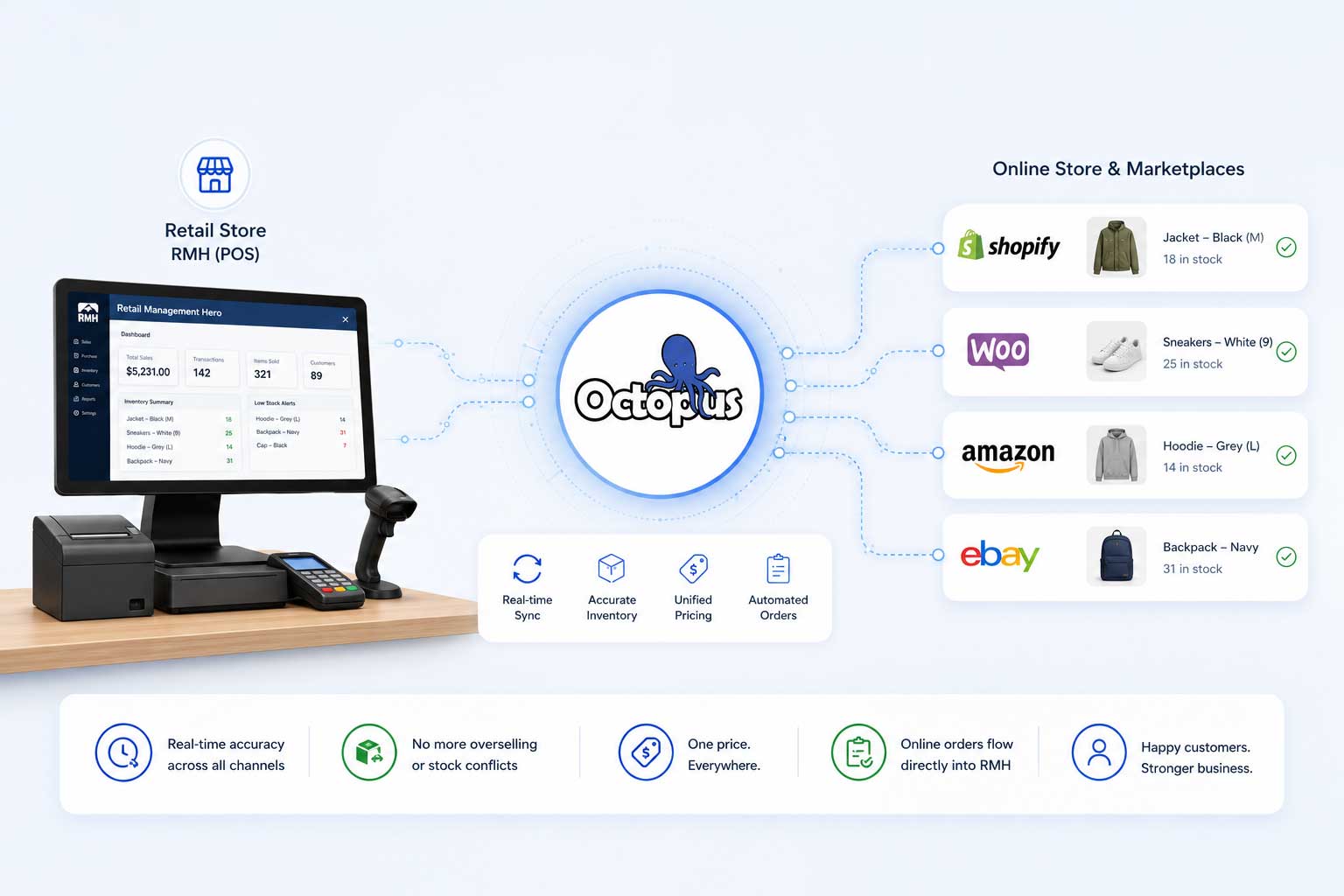
Octopus Bridge is a middleware integration platform built by 24SevenCommerce that creates a live, automated connection between Retail Management Hero and your eCommerce channels. Rather than exporting CSVs and hoping the columns match, Octopus Bridge establishes a real-time data pipeline — one that runs continuously, without human intervention.
Here is what changes the moment you connect RMH to your online store through Octopus Bridge:
Inventory syncs in near real time — automatically
Every sale, return, or inventory adjustment in RMH is immediately reflected in your online store. If a customer buys the last unit in-store at 2:14 PM, your website updates the stock count at 2:20 PM. Overselling becomes a thing of the past. You can also configure buffer quantities — for example, keeping the online stock count 1 or 2 units below RMH’s actual count — to protect against edge cases.
Price updates push instantly across all channels
Change a price in RMH and it automatically propagates to Shopify, WooCommerce, Magento, or whichever channels you are selling on. Run a promotion, update a cost-based price, or adjust for a new season — you do it once in RMH and the system handles the rest. No spreadsheets, no website logins, no risk of someone missing a channel.
Products publish from RMH — not re-created on the website
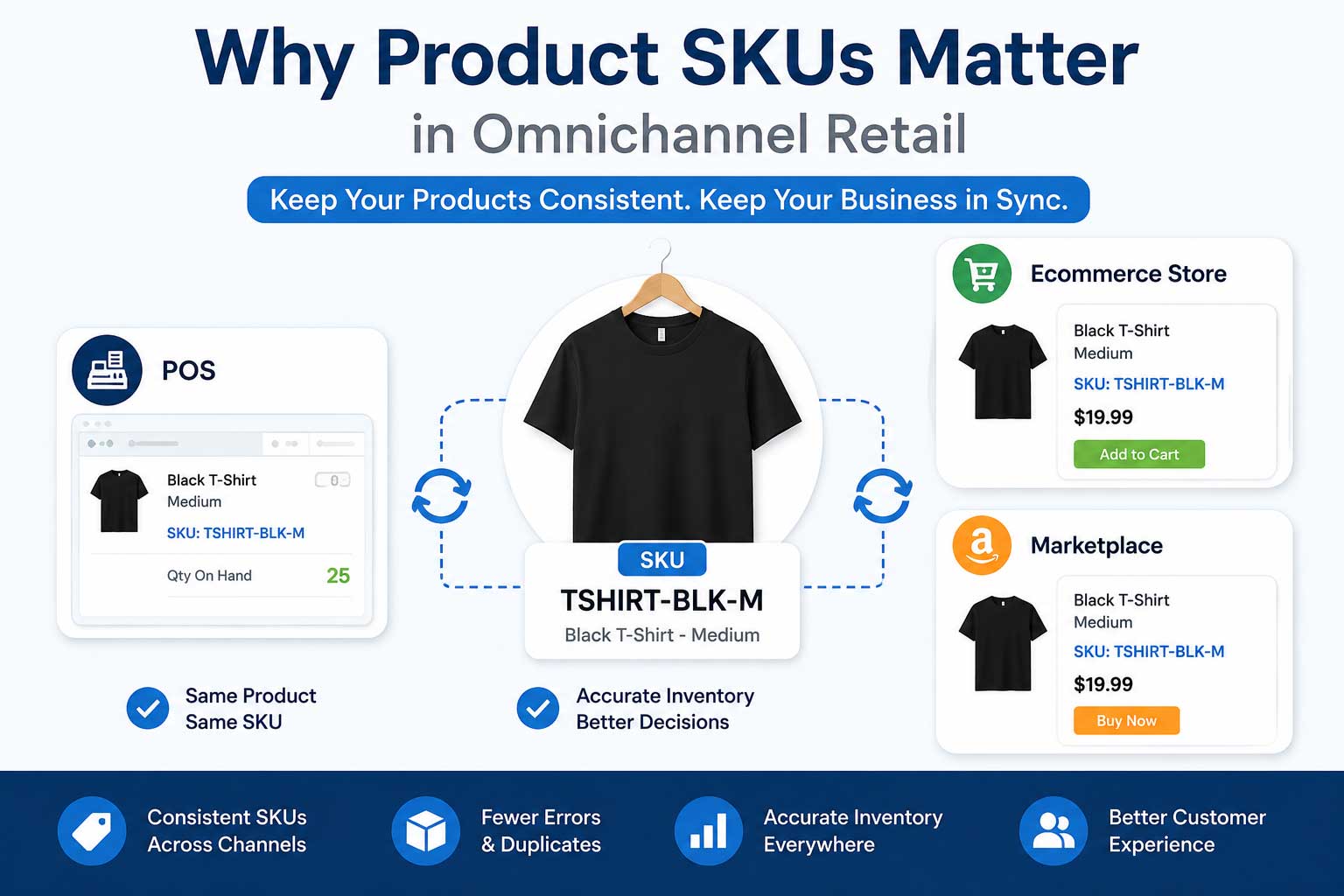
Your product catalogue lives in RMH. Octopus Bridge reads that data — descriptions, images, categories, attributes, variants, SKUs — and maps it to the structure your online platform expects. New products added to RMH can be pushed to your eCommerce store on a schedule or on demand. Updates to existing products flow through automatically.
Online orders route directly into RMH for fulfillment
When a customer places an order on your website, Octopus Bridge writes that order into RMH automatically. Your fulfillment team works from one system. Inventory is decremented in the right place. Customer records are created or updated consistently. Reporting reflects all sales — in-store and online — in one place.
Multi-channel from one RMH instance
Whether you are selling on Shopify, WooCommerce, Magento, Amazon, eBay, or Walmart Marketplace — or a combination — Octopus Bridge connects all of them to the same RMH data source. You are not managing five different sync processes. You are managing one.
Before and after: what changes with Octopus Bridge
| Area | Without Octopus Bridge | With Octopus Bridge |
| Inventory accuracy | Manual spot-checks; often 24–48 hrs behind | Near real-time sync on every sale, return, or adjustment |
| Order routing | Staff manually re-keys online orders into RMH | Orders flow automatically into RMH for fulfillment |
| Product catalogue updates | Exported to CSV, reformatted, re-uploaded | Push once from RMH — live across all channels |
| Pricing consistency | Price changes updated channel by channel | One price change in RMH updates everywhere instantly |
| Oversell risk | High — stock counts lag behind actual sales | Eliminated — live qty buffer prevents overselling |
| Staff time on data entry | Hours per week per channel | Near zero — system-to-system, no manual steps |
| Multi-channel scalability | Each new channel multiplies manual work | Add channels without adding headcount |
A day in the life — with and without integration
Without Octopus Bridge: a typical Thursday
Your buying manager updated pricing for 80 SKUs in RMH yesterday afternoon. A staff member needs to export the product file, format it, and upload it to the website — that is a 90-minute job they will get to when they have time. Until then, the website shows old prices.
Three online orders came in overnight. Someone printed them this morning and is picking stock by walking around the store with paper. The inventory in RMH has not been adjusted yet, so your website still shows the ordered items as in stock.
A wholesale customer calls asking about pricing. Your team pulls up RMH and the website simultaneously because neither system is trusted to have the right answer.
With Octopus Bridge: the same Thursday
The 80 price updates your buying manager made yesterday went live on the website automatically — overnight, while everyone was asleep. No one had to do anything.
The three overnight orders landed in RMH automatically. Your fulfillment team picks and ships from RMH like any other order. Inventory was already decremented when the orders were confirmed — the website updated in the same moment.
When the wholesale customer calls, anyone on your team can look in RMH and trust that it reflects reality across every channel.
Who this is for: RMH retailers who are ready to scale
Octopus Bridge is not a tool for retailers who are just starting to explore online selling. It is built for established RMH retailers who are already selling online — and who have reached the ceiling of what manual processes can sustain.
You will feel the most immediate impact if any of the following are true:
- You sell across more than one online channel and maintaining consistent data across all of them takes significant staff time
- You have oversold online due to inventory counts being out of date
- You have had customer complaints about price discrepancies between your store and your website
- Your team spends more than a few hours per week on data entry, CSV exports, or order re-entry
- You are planning to expand to new channels — Amazon, eBay, Walmart — and you already know the current process will not scale
- You want clean, unified reporting across in-store and online sales without manual reconciliation
| Ready to stop fighting your own data?
Octopus Bridge connects Retail Management Hero to Shopify, WooCommerce, Magento, Amazon, eBay, Walmart, and more — with real-time inventory sync, automated order routing, and centralised product management from a single RMH instance. Talk to our integration team to see how it works for your specific setup. |
Book a free discovery call: www.24sevencommerce.com/retail-management-hero-ecommerce-integration.html
Frequently asked questions
Does Octopus Bridge work with my version of RMH?
Octopus Bridge is built to work with the versions of Retail Management Hero in active use across retail environments today. Our integration team will confirm compatibility during the discovery call and walk you through any version-specific considerations.
Which eCommerce platforms does it support?
Octopus Bridge supports Shopify, WooCommerce, Magento, BigCommerce, Amazon, eBay, and Walmart Marketplace. If you are selling on multiple channels, it can connect all of them to the same RMH instance simultaneously.
How long does setup take?
Most retailers are up and running within a few weeks. The timeline depends on the complexity of your product catalogue, the number of channels you are connecting, and any custom data mapping requirements. Our onboarding team handles the technical setup — you do not need development resources on your end.
What happens to my existing data?
Your existing product and inventory data in RMH remains untouched. Octopus Bridge reads from RMH and pushes to your eCommerce channels — it does not alter your POS data. We can also help you do an initial data clean-up before going live to ensure your online catalogue starts in a consistent state.
Is this a one-time sync or ongoing?
Ongoing — that is the entire point. Octopus Bridge runs continuously, keeping your data aligned in near real time. You set the rules once (what to sync, how to handle buffers, how to map categories) and the system handles the rest automatically from that point forward.
The bottom line
The gap between your RMH data and your online store is not a technology problem — it is a connectivity problem. RMH is a strong system. Your eCommerce platform is a strong system. The issue is that without a dedicated integration layer, all the data that needs to exist in both places has to be moved by hand. And humans moving data by hand at retail speed, across multiple channels, seven days a week, is a losing proposition.
Octopus Bridge closes that gap. It turns two isolated systems into one connected retail operation — where a sale in-store is reflected online in seconds, where a price change propagates everywhere automatically, and where your team can focus on selling instead of data entry.
If your data never seems to match, that is the sign the connection is missing. Octopus Bridge is that connection.