A retailer sells a black T-shirt in-store and online. In the POS, it’s tagged TSHIRT-BLK-M. On Shopify, the same shirt is listed as TSHIRT-BLACK-M. To a person, these are obviously the same product. To a system trying to match them automatically, they may not be — and that small difference can lead to incorrect inventory counts, duplicate listings, orders that don’t reconcile cleanly, and a bigger risk of overselling.
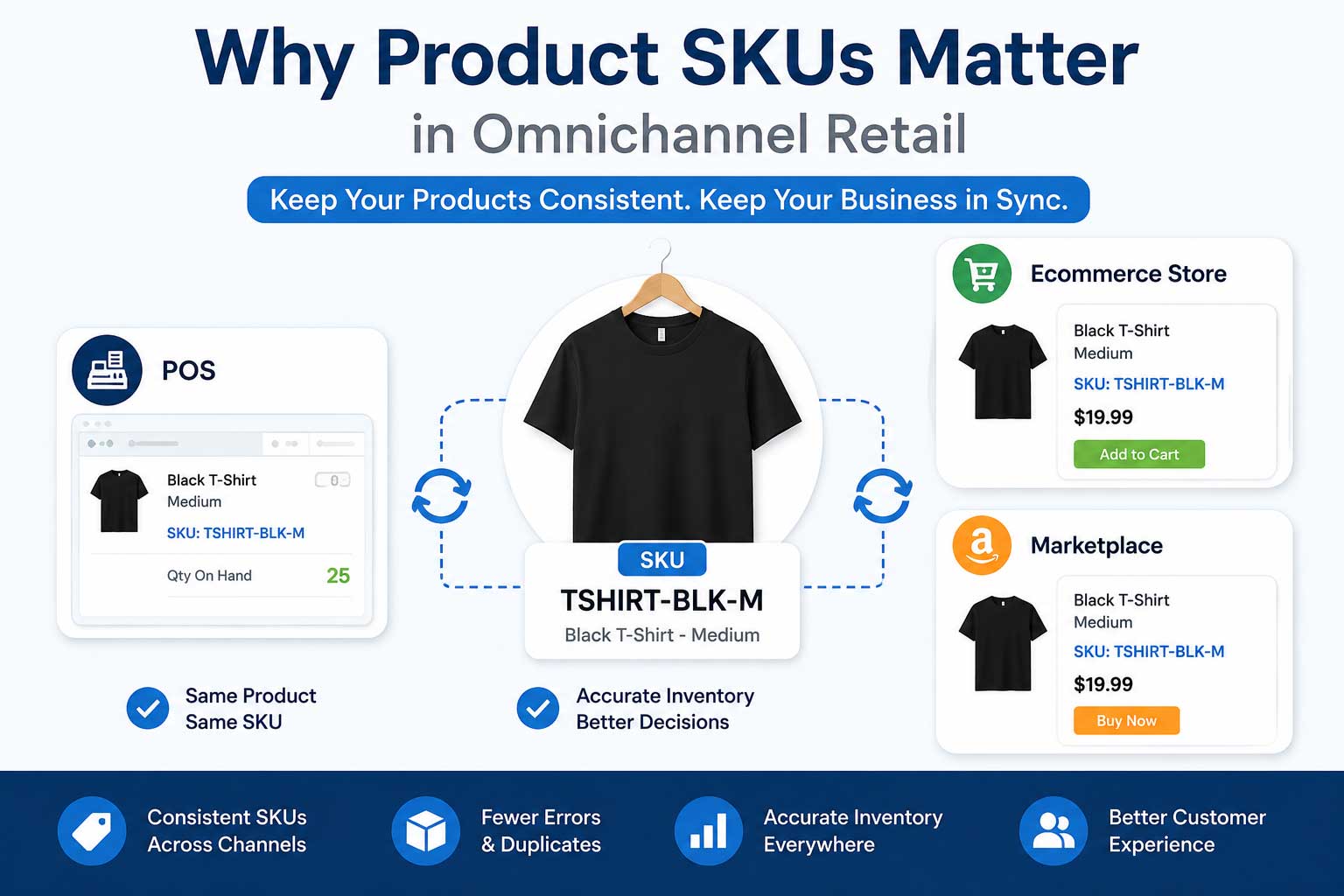
SKUs matter because they can give connected systems a consistent way to identify a specific product or variant across the channels where it is sold. Without that consistency, systems have no reliable way to know they’re referring to the same product.
Yes, consistent SKUs are important when retailers sell through multiple connected systems. A consistent SKU can help POS, ecommerce, marketplace, and inventory systems identify the same product or variant, making product matching and supported inventory synchronization easier to manage.
What Is a SKU?
A SKU (stock keeping unit) is generally a retailer’s own internal identifier for distinguishing products and variants. A SKU like TSHIRT-BLK-M might break down as TSHIRT for the product, BLK for color, and M for size — but this is one common approach, not a required format. Retailers can structure SKUs however suits their catalog, as long as it’s consistent.
A SKU isn’t the same as a UPC or barcode. A UPC is typically a standardized, manufacturer-assigned code used industry-wide, while a SKU is internal and can be created or changed as needed.
Why SKUs Matter in Omnichannel Retail
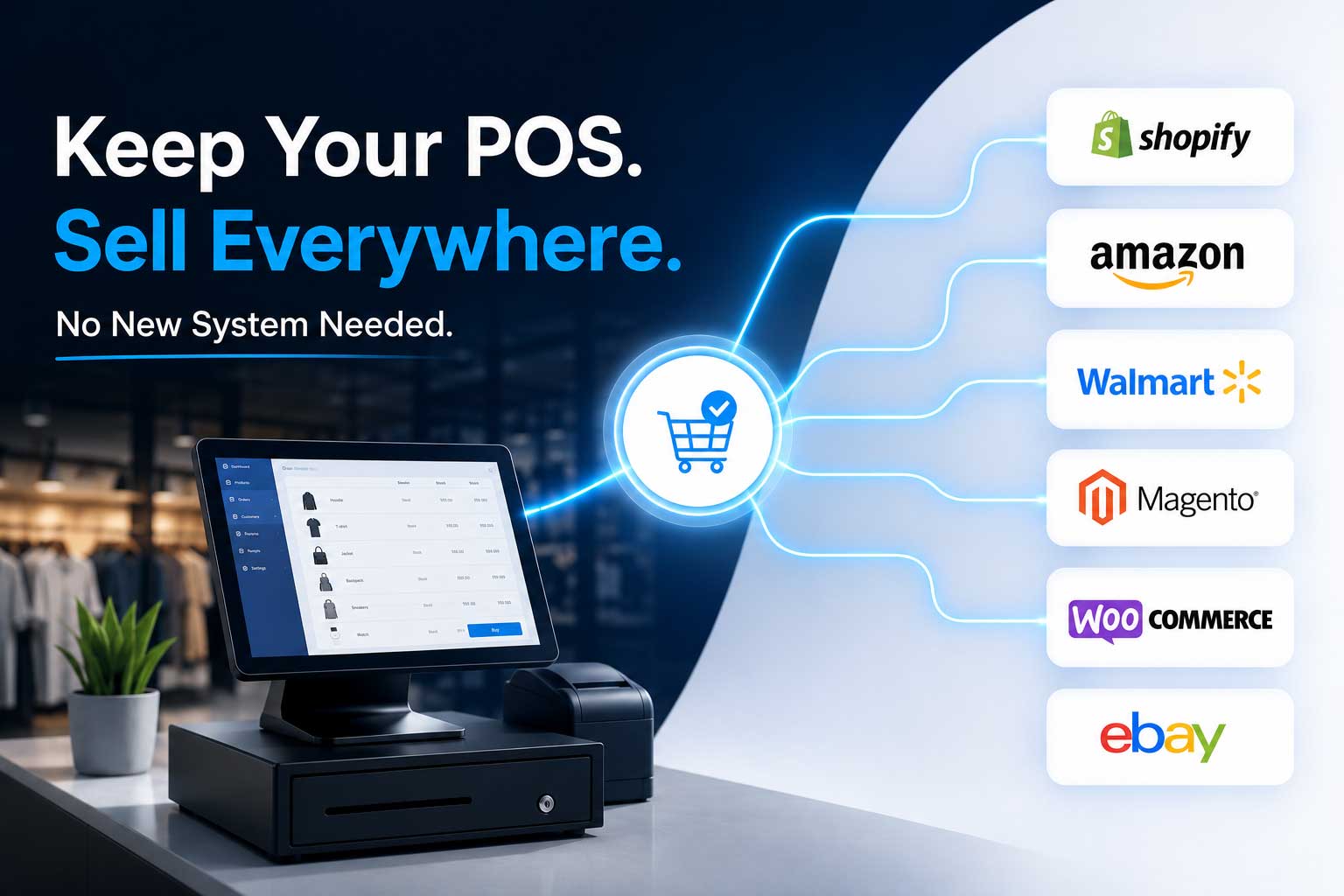
When the same product sells through a POS, an ecommerce platform, and possibly a marketplace, each system needs to recognize it as one product, not several. Consistent SKUs make that recognition more reliable.
In practical terms, this affects product matching between systems, how confidently inventory synchronization can be trusted, how cleanly orders process, and how easy it is to manage a growing catalog without duplicate listings. It also affects reporting — pulling accurate data across channels is harder when the same product carries different identifiers in different places.
What Happens When SKUs Don’t Match?
Say Lightspeed has a shoe listed as SHOE-BLK-10, while Shopify has it as SHOE-BLACK-10. A retailer looking at both listings knows they’re the same product. Depending on how an integration is configured, the systems may not.
When identifiers don’t line up, retailers can run into product matching problems, where systems fail to recognize two listings as the same item. Inventory may not update as expected. Duplicate product records can appear instead of one clean listing. Orders may need manual correction before they process properly. Reconciliation becomes more time-consuming, reporting can become less reliable, and the risk of overselling tends to increase.
Not every mismatch causes every one of these outcomes, and the impact depends on how a given integration is set up. But SKU mismatches are one of the more preventable sources of these problems.
How to Create a Consistent SKU System
A few practical habits go a long way:
- Use one SKU per sellable variant — a T-shirt in three sizes needs three distinct SKUs, not one.
- Keep the format consistent across your catalog, so anyone adding a product follows the same pattern.
- Make variants clearly distinguishable in the SKU itself, not just the title.
- Avoid unnecessary spaces and inconsistent characters — TSHIRT-BLK-M and TSHIRT- BLK-M can read as different values to some systems.
- Avoid changing SKUs after a product is live unless there’s a good reason, since changing identifiers can affect product matching, historical records, or connected systems.
- Document your SKU structure for the team to reference.
- Apply the same convention to every new product, so consistency doesn’t erode as the catalog grows.
SKU Best Practices for Multiple Locations and Sales Channels
Before adding another store, sales channel, or system, review how your existing SKUs are structured. The same sellable item should carry the same identifier across every connected system, particularly where an integration depends on SKU matching.
This matters for variants as much as whole products — a style with several sizes or colors needs each variant identified consistently everywhere. It also matters across store locations, though location mapping is a separate concern from SKU matching: a correct SKU doesn’t by itself assign inventory to the right store or location. Platforms may handle identifiers somewhat differently, so check how a new channel expects SKUs formatted before connecting it.
Can Integration Software Help?
When retailers connect a POS to an ecommerce platform, the integration needs a reliable way to determine which products in each system correspond to each other. This is where consistent product identifiers become important — they give the integration something dependable to match on.
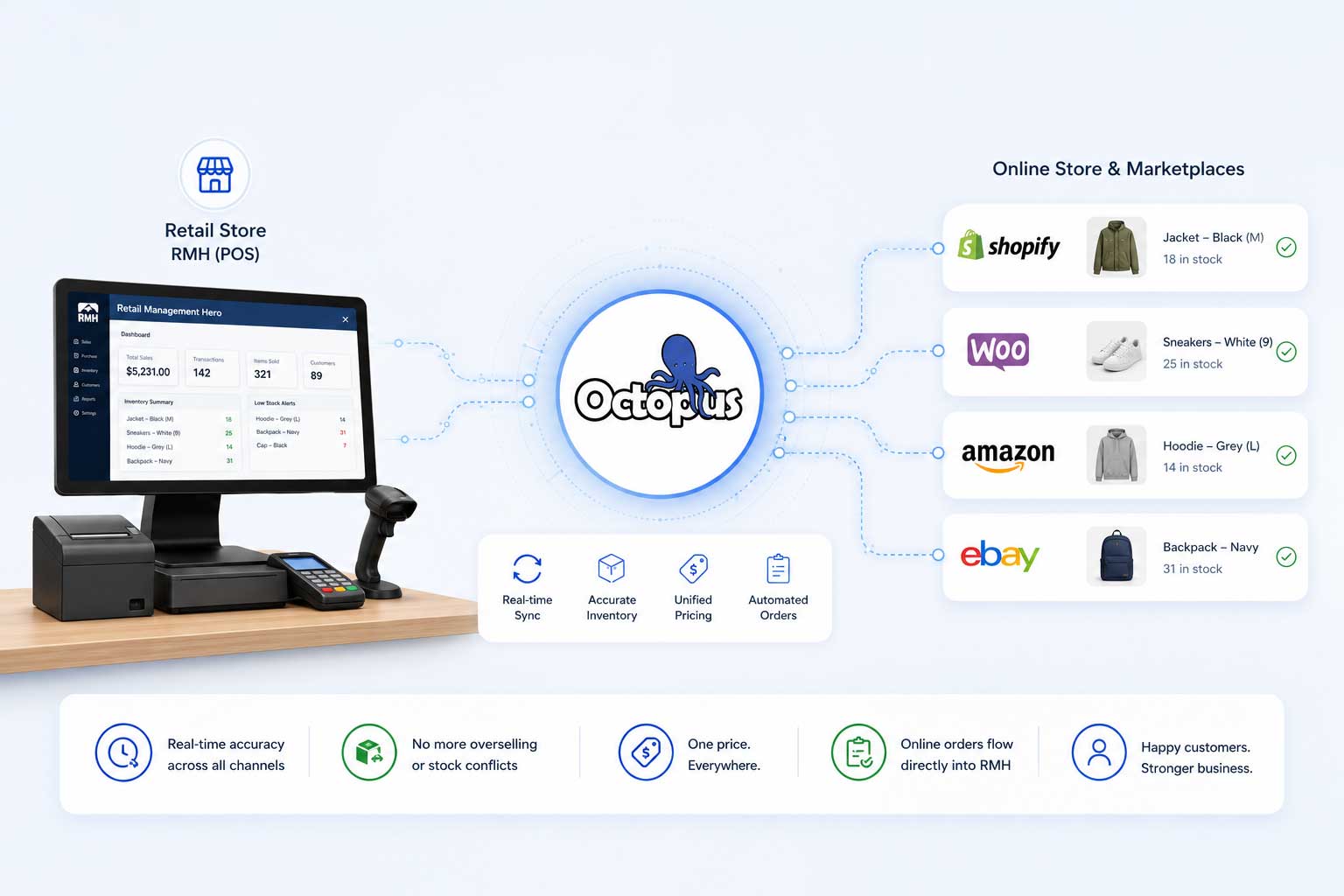
Octopus Bridge is a retail integration platform that connects multiple POS and ecommerce systems, including Lightspeed Retail and Shopify. For supported integrations, consistent product identifiers can help these systems correctly associate products when synchronizing supported inventory, pricing, product, and order data. This doesn’t mean every SKU inconsistency is automatically resolved, or that SKU is the only method every integration uses to match products — but a clean, consistent SKU structure makes any integration’s job easier. Retailers researching this setup can find more detail on the Lightspeed Shopify integration page.
Simple SKU Checklist
Before adding another sales channel, ask:
- Does every sellable product have a unique SKU?
- Are variants clearly identified?
- Are the same products using consistent identifiers across systems?
- Is the SKU format documented for the team?
- Are staff following the same naming convention for new products?
- Have existing products been reviewed before connecting another system?
A consistent SKU structure won’t solve every operations challenge, but it removes one of the more avoidable sources of inventory confusion. Getting it right before adding a new channel is easier than fixing it after the fact.