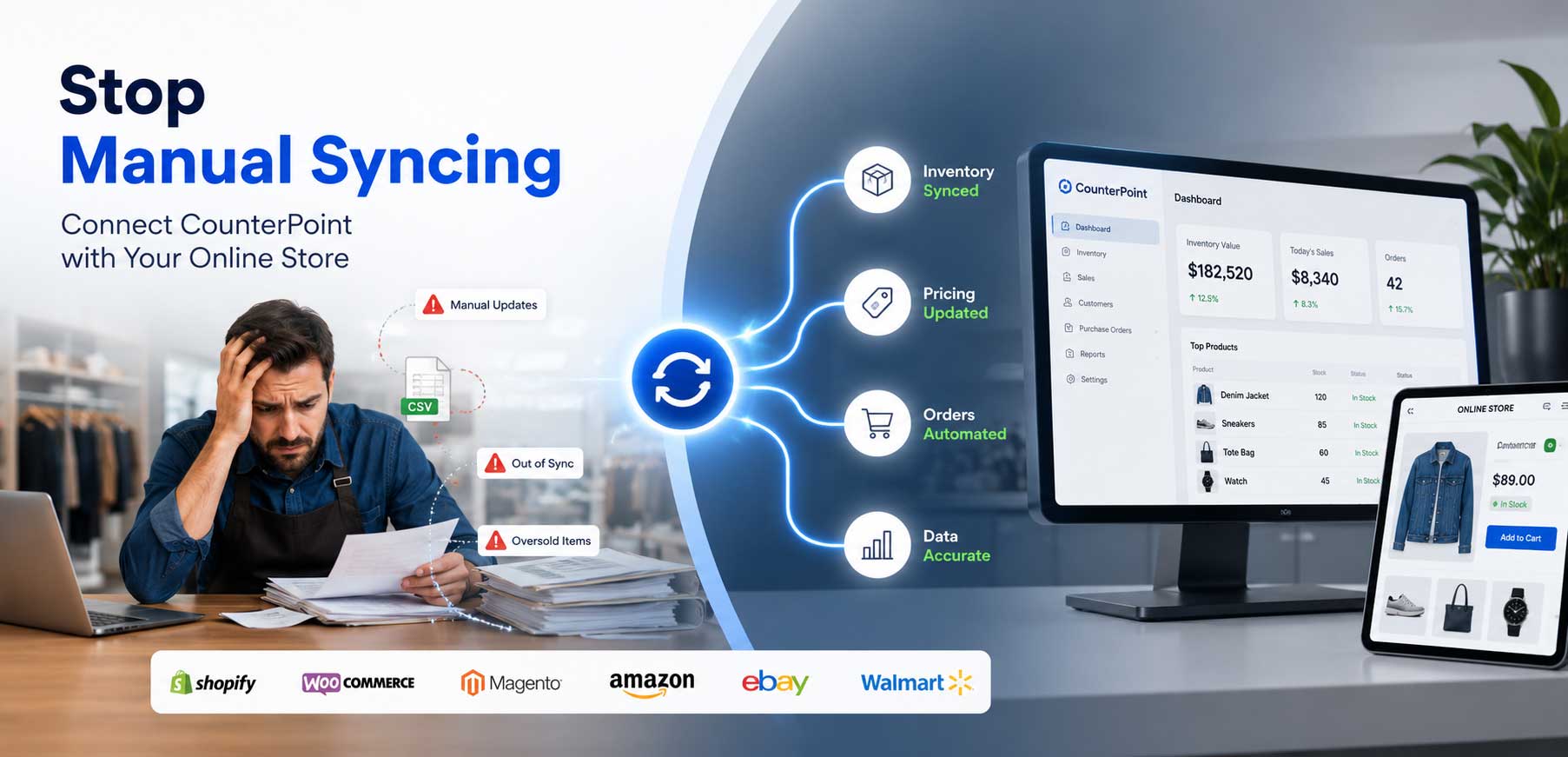
Adding eCommerce to a retail business is more than launching an online store. The real challenge is making sure the online channel works with the POS system already running the business.
When a POS and an eCommerce platform operate as separate, disconnected systems, retailers usually end up doing the connecting work themselves: manually updating stock counts, re-entering orders, and fixing mismatched product details. That work doesn’t just cost time — it leads to outdated inventory, overselling, and order errors that frustrate customers.
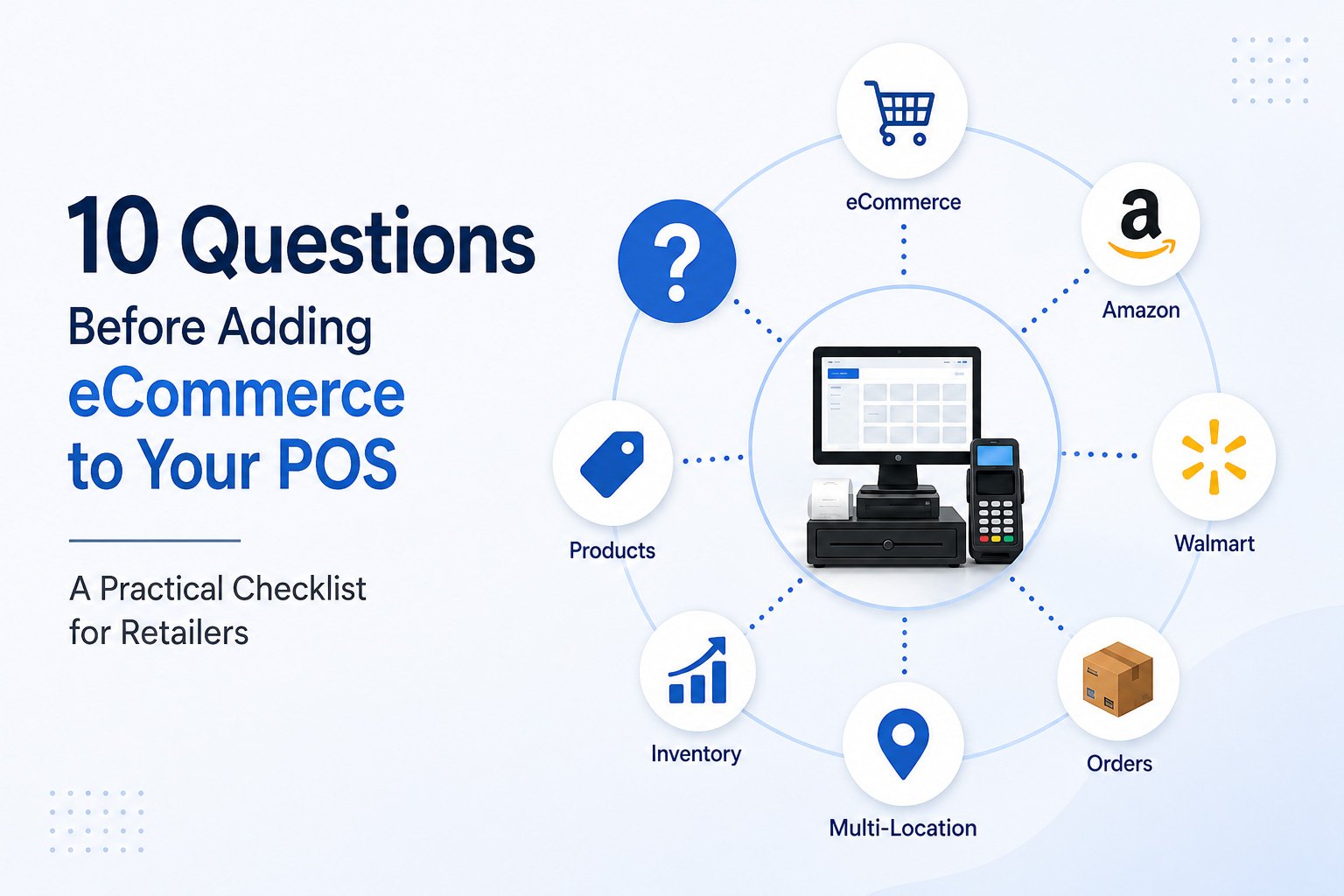
Before choosing a POS eCommerce integration, it’s worth asking these ten questions.
- Where does my inventory data actually come from?
If your POS and online store each keep separate inventory counts, someone has to reconcile them by hand — that’s where overselling starts: a customer buys the last unit in-store while the website still shows it available. A proper integration ties inventory to one shared source of truth. Before committing to any solution, confirm which system owns inventory and how the others stay in step with it.
- How fast does that inventory data actually change?
Synchronized inventory only helps if it updates on a reasonable schedule. Some integrations sync every few minutes; others run on hourly or nightly batches. For a retailer with fast-moving or limited-quantity items, a long delay between a POS sale and the online store reflecting it can mean selling items you no longer have. Ask any provider about sync frequency, and consider whether that timing fits how quickly your inventory moves.
- How will online orders get back into my POS?
Online orders don’t do much good if someone has to retype them into your POS by hand. That’s slow, and manual re-entry is where pricing errors, missed items, and shipping mistakes creep in. A well-built integration pulls new online orders into your existing POS workflow automatically, so fulfillment, reporting, and inventory deductions happen in one place rather than two.
- What happens when an order is cancelled, returned, or refunded?
Order sync usually gets attention. Returns and cancellations often don’t, which is where inventory counts quietly drift out of accuracy. If a customer cancels an order or returns an item, does that inventory return to available stock automatically, or does someone need to adjust it by hand? Ask specifically about two-way data flow, not just orders going one direction.
- How will product information and SKUs stay consistent across channels?
Inconsistent SKUs, mismatched titles, or pricing that differs between your POS and online store create confusion for staff and customers. This gets harder with more channels, since a change in one place needs to reflect everywhere else. Before adding eCommerce, ask: Will SKUs stay consistent? Will price changes in your POS reflect online without manual updates?
- Can the integration support multiple online channels?
Many retailers don’t stop at a single website. Amazon, Walmart, and other marketplaces are common next steps, and each adds a channel that needs to stay in sync with your POS. Managing several channels through spreadsheets or manual updates becomes unmanageable fast. Ask whether an integration can handle your website and marketplace listings together, rather than treating each channel as a separate project down the road. Even if you only plan one online channel today, it’s worth considering where you may sell tomorrow.
- How will the system handle multiple stores or inventory locations?
If you operate more than one physical location, a warehouse, or a mix of both, inventory visibility gets more complicated. Does the integration know which location has stock, or treat all inventory as one pool? For retailers doing in-store pickup, local fulfillment, or location-specific promotions, this matters. Clarify how multi-location inventory is represented before you commit.
- Which parts of my workflow can actually be automated?
It’s worth being specific rather than assuming an integration will “handle everything.” Which pieces move automatically: inventory updates, order entry, product updates, pricing changes? Different solutions automate different parts of the process, and some retailers find they’re still doing more manual work than expected. List the tasks eating up staff time, and check each against what a given integration covers.
- What happens when something goes wrong?
No integration runs perfectly forever. A product might fail to sync, an order might get stuck, or a mapping error might send incorrect data through. What matters is whether you’ll know about it — a notification, a log, responsive support when something needs troubleshooting. Visibility into problems is often more valuable than a promise that problems won’t occur.
- Can the integration grow with my business?
The setup that works for 200 SKUs and one channel may not hold up at 2,000 SKUs across three channels and two locations. Ask how the integration handles growth: a new marketplace, a second store, higher order volume, a new product line. Choosing something that scales with you now avoids a disruptive switch later, when you’re busier and have less room for it.
What a Good POS-to-eCommerce Integration Should Provide
A solid POS eCommerce integration should offer reliable data synchronization, accurate inventory across every channel, and automated order flow that doesn’t require manual re-entry. It should keep product and SKU information consistent, support multiple sales channels and locations, and give you visibility when something goes wrong. It should also scale as your business grows, backed by support that responds when needed.
A Simple Checklist for Retailers
Before choosing an integration, you should be able to answer “yes” to each of these:
- Can my POS and online store share accurate inventory data?
- Can online orders flow back into my POS automatically?
- Can product and SKU information stay consistent across channels?
- Can I add additional sales channels later without starting over?
- Can the solution support my locations and future growth?
- Will I have visibility when something doesn’t sync correctly?
- Do I have reliable support when I need help?
Where Octopus Bridge Fits In
Octopus Bridge, from 24Seven Commerce, connects POS systems with eCommerce platforms and marketplaces, helping retailers automate the flow of inventory, orders, and product data between connected systems. It supports integrations involving POS platforms such as Retail Pro v8, v9, Prism, Lightspeed, RMH, RMS, Keystroke, pcAmerica CRE, along with eCommerce platforms and marketplaces including Shopify, WooCommerce, Magento, BigCommerce, Wix, Amazon, Walmart, and many more.
Rather than requiring retailers to manage each system and channel separately, an integration layer like Octopus Bridge is designed to help automate inventory and order synchronization, depending on the systems and workflows connected, reducing the manual work involved in running a POS and an online store together. The right fit depends on your specific POS, platforms, and business structure, which is why the questions above are worth working through first.
Final Thoughts
Choosing an eCommerce platform is only one part of the decision. Just as important is how well that platform communicates with the POS system you already rely on. Working through these questions before you commit can save you from inventory headaches, order errors, and manual workarounds down the road.
Planning to connect your POS with Shopify, WooCommerce, Amazon, Walmart, or another sales channel? The Octopus Bridge team can help evaluate the right integration approach for your POS, platforms, and workflow.