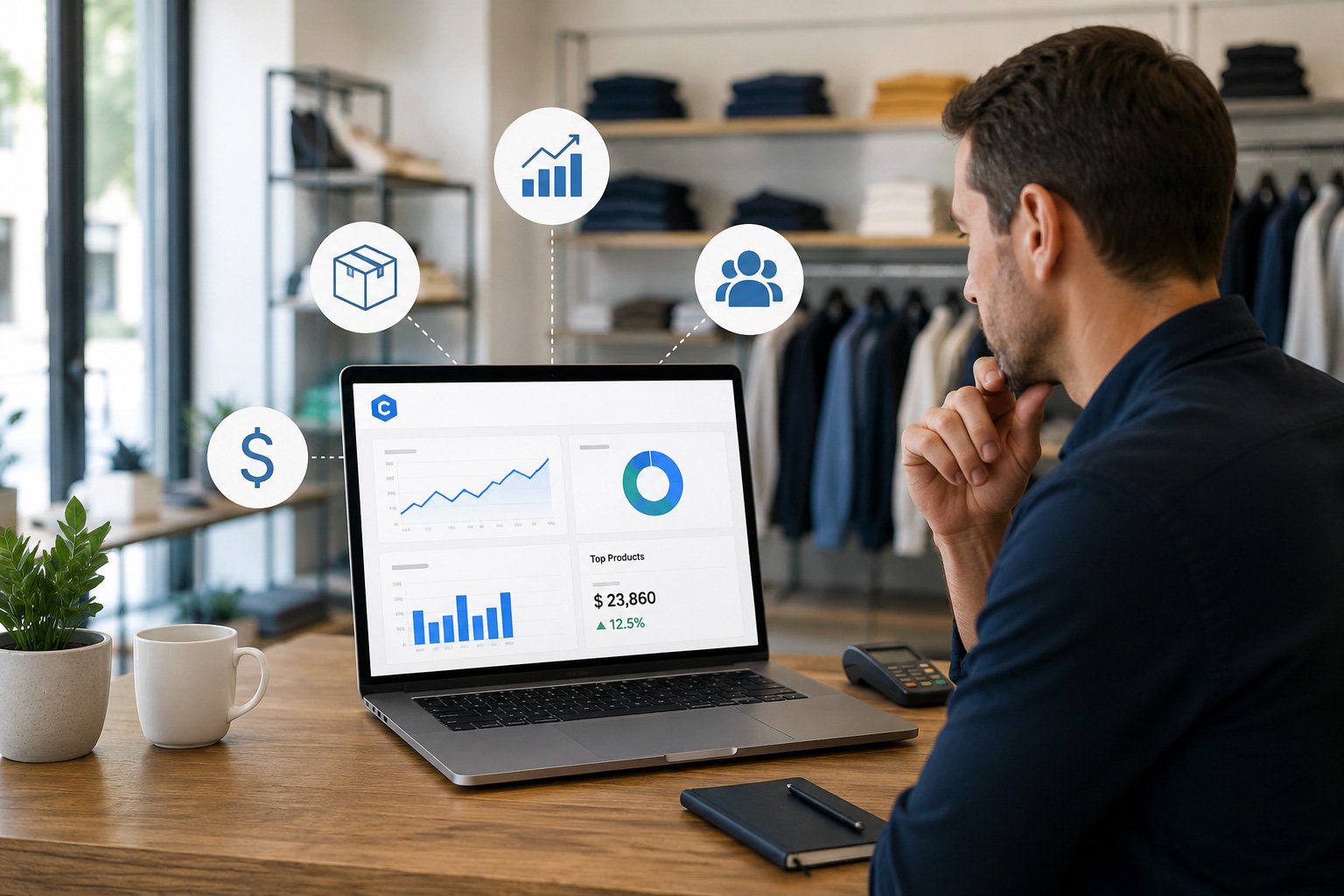
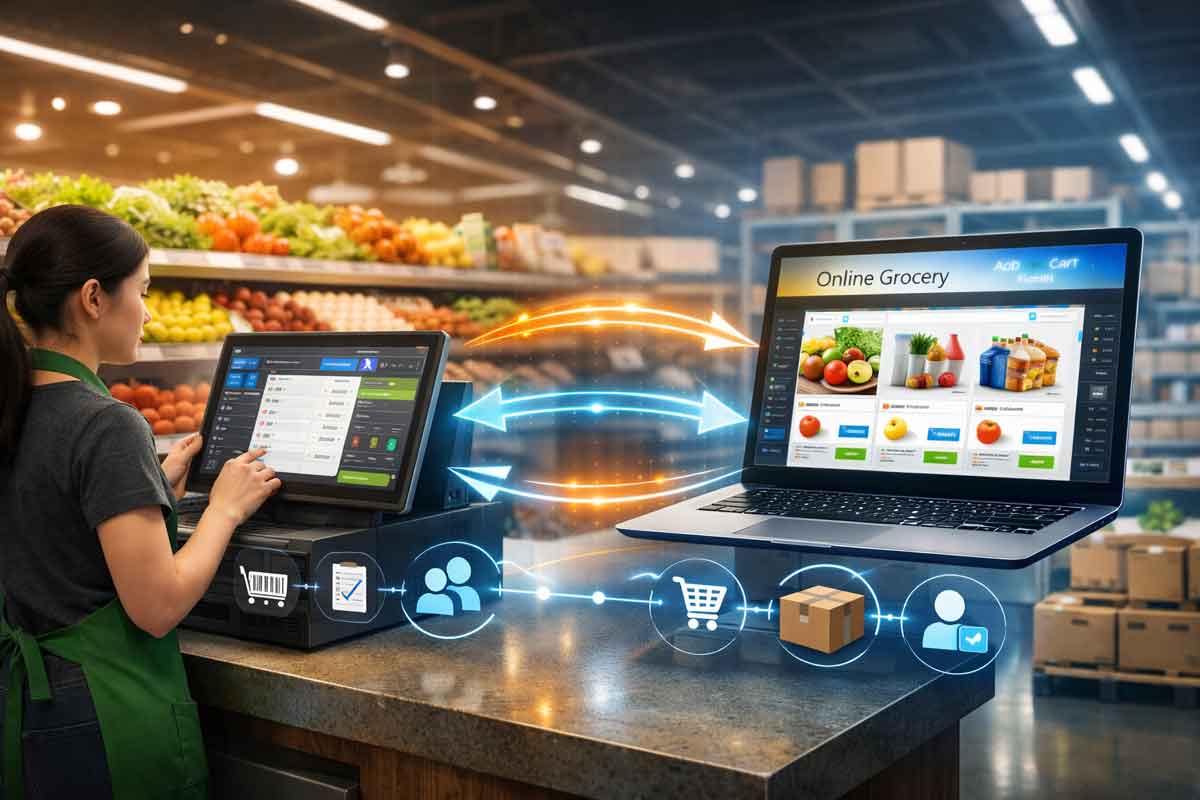
It’s 7:45 a.m. on a Tuesday. Maria unlocks her boutique, pours coffee, and opens Lightspeed Retail before a single customer walks in.
She’s looking for three things: what sold well last week, what needs reordering before the weekend, and which sweaters from October are still sitting on the shelf.
Getting those answers takes her almost forty minutes — pulling a sales report, exporting it, cross-referencing it against inventory, and scanning for anything that hasn’t moved. By the time she’s done, a customer is waiting.
This is a retail industry problem, not just Maria’s. Store owners spend hours every week hunting for answers buried inside reports built to display data, not explain it.
AI is changing that — not by replacing the retailer’s judgment, but by doing the tedious part so the human can focus on the decision itself.
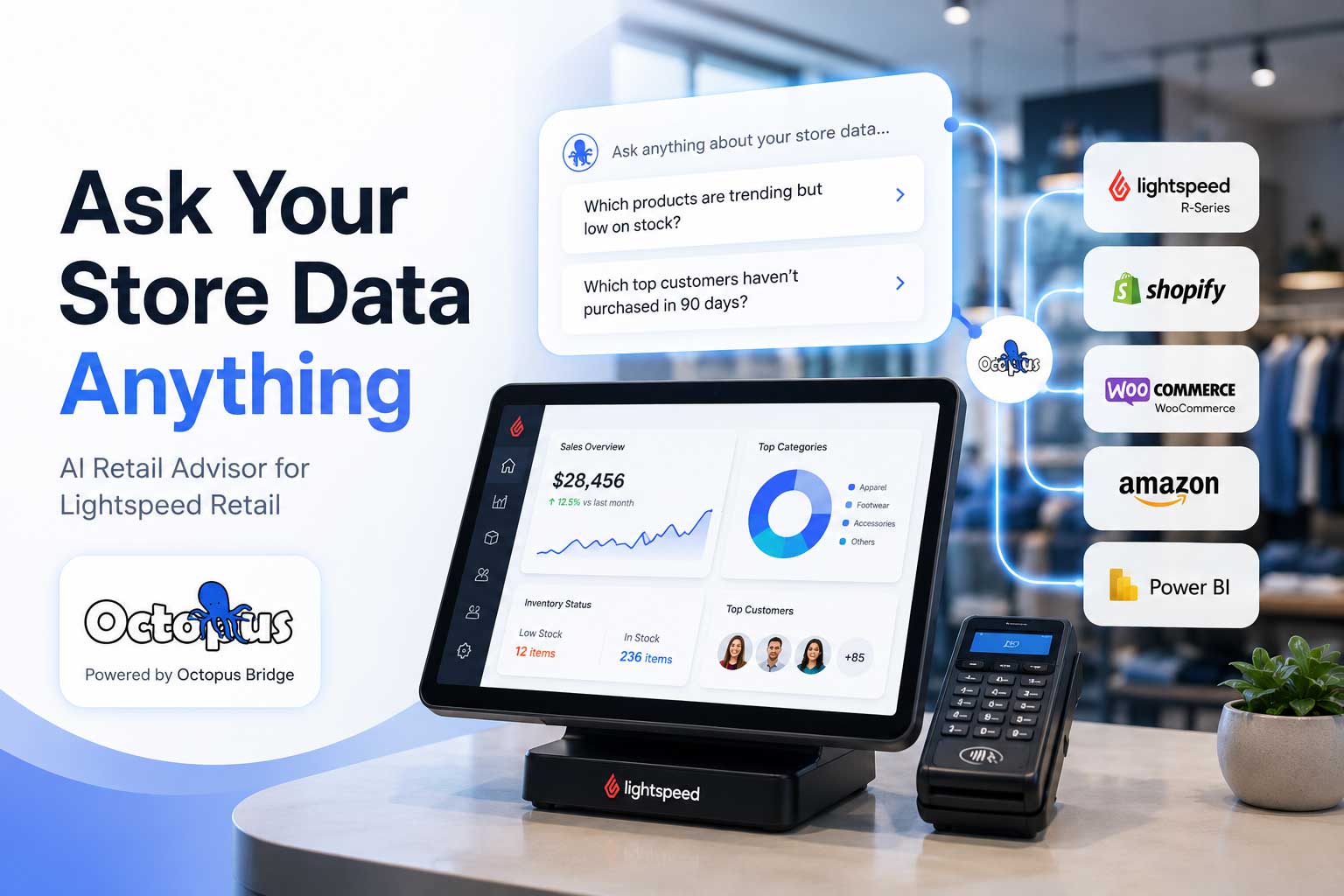
This guide explains what AI actually means for a retail business, and why many Lightspeed Retail users still spend time on manual reporting. Along the way, we’ll point to what an AI retail assistant — a tool like Retail Advisor by Octopus Bridge — does with that gap.
Quick answer: AI for Lightspeed Retail is software that connects to your Lightspeed X-Series or R-Series account and uses machine learning and natural language processing to analyze sales, inventory, and purchasing data — surfacing insights like dead stock, reorder needs, and sales trends without manual report-building.
Key Takeaways
- Lightspeed’s native reporting shows data; AI helps interpret it and answer direct questions.
- AI in retail combines machine learning, predictive analytics, and conversational AI.
- Common problems AI solves: dead stock, overstock, stockouts, unclear purchasing.
- Tools like Retail Advisor connect to Lightspeed Retail and answer plain-English questions.
- AI supports the decision — it doesn’t replace the retailer’s judgment.
What Is AI in Retail?
In short: “AI in retail” combines pattern recognition, forecasting, and plain-language Q&A.
Definition — AI Retail Assistant: Software that connects to a retailer’s POS and inventory data and answers plain-language questions about sales, stock, and purchasing — replacing manual report-building with direct Q&A.
Artificial Intelligence (AI) analyzes information and produces a useful answer without a person building a report for every question. Example: instead of opening three reports to explain a revenue drop, ask “why were sales down last week?”
Machine Learning (ML) learns from historical patterns — sales by season, day, vendor lead time. Example: the system notices candle sales rise 40% before every holiday and flags a bigger order in November.
Predictive Analytics is what ML produces: a forward-looking estimate instead of a historical report. Example: instead of showing 12 units sold last month, it provides a demand forecast estimating the product could sell out within 18 days.
Conversational AI is the interface — asking a question in plain English instead of navigating filters and pivot tables.
Definition — Conversational AI: Technology that lets a person ask a question in plain language and get a direct answer, instead of navigating menus or filters.
Example: typing “which vendors shipped late last quarter?” and getting a ranked list back in seconds.
Key takeaway: AI in retail combines pattern recognition, forecasting, and plain-language Q&A — built on the data your POS already collects.
Why Retailers Still Spend Hours on Manual Reporting
In short: Lightspeed provides powerful reporting and dashboards, but many retailers still spend time combining reports and manually interpreting data. AI helps reduce that effort by answering questions directly.
- Reports take assembly. Slicing data differently — by vendor instead of category, 45 days instead of 30 — often means adjusting a report.
- Manual analysis takes time. Fine for a few hundred SKUs; a part-time job for thousands.
- Spreadsheet overload. Combining exports means the spreadsheet is outdated the moment new sales come in.
- Delayed decisions. A reorder due Monday can slip to Thursday while reports are compiled.
- Human error. Manual cross-referencing means missed rows and wrong filters — not carelessness, just repetitive work.
Illustrative example: Imagine a two-location apparel retailer where a fall collection sits in one back room for 11 weeks, because the weekly report shows only aggregate inventory, not the store-level imbalance.
Common Mistake: Relying on aggregate, store-wide reports for multi-location decisions — totals can hide imbalances between locations.
How AI Changes Retail Decision Making
In short: AI shifts retailers from building reports to asking questions.
| Traditional Process | AI-Powered Process |
| Build or find the right report | Ask the question directly |
| Export and filter manually | Get a filtered answer in seconds |
| Compare reports by hand | AI cross-references automatically |
| Notice patterns after the fact | AI flags patterns as they emerge |
| React to problems | Anticipate problems before they escalate |
- Natural language questions — ask “what are my top 10 sellers this month?” instead of building a report.
- Real-time insight — reflects sales and inventory as they update.
- Pattern recognition — spots what humans miss: a vendor consistently late, a category quietly up 20%.
- Demand forecasting — estimates future demand from sell-through, seasonality, and lead time.
Definition — Retail Forecasting: Estimating future sales or inventory needs from historical performance and seasonality, so purchasing reflects projected demand, not guesswork.
- Inventory optimization — balances stock across locations so cash isn’t tied up while fast sellers run out.
- Smarter purchasing — grounded in sell-through, lead time, and season, not habit.
- Vendor analysis — helps evaluate vendors using metrics such as fill rate, delivery, and margin.
- Sales analysis — explains whether an increase is seasonal, local, or a real trend.
Common Retail Problems AI Can Solve
In short: Most weekly inventory and purchasing headaches follow patterns AI is well-suited to catch early.
| Problem | How AI Helps |
| Dead stock — inventory unsold for 60–120+ days | Flags it automatically by SKU, category, or location |
| Low stock | Flags products nearing stockout based on actual sell-through velocity |
| Overstock | Compares stock levels to real demand, not last order’s quantity |
| Slow-moving inventory | Ranks items by velocity before they become dead stock |
| Sales trends | Separates a genuine trend from a single good week |
| Best-selling products | Shows which sellers are high-margin vs. high-volume, low-profit |
| Vendor performance | Combines delivery, accuracy, and margin |
| Inventory forecasting | Projects needs from historical sell-through and seasonality |
| Cash flow | Identifies dead/slow stock tying up cash |
| Purchase planning | Factors in stock, orders, and forecasted demand |
| Open to buy | Calculates budget continuously instead of via monthly spreadsheet |
| Customer purchasing trends | Surfaces which categories and price points are shifting |
Definition — Dead Stock: Inventory unsold within a defined period (commonly 60–120 days), unlikely to sell without a markdown or return to vendor.
Definition — Sell-Through Rate: The percentage of received inventory sold within a given period — a signal of how a product, category, or vendor is performing.
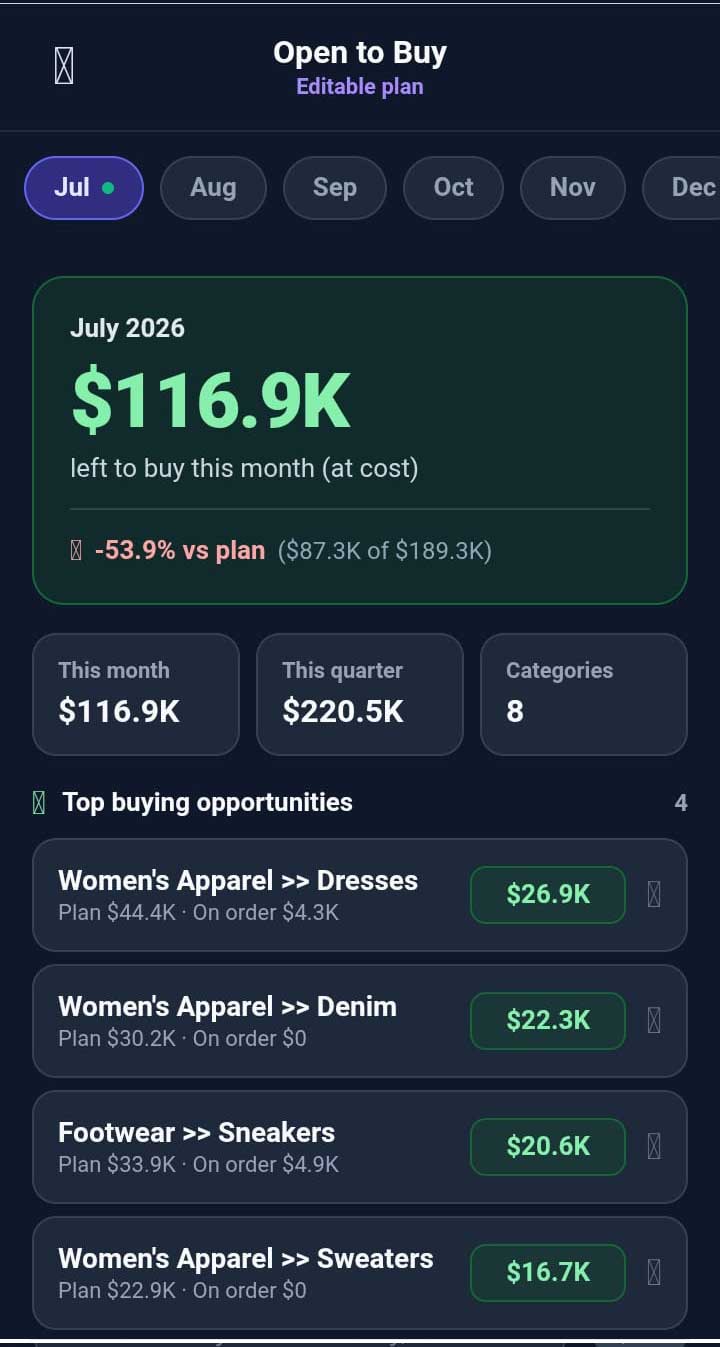
Definition — Open-to-Buy: The dollar amount available for new inventory in a period, based on planned sales, stock on hand, and open orders.
AI Use Cases for Lightspeed Retail
In short: AI fits into the retail week you already have, rather than adding a new routine.
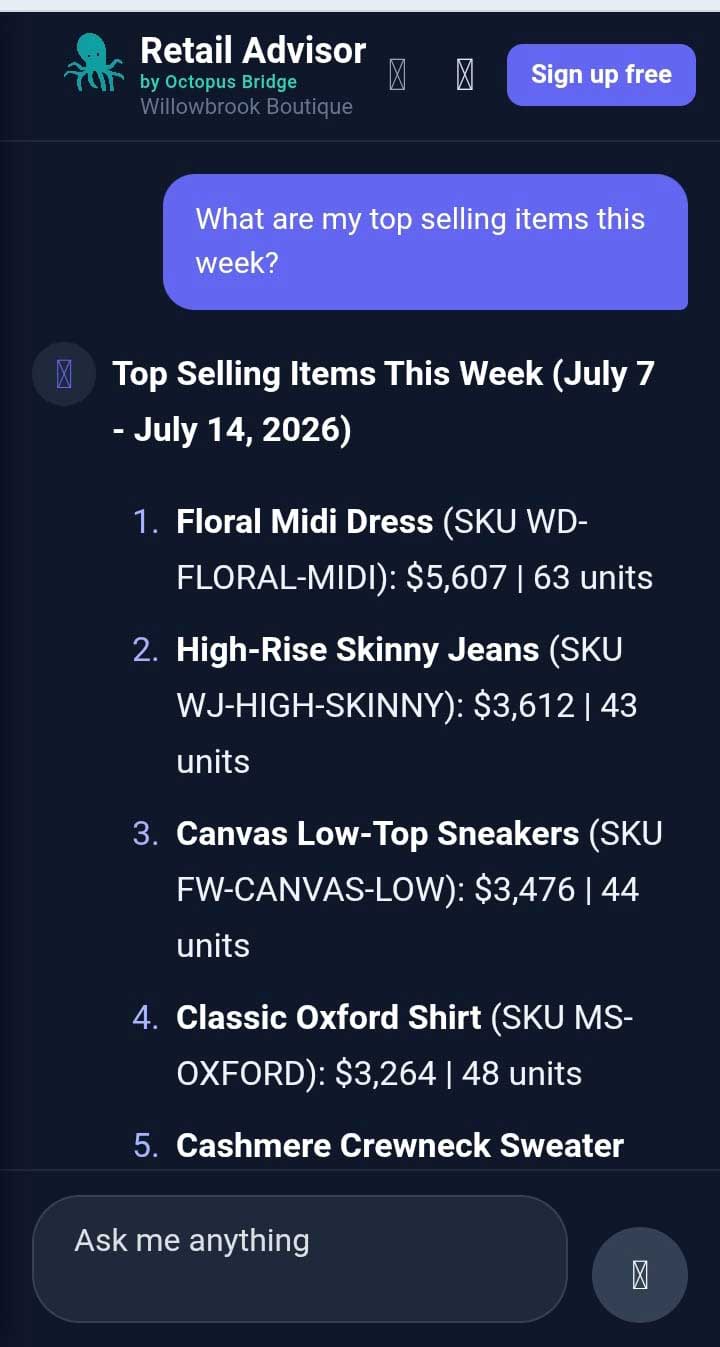
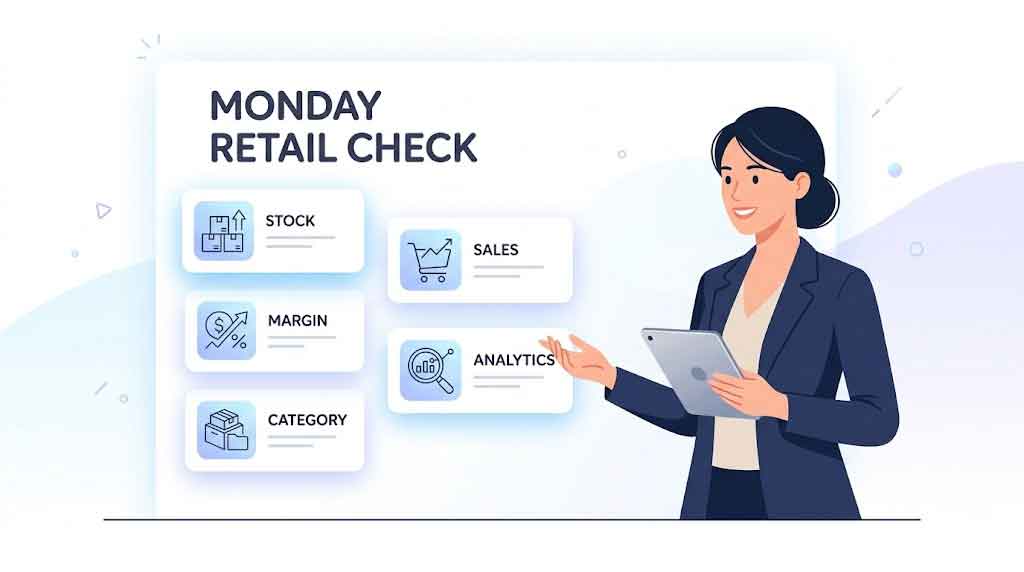
- Every morning: “What sold yesterday, and what needs attention today?”
- Weekly review: Dead stock and low stock surfaced automatically, ranked by dollar impact.
- Purchase planning: Selling data, forecasts, and open-to-buy in one place.
- Seasonal planning: Compares early sell-through to last year’s full season.
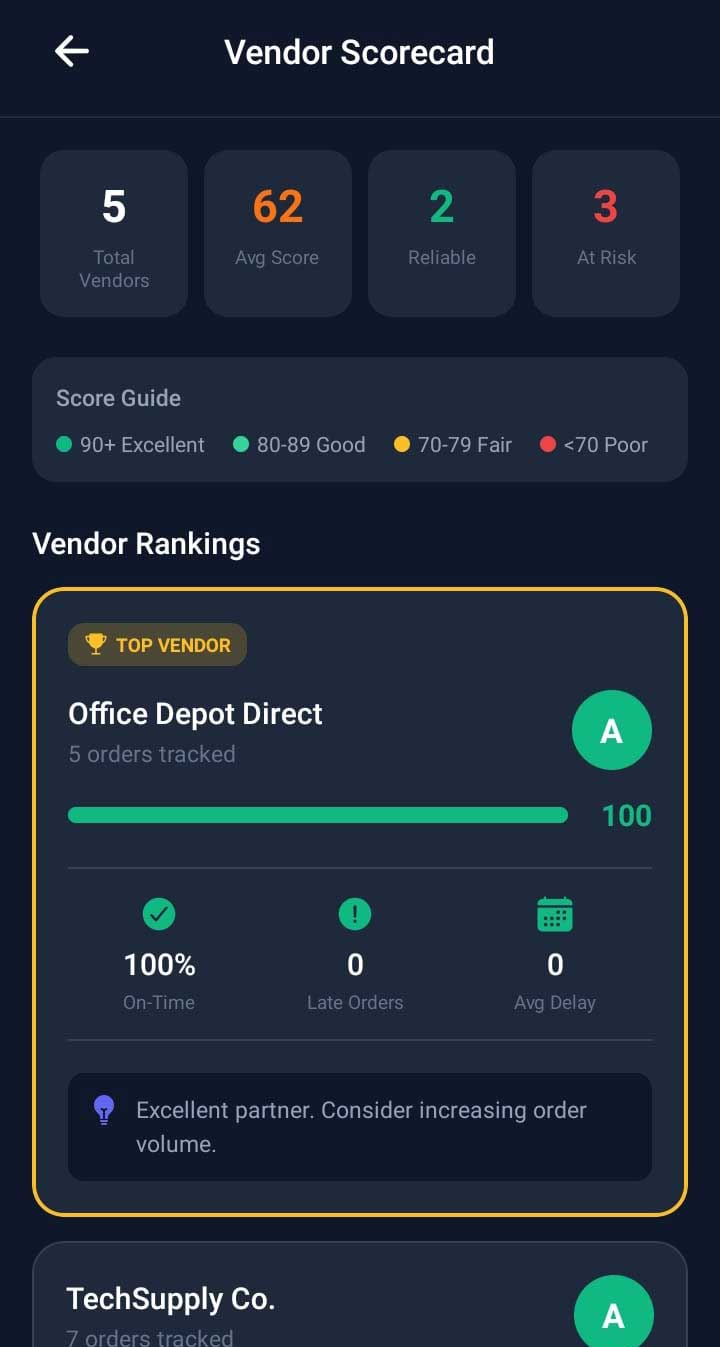
- Vendor meetings: Pull a scorecard on fill rate, delivery, and sell-through before the call.
- Sales review: Answers “why” a location or category shifted, not just totals.
- Store operations: Staff ask quick questions without pulling a manager off the floor.
Questions Every Lightspeed Store Owner Should Ask AI
In short: These are practical questions an AI retail assistant is built to answer directly, without a manual report.
| # | Question |
| 1 | What sold the most today? |
| 2 | What sold the most this week? |
| 3 | Which products haven’t sold in 60 days? |
| 4 | Which products haven’t sold in 90 days? |
| 5 | What should I reorder this week? |
| 6 | Which suppliers deliver late most often? |
| 7 | Which categories are growing month over month? |
| 8 | Which categories are declining? |
| 9 | What inventory is tying up the most cash? |
| 10 | Which products should I discount? |
| 11 | What’s my current open to buy? |
| 12 | Which location is outperforming the others this month? |
| 13 | Which vendor has the best margin contribution? |
| 14 | Which vendor has the worst fill rate? |
| 15 | What are my top 10 best sellers this quarter? |
| 16 | What are my slowest-moving products right now? |
| 17 | How does this month compare to the same month last year? |
| 18 | Which SKUs are close to selling out? |
| 19 | What’s my average sell-through rate by category? |
| 20 | Which products have the highest margin? |
| 21 | Which products have the lowest margin? |
| 22 | What’s driving the change in sales this week? |
| 23 | Which size or color variants sell fastest? |
| 24 | How much inventory do I have in dead stock right now? |
| 25 | What should I buy for the upcoming season based on last year? |
| 26 | Which locations need inventory transferred between them? |
| 27 | What’s my total inventory value by category? |
| 28 | Which new products are performing best since launch? |
| 29 | What’s my average order value trend over time? |
| 30 | Which day of the week performs best for sales? |
| 31 | What percentage of my inventory is overstocked? |
| 32 | Which vendors should I renegotiate terms with? |
Benefits of AI Retail Analytics
In short: AI replaces a manual, one-question-at-a-time process with a direct, always-current answer.
Traditional Reporting vs. AI Assistant
| Traditional Reporting | AI Assistant |
| Answers one fixed question | Answers whatever you ask |
| Requires report-building skills | Requires typing a question |
| Shows what happened | Shows what happened and what’s likely next |
| Updates on a schedule | Reflects current data |
| Requires manual cross-referencing | Cross-references automatically |
Manual Reports vs. Retail Advisor
| Manual Reports | Retail Advisor |
| Built by exporting and filtering | Built by asking a question |
| Takes minutes to hours per report | Takes seconds per question |
| One report, one purpose | One tool, unlimited questions |
| Insight depends on who’s reading it | Insight is consistent and automatic |
Spreadsheets vs. AI
| Spreadsheets | AI |
| Manual formulas, prone to error | Automated calculations |
| Out of date the moment sales happen | Reflects current data |
| Requires spreadsheet skill to maintain | Requires no technical skill to use |
Static Dashboards vs. Conversational Analytics
| Static Dashboards | Conversational Analytics |
| Fixed charts and metrics | Ask anything, get a direct answer |
| Requires interpretation | Delivers a plain-language answer |
| Same view for every user | Tailored to the specific question asked |
How Retail Advisor Works
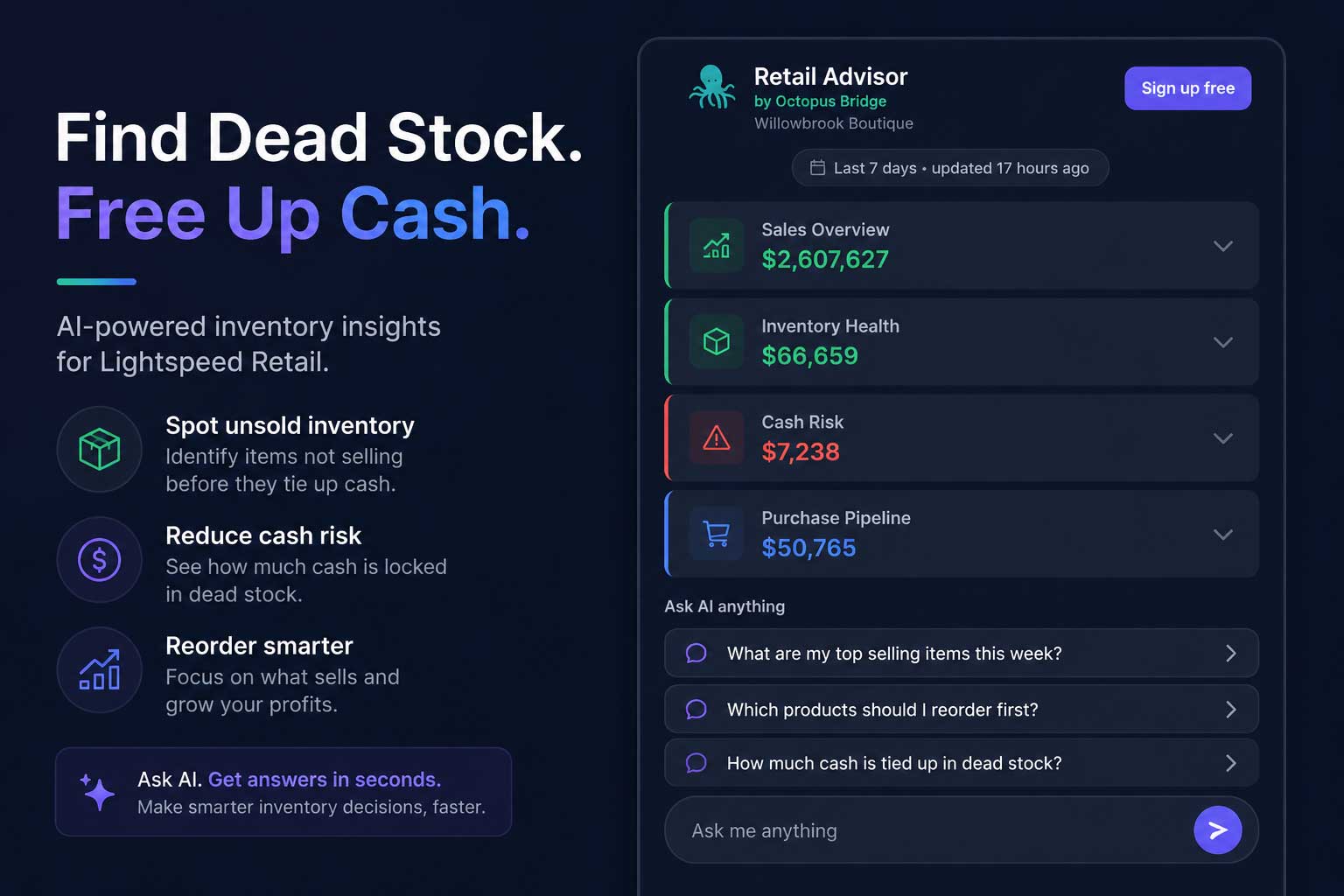
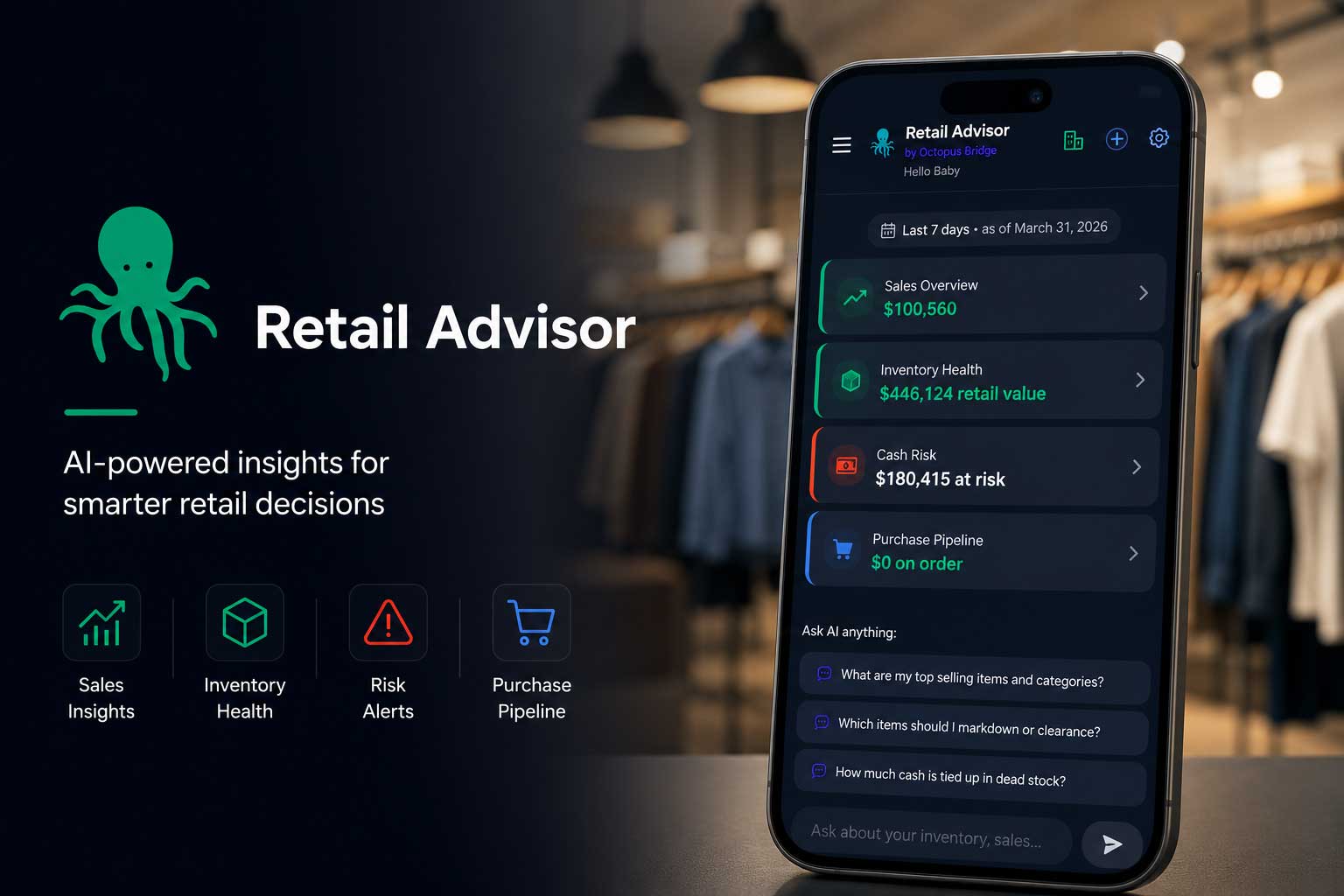
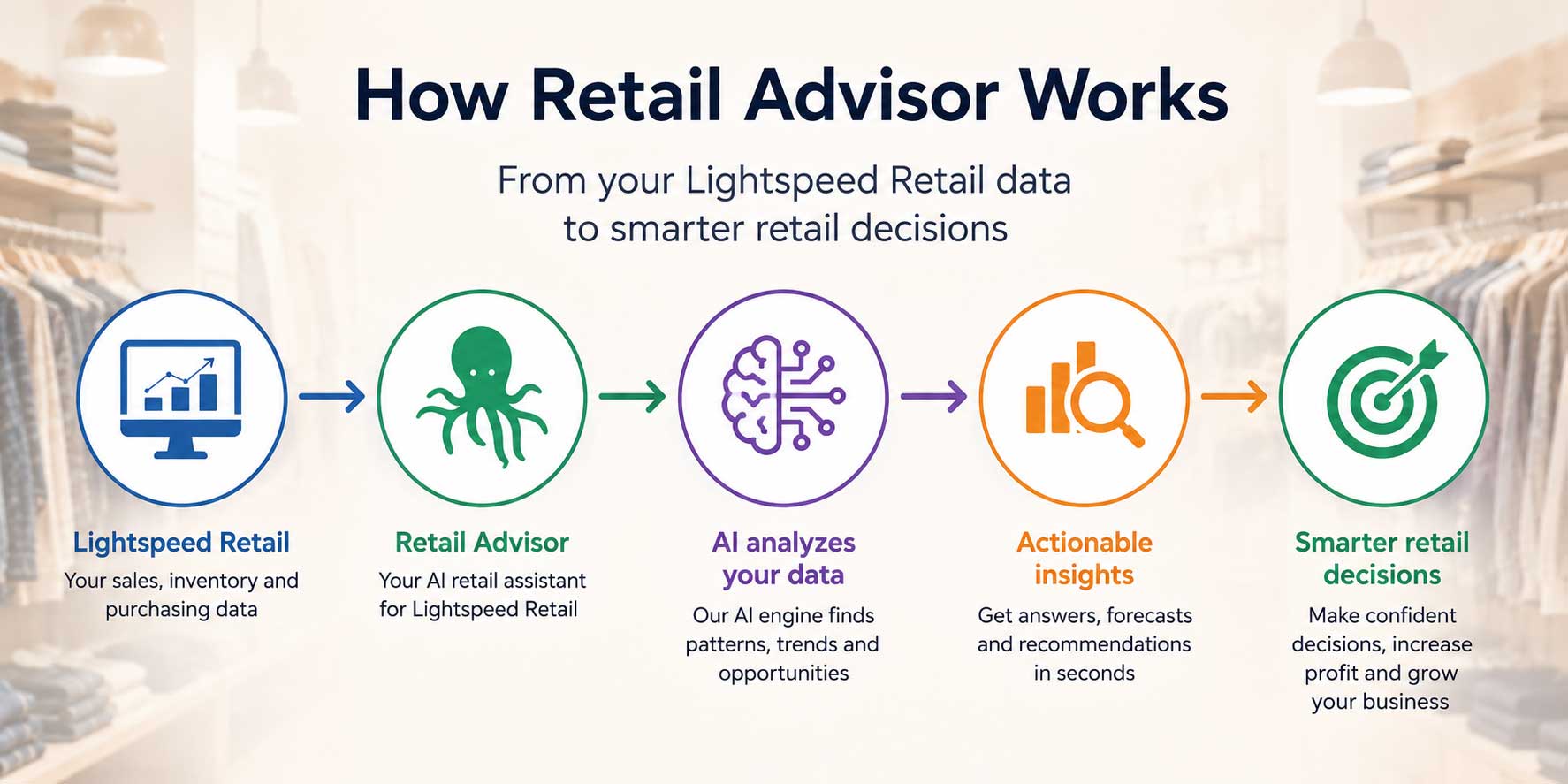
In short: Retail Advisor connects to your Lightspeed Retail account and lets you ask plain-language questions about sales, inventory, and vendors — plus a dashboard, forecasting, vendor scorecards, and open-to-buy.
Retail Advisor, built by Octopus Bridge, is designed for Lightspeed Retail users who want these benefits without adding a data analyst to the payroll.
Definition — Inventory Intelligence: Using connected sales and stock data to surface patterns — overstocked, understocked, or dead stock — instead of manual counts.
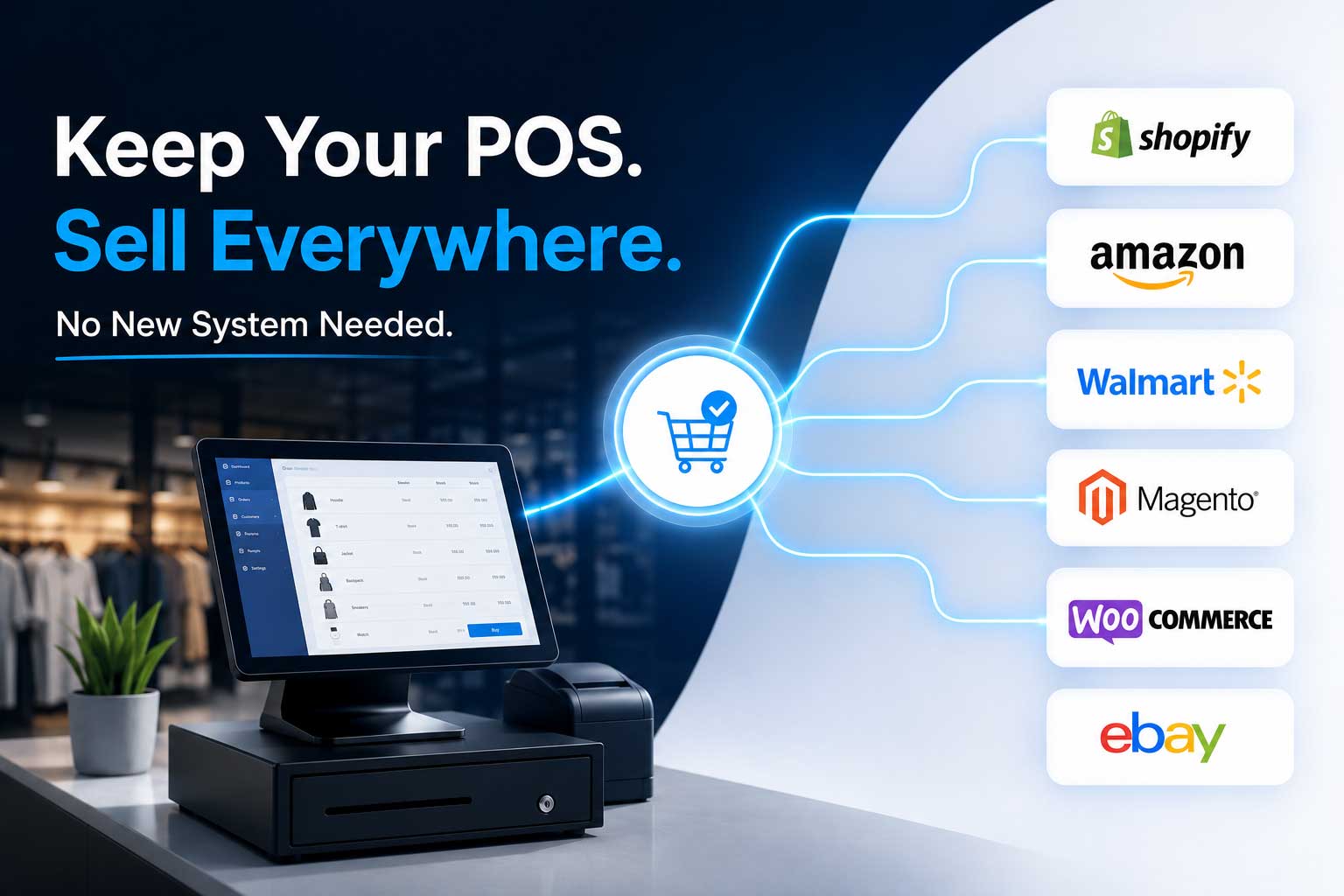
- Connects directly to Lightspeed Retail — pulls sales, inventory, and purchasing data from your existing account. No separate system, no manual entry.

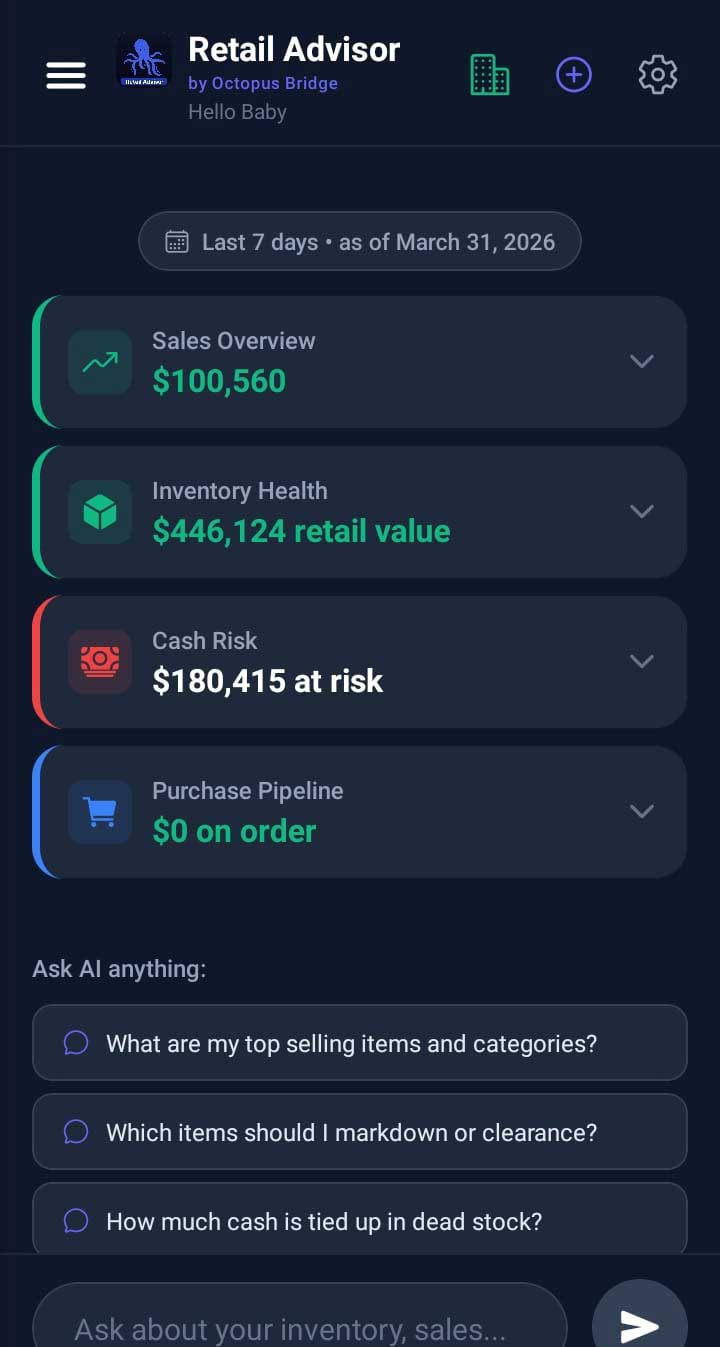
- Uses natural language questions — ask directly instead of navigating native reporting.
- Includes a dashboard — an at-a-glance view built from the same connected data.
- Provides demand forecasts — combines historical sales trends and inventory data to estimate what’s likely to sell and when stock may run low.
- Helps evaluate vendors — using metrics such as fill rate, delivery performance, and purchasing trends.
- Helps calculate and visualize Open-to-Buy — based on available stock, incoming orders, and sales pace.
The goal isn’t to replace a retailer’s judgment. It’s to remove the hours spent digging for the information that judgment depends on.
On the sales floor, at another location, or meeting a supplier, Retail Advisor is available as a mobile app — check inventory, sales, or vendor performance from your phone.
Related: Lightspeed–Shopify Integration, Inventory Sync, Inventory Management.
Why Retail Advisor Instead of Generic AI?
A general-purpose AI chatbot answers all kinds of questions, but it isn’t connected to your store’s data. Retail Advisor is built around that gap.
| Generic AI | Retail Advisor |
| Doesn’t know your POS data | Connected to your Lightspeed data |
| Needs manual uploads | Reads connected retail data automatically |
| Gives general advice | Gives store-specific insights |
| Not built around retail metrics | Built around metrics like sell-through, OTB, and fill rate |
Real Retail Scenario
Consider this hypothetical: a two-location home goods store — we’ll call the owner Dana.
The problem: Dana’s team ordered on instinct and recent sales. Twice a year, a physical count revealed thousands in stock unmoved for months.
What changed: Dana connected Retail Advisor and asked, “What hasn’t sold in 90 days?” The answer surfaced 340 SKUs worth roughly $18,000 in tied-up inventory, split unevenly across locations.
What she did next: She marked down the lowest-velocity items, stopped reordering three habitual purchases with weak sell-through, and cut her next seasonal order 15% on slow categories.
The result: Dead stock dropped as a share of inventory, freed-up cash went to faster-selling categories, and vendor meetings shifted from vague conversations to ones backed by data.
Quick Tip: When evaluating dead stock for the first time, start with a 90-day cutoff rather than 60 — a cleaner signal for genuinely stalled inventory.
Frequently Asked Questions
Analyzes sales, inventory, and purchasing data to surface patterns, forecast demand, and answer questions in plain language.
Lightspeed offers strong native reporting and dashboards. Tools like Retail Advisor add a conversational Q&A layer on top of that data.
An AI-powered analytics tool connecting to Lightspeed POS, answering natural-language questions about sales, inventory, and vendors.
It identifies inventory unsold within a chosen window (60 or 90 days), ranked by dollar value, without manual cross-referencing.
No. Single-location stores benefit just as much, since owners often have the least spare time for manual reporting.
Conclusion
Lightspeed Retail gives store owners the data they need. The challenge has never been a lack of data — it’s the effort to turn that data into a decision.
AI closes that gap. It doesn’t replace the retailer’s experience or vendor relationships — it removes the hours spent digging through reports so that experience can be applied faster. The retailer still decides what to buy, discount, and which vendor to trust; AI just supports that decision with a fuller picture.
Whether the question is about dead stock, a seasonal buy, vendor performance, or what sold yesterday, the goal is the same: get the answer in seconds — so the decision comes sooner too.
Explore the live demo and see how Retail Advisor helps Lightspeed retailers turn data into faster, more confident decisions.